5-4 BMP
®
61 Label Printer
User’s Manual
Multiple Print
Multiple Print
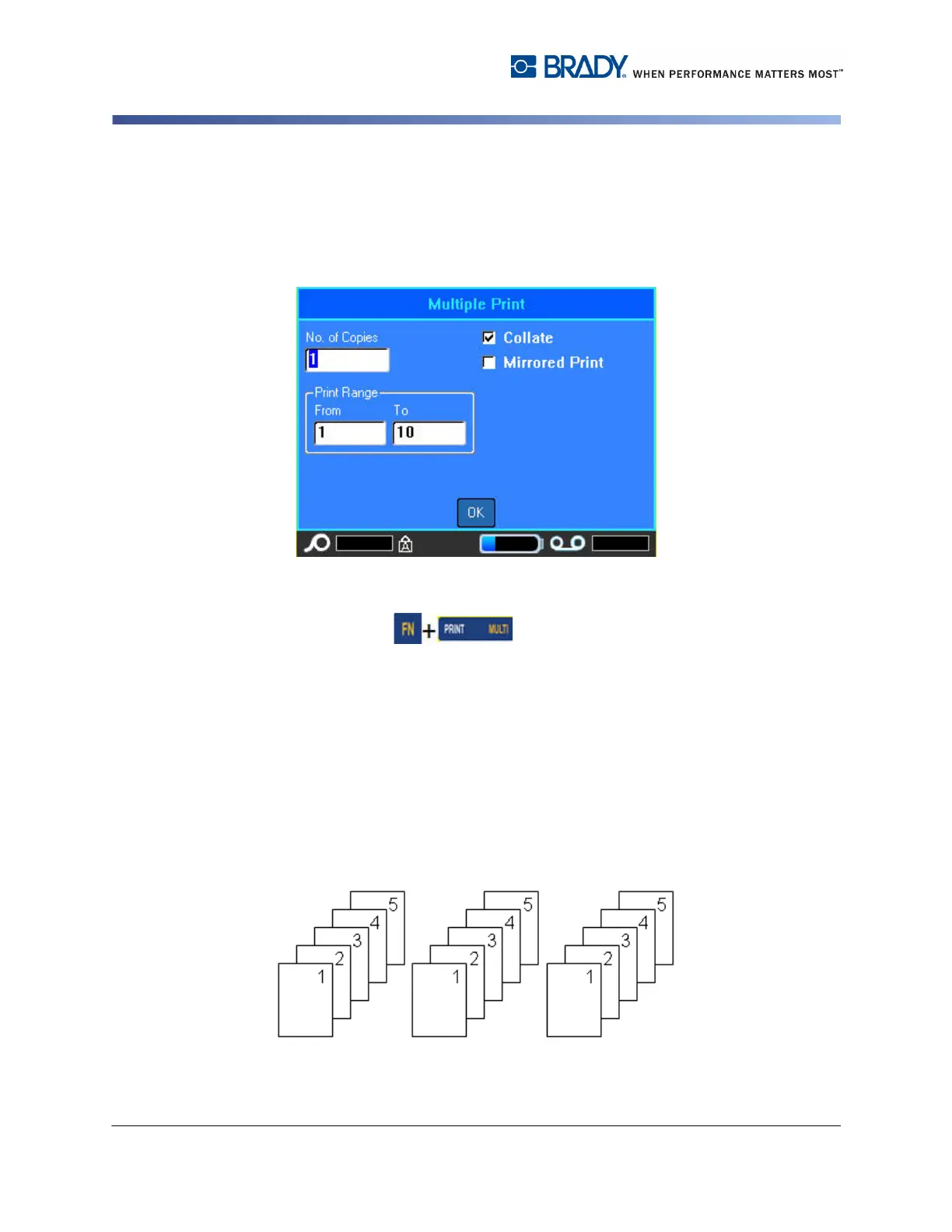
Multiple print lets you print multiple copies of a label or series of labels.
To print a number of copies:
1. Press Multit .
2. With the cursor in the No. of Copies field, enter the number of copies desired.
Collate
To get multiple copies of a serialization, first determine if the sequence should be
collated or non-collated.
Collated – All sequential numbers will print once, then the entire sequence prints
again.
Example:
Collate three copies of Sequence 1-5
Produces 1,2,3,4,5; 1,2,3,4,5; 1,2,3,4,5



 To Next Page