BMP
®
61 Label Printer
User’s Manual
6-3
WireMarker
WireMarker
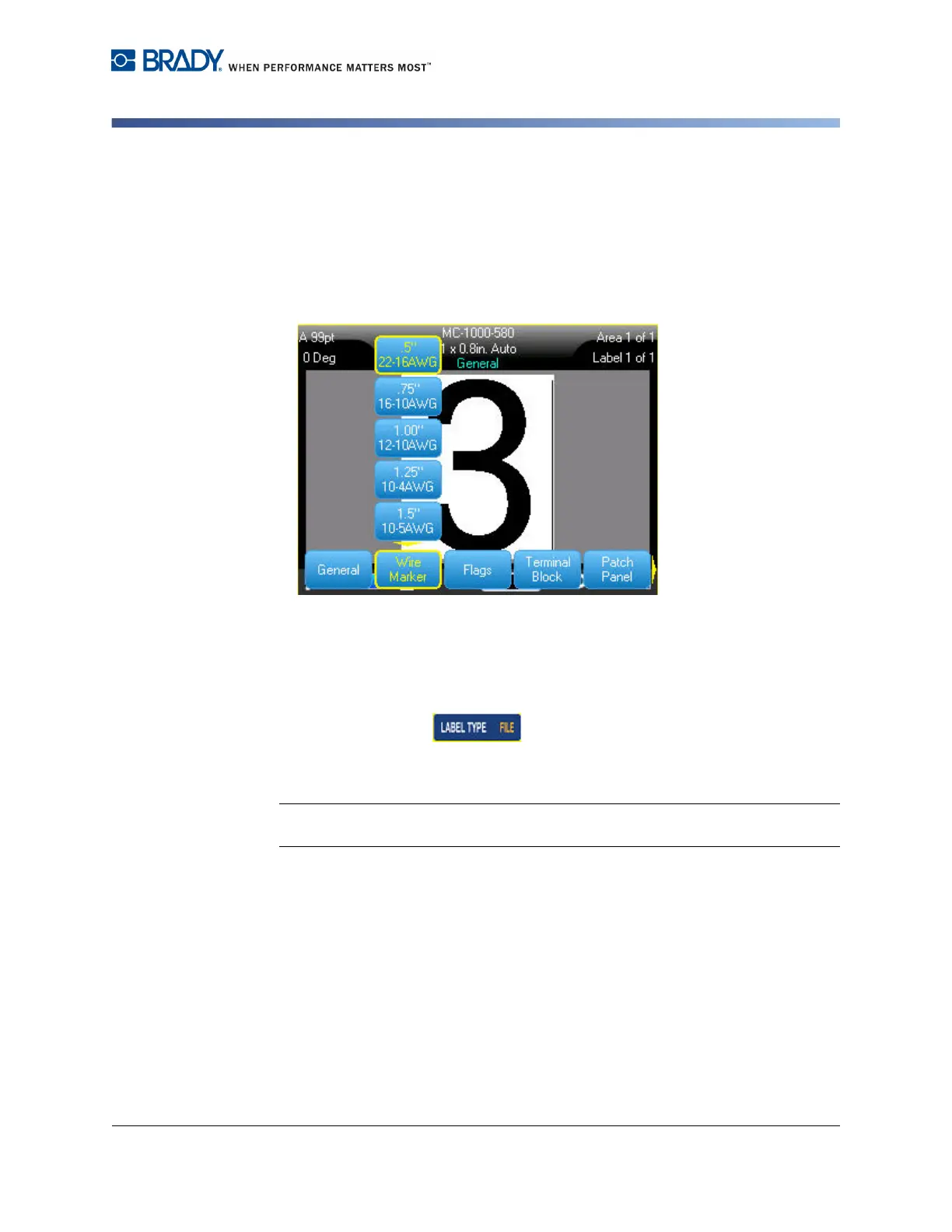
The WireMarker label type is designed to repeat entered data down the length of
the label. The data repeats as many times as possible, considering the font size
and the wire size selected.
Figure 6-2. Repeated data on a WireMarker or Cable Marker label
Die-cut, self-laminating, or continuous media can be used for WireMarker labels.
To use the WireMarker application:
1. Press Label Type .
2. Select WireMarker.
3. Select the wiremarker gauge and length.
Note: The label size is fixed by the gauge and size selected in the sub-menu, even
if using continuous media.
4. Enter the data.



 To Next Page