BMP
®
61 Label Printer
User’s Manual
3-45
List
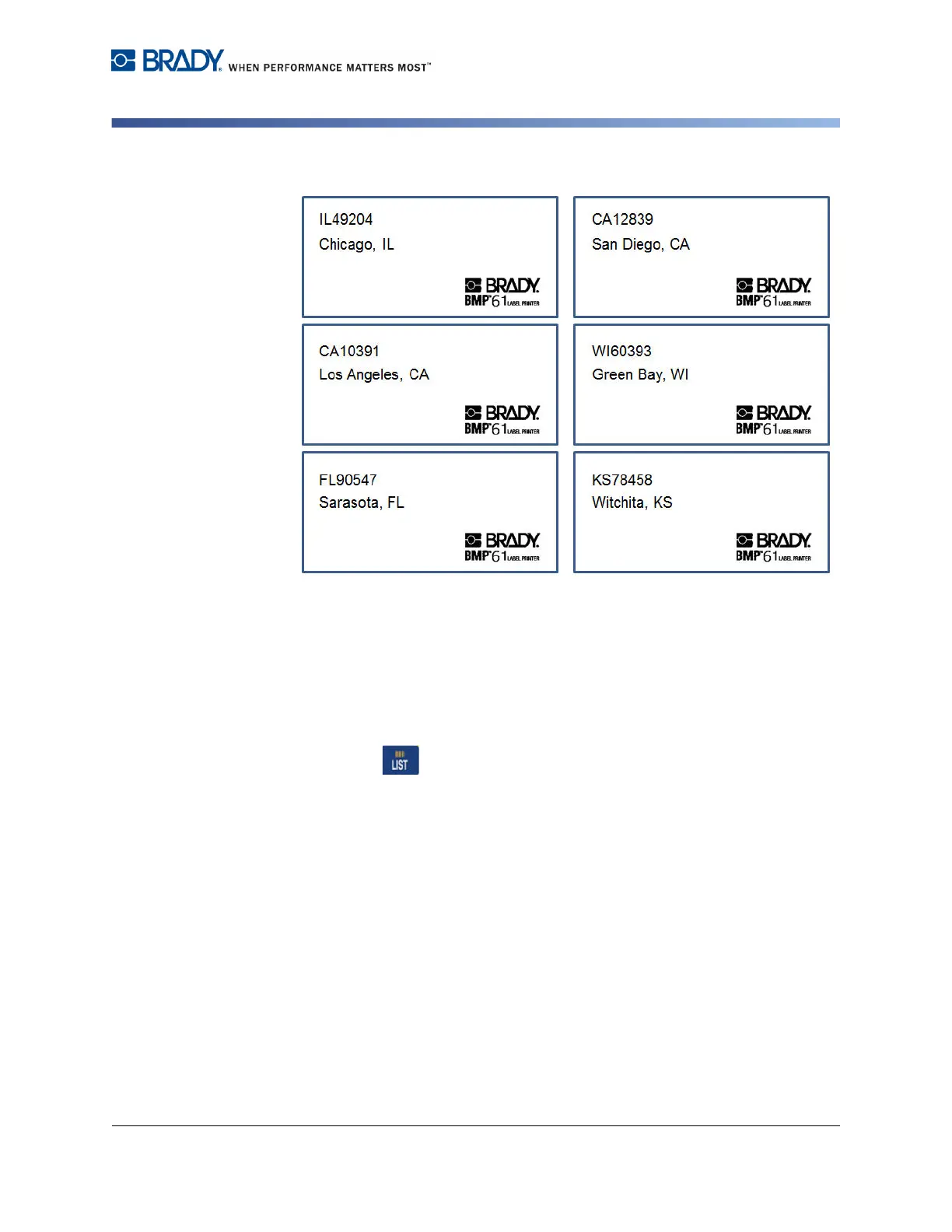
Figure 3-1. Results using only two fields from a multi-field data source
Edit Datasource
You do not have to enter all records into the data source at one time. You can
continue to add more records to a saved data source as needed.
To add more records to an existing data source:
1. Press List .
2. Select Edit.
3. Select Internal or External to indicate where the data source file is stored.
4. Select the data source file .
5. Enter field and record information as indicated on page 3-40.
To edit data already in the data source:
1. Select the field to edit, then make the corrections according to normal editing
procedures. (See "Editing Text” on page 2-1. )
2. When finished, save the data.



 To Next Page