BMP
®
61 Label Printer
User’s Manual
4-9
Delete a File
Delete a File
The Editor does not have to be cleared before deleting a file. A file can be deleted
with other data still on the screen.
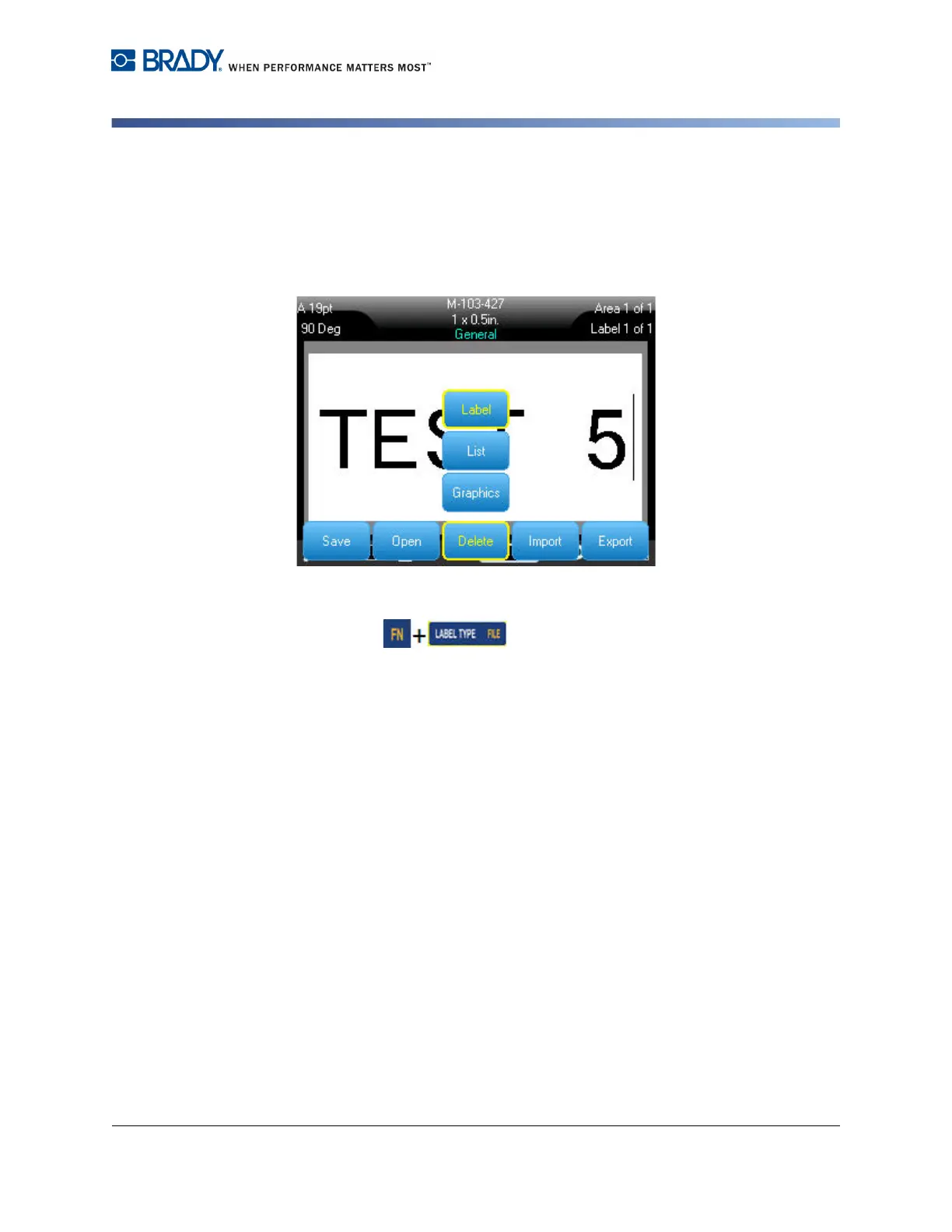
To delete a previously saved file:
1. Press File .
2. Select Delete.
3. Select the type of file you want to delete (graphics, list, or label).
A list of previously saved folders and files displays.
4. Select the folder containing the file to delete (if applicable).
5. Select the file to delete.



 To Next Page