4-10 BMP
®
61 Label Printer
User’s Manual
Delete a File
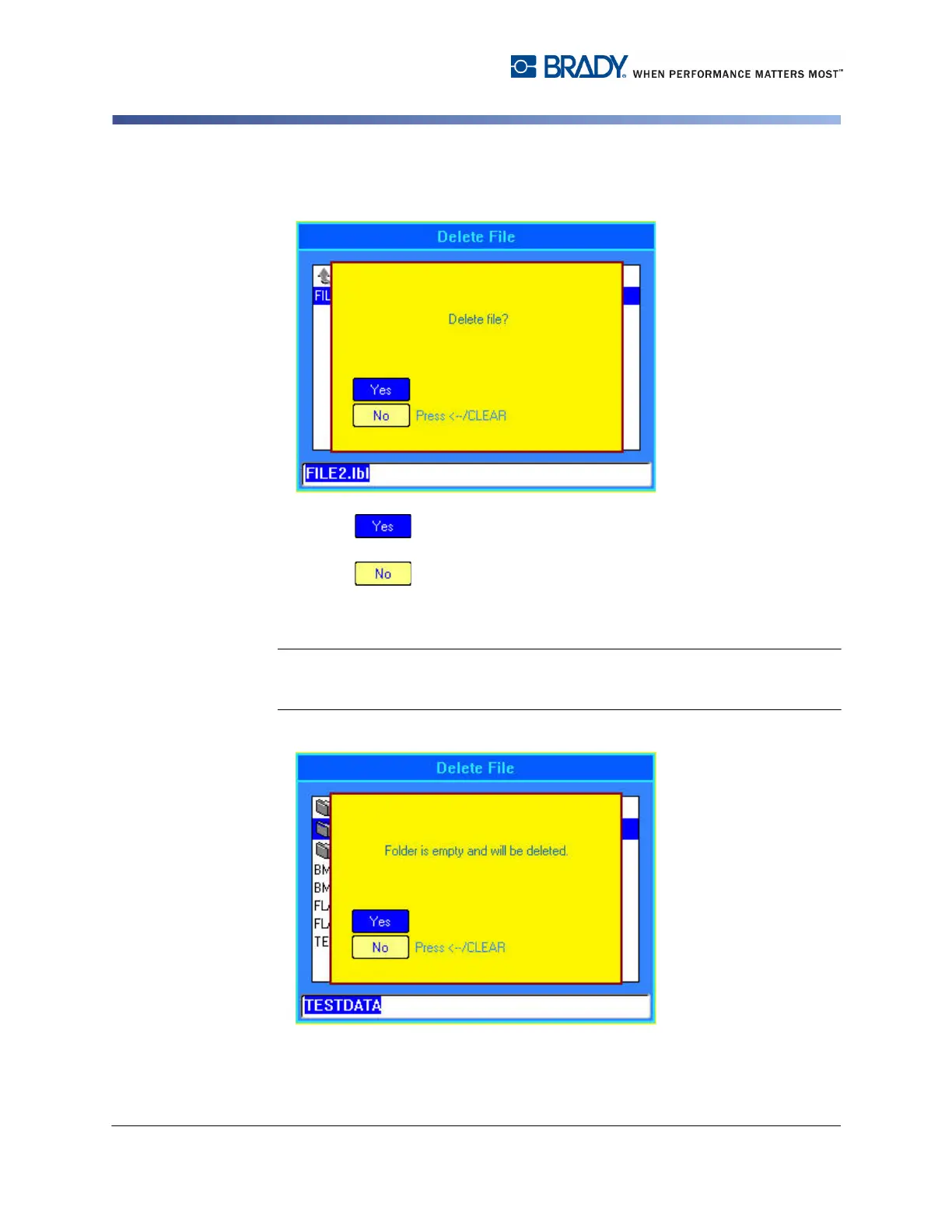
A delete confirmation message displays.
6. Select to confirm deletion.
OR
Select to cancel the delete function.
If Yes is selected, the file is removed from the system and is no longer available
for use.
Note: Folders are deleted the same way. However, you can only delete empty
folders. If a folder contains files, you must first delete all the files within that folder
before you can permanently remove the folder.



 To Next Page