BMP
®
61 Label Printer
User’s Manual
4-13
Using Files from an External Source
Export a File
Files created on the BMP61 printer, or previously imported from an external
device can, in turn, be exported back to an external device.
To export a file currently on the BMP61 printer to an external device:
1. First, attach the external device to the BMP61 printer (to ensure the
Import/Export menus display).
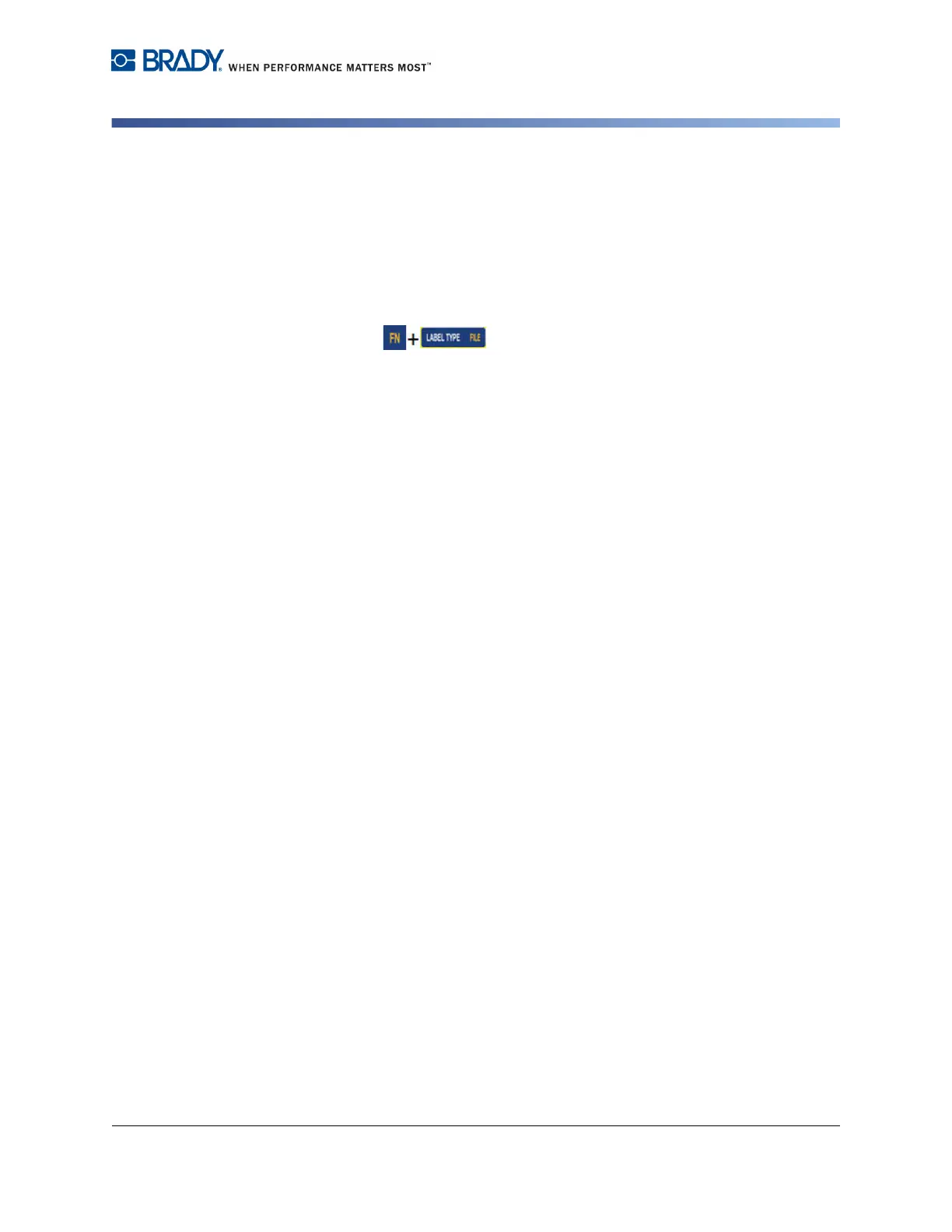
2. Press File .
3. Select Export.
4. Select the file type you want to export (Label, List, or Graphic).
5. Using Folder and File navigation techniques, select the file you want to export
to the external device.
6. On the Select Destination screen, using folder navigation techniques, select
the destination folder or storage area where you want to store the exported
file on the external device.
7. Press Enter to export the file.



 To Next Page