BMP
®
61 Label Printer
User’s Manual
1-39
Dialog Boxes
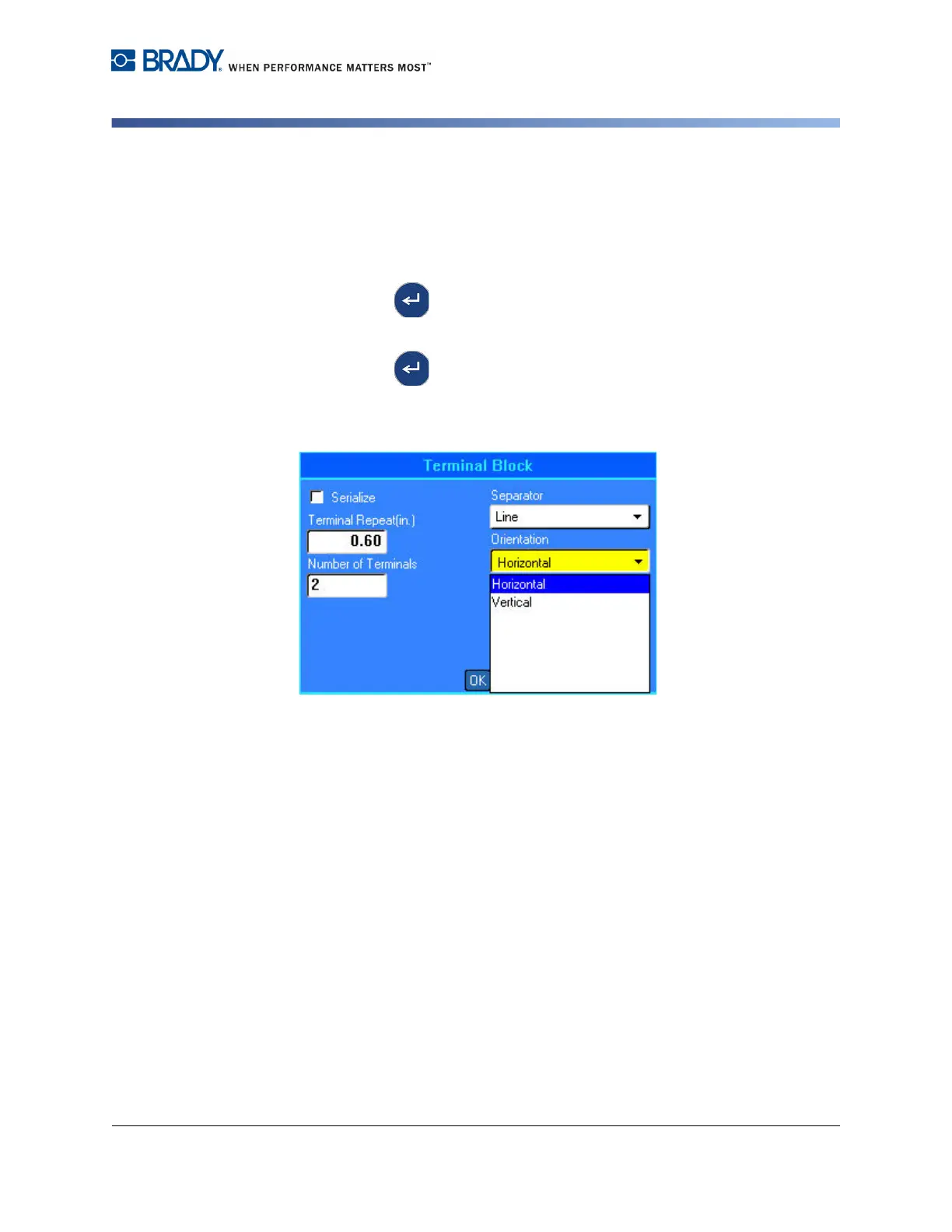
Drop Down Field Lists
If a field has a drop down list associated with it, a small arrow displays on the right
side of the field.
To select an option from the drop down list, using the keypad:
1. Press Enter to open the drop down list.
2. Use up/down navigation keys to highlight the desired option.
3. Press Enter to select the option.
The item is selected and the list collapses.
Figure 1-3. Drop down fields
To select an option from the drop down list, using the touch screen:
1. Tap the down arrow of the drop down list to expand the list.
2. Tap the desired option in the list.
The item is selected and the list collapses.



 To Next Page