3-24 BMP
®
61 Label Printer
User’s Manual
Labels and Areas
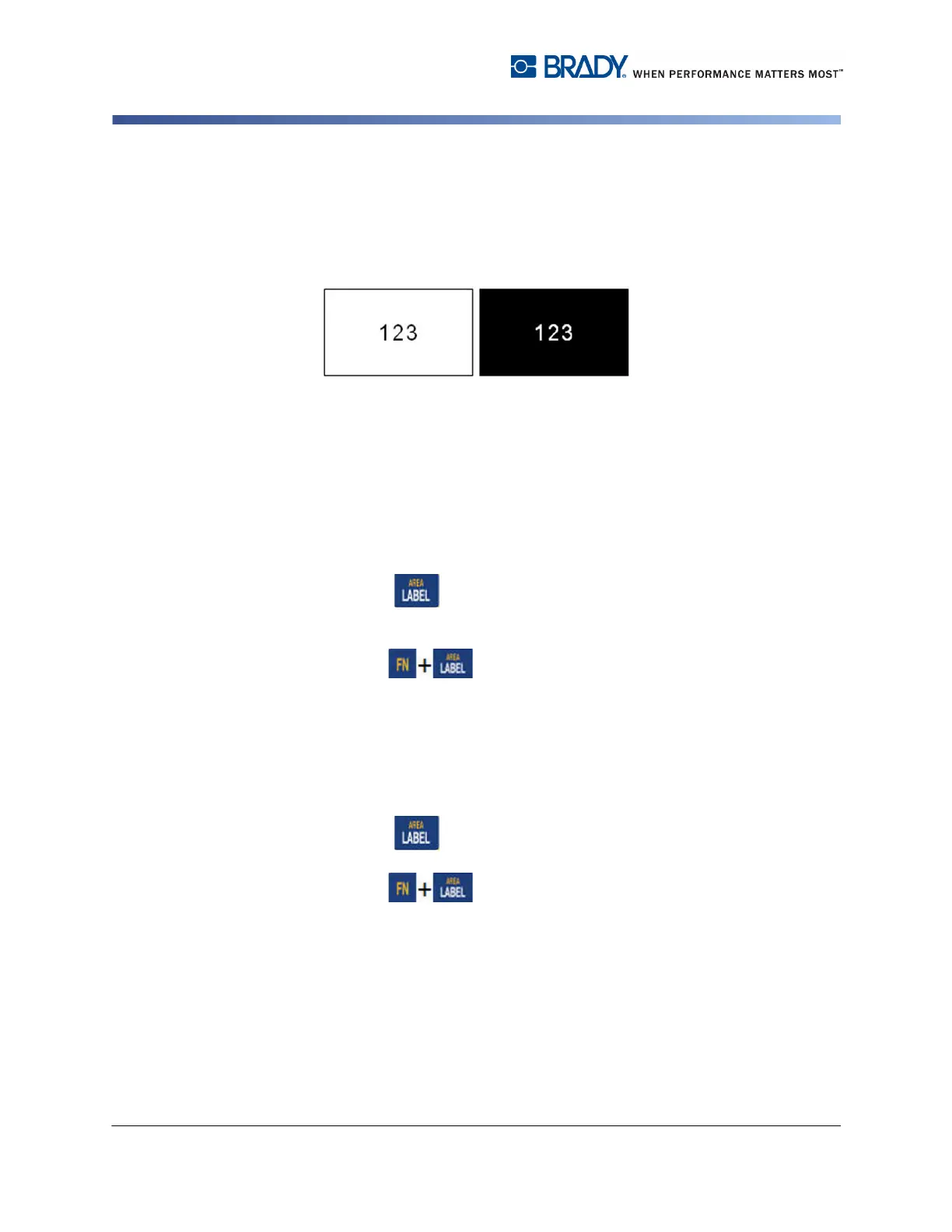
Reverse
The Reverse function switches the foreground and background colors of data on a
label, based on the color ribbon and media installed.
Figure 3-11. Reverse text
For instance, black lettering on a yellow background, if reversed, would print
yellow lettering on a black background.
You can apply Reverse formatting to areas or labels. When adding another area
or label, the reverse function status carries over. Reverse cannot be applied to an
individual line of text or to a barcode.
To apply Reverse formatting to a label or area:
1. Press Label .
OR
Press Area .
2. Choose Reverse>ON.
The system formats the edge-to-edge data so that the foreground and background
colors are switched.
To remove the Reverse function:
1. Navigate to the label or area displayed in Reverse.
2. Press Label .
OR
Press Area .
3. Choose Reverse>OFF.



 To Next Page