1-40 BMP
®
61 Label Printer
User’s Manual
Dialog Boxes
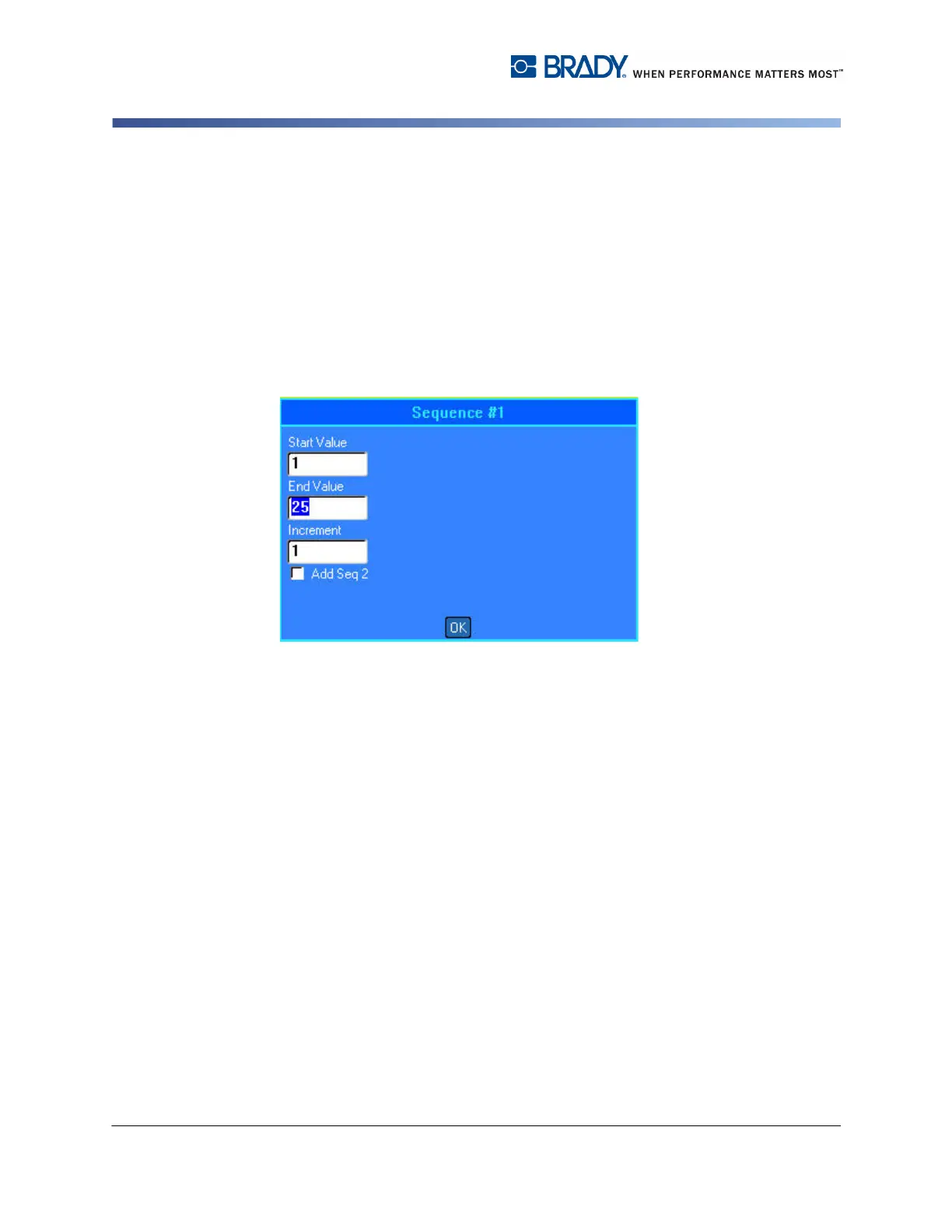
Data Fields
Data fields require user-supplied data. Some fields may have default data already
entered. When you access a field with pre-existing data, the data highlights and
you can enter new data directly over the highlighted data.
To access data fields, using the keypad:
1. Use navigation keys to navigate to the data field.
2. Enter data using the keyboard.
3. Use navigation keys to move off the field after entering data.
Figure 1-4. Data input fields
To access data fields, using the touch screen:
1. Tap the desired data field.
If the data field is active (contains data), tapping the field one time highlights the
data and you can type directly over it. If the data field is not active (does not
contain data), tapping one time activates the field by placing the cursor in the field.
2. Enter the desired data in the field.



 To Next Page