BMP
®
61 Label Printer
User’s Manual
3-1
3 Formatting
Formatting refers to the layout, structure, and appearance of a label. Different formatting
features can be found under the Font, Label, and Area functions.
Font
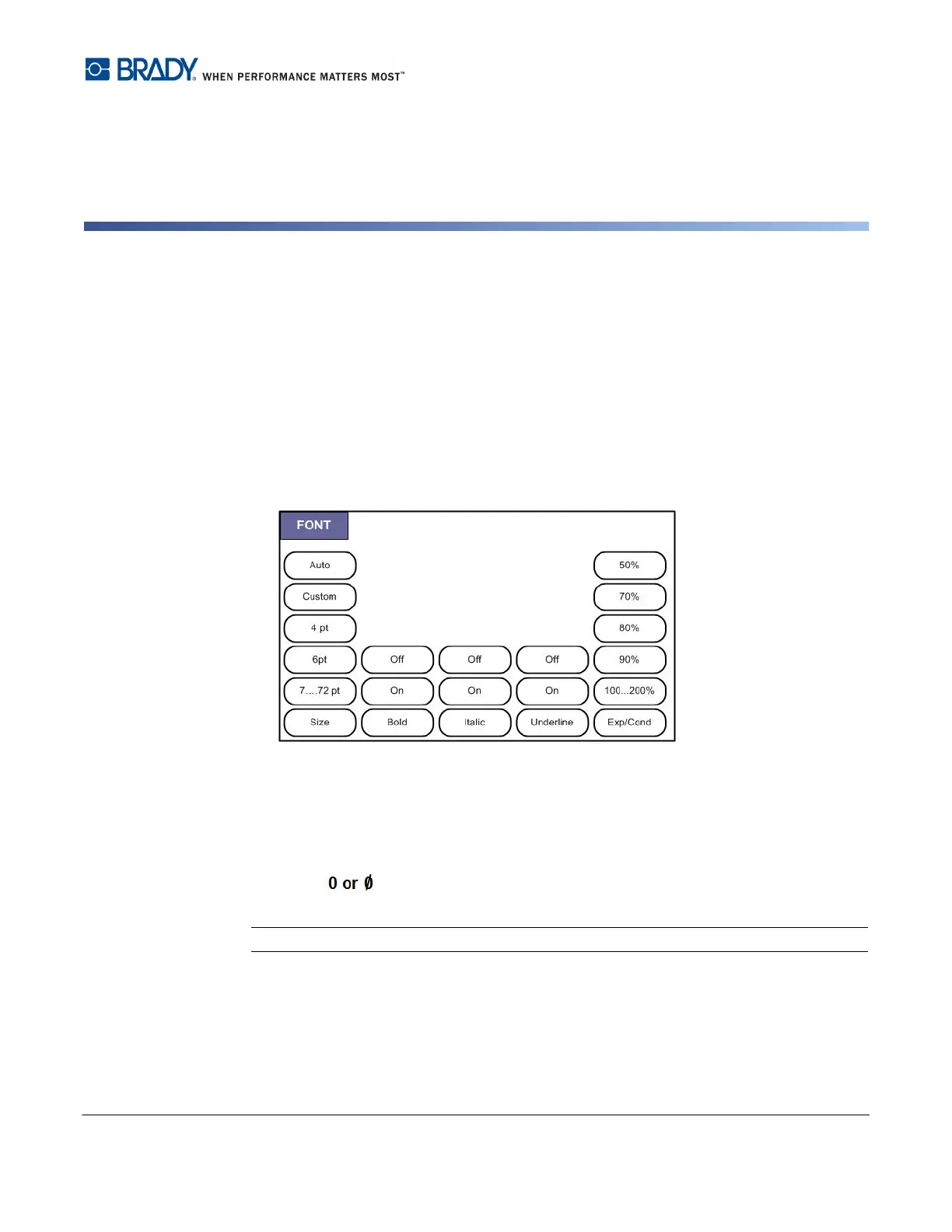
Figure 3-1. Font menu options
Character/line formats are called attributes that change the appearance of the fonts, such
as size, weight (bold), and angle (italics).
There are two fonts available with the BMP61 printer, Brady Fixed Width and Brady
Alpine. Both fonts give you the option of displaying a zero (0) with or without a slash
through it ( ). You can change the font when configuring the printer. (For more
information, see "Font Settings” on page 1-47.)
Note: You cannot download any other fonts to the printer.



 To Next Page