BMP
®
61 Label Printer
User’s Manual
5-7
Print History
Print History
Print History is a convenient feature that enables easy access to recently used
files. It keeps track of the last 10 label files printed.
To access Print History:
1. Press Print History .
OR
Touch the Header or Status bar, then select Print History.
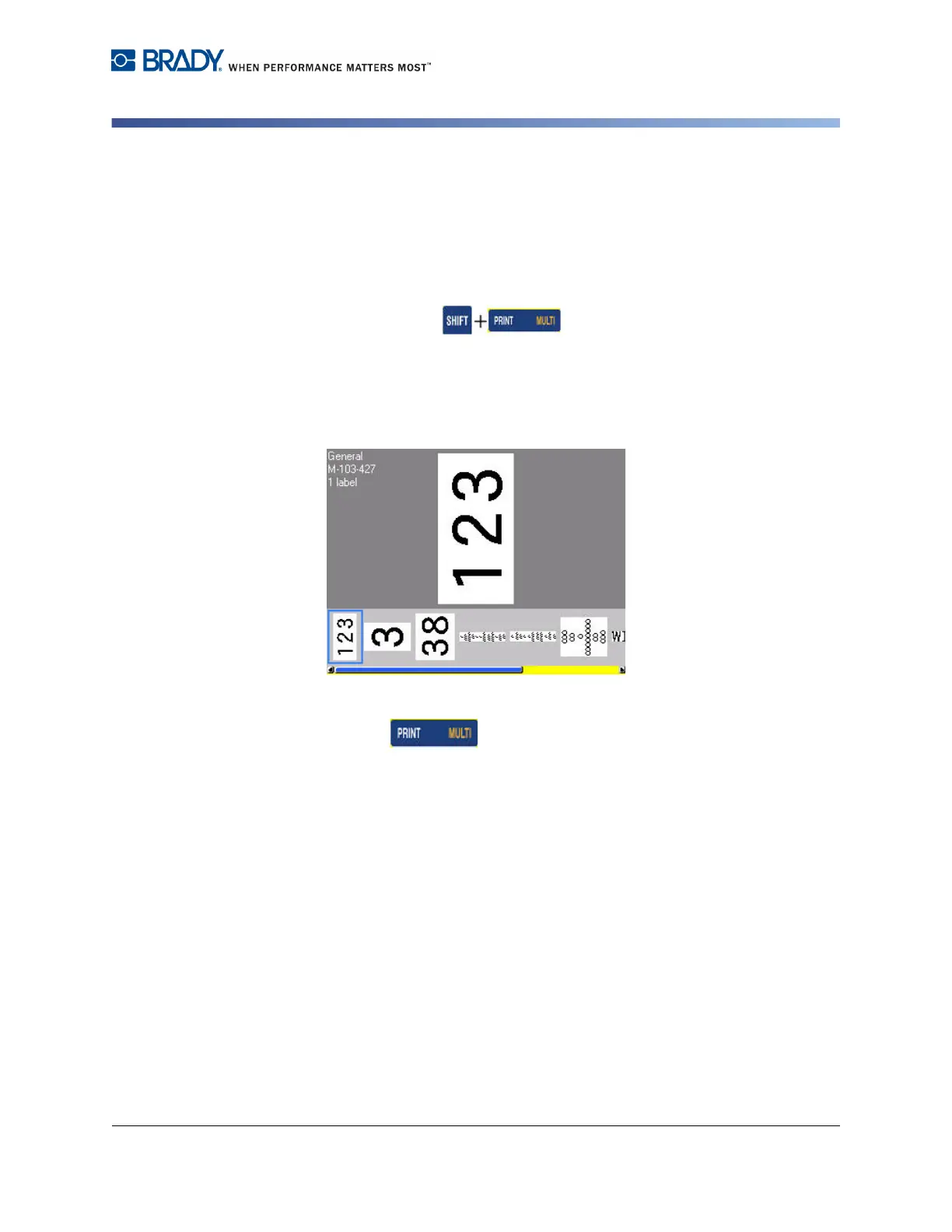
A list of previously printed files displays at the bottom of the print screen. You can
reprint any of these files.
2. Select the file you want to print.
3. Press Print .



 To Next Page