1-44 BMP
®
61 Label Printer
User’s Manual
Setup
Setup
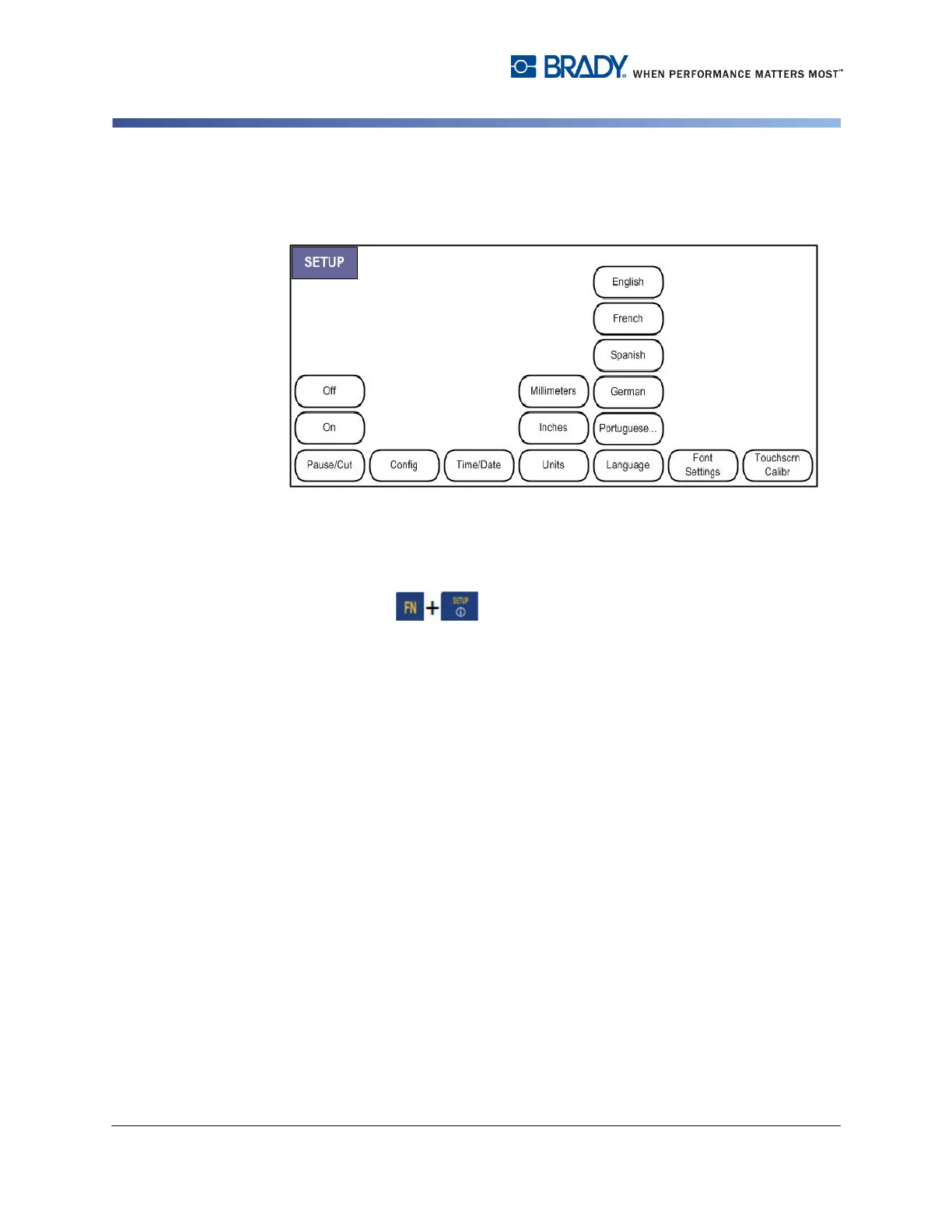
Figure 1-7. Setup menu options
The Setup function key is used to determine the default settings for the printer.
To change Setup functions:
1. Press Setup .
Pause/Cut
The Pause/Cut function allows you to remove a label from the printer before
another label starts printing. If this feature is turned on, when printing a string of
labels, cutting a label initiates the next label to print.
To turn on the Pause/Cut function:
The Pause/Cut menu, being first in the list of primary menus, is already selected.
1. Select On.



 To Next Page