BMP
®
61 Label Printer
User’s Manual
4-11
Using Files from an External Source
Using Files from an External Source
You can use labels, .csv lists, or .bmp graphics created on a PC and stored on a
flash drive. Labels can be imported (transferred) from a flash drive to reside on the
BMP61 printer or you can open the label file directly from the flash drive. (Refer to
"Internal vs. External” on page 4-2 for more information on labels stored on
external devices.) Lists and graphics, however, must be imported to the printer
before they can be used.
Import a File
To import a file created and stored on an external device:
1. Attach the external device to the BMP61 printer.
The Import menus will only display if the external device is attached.
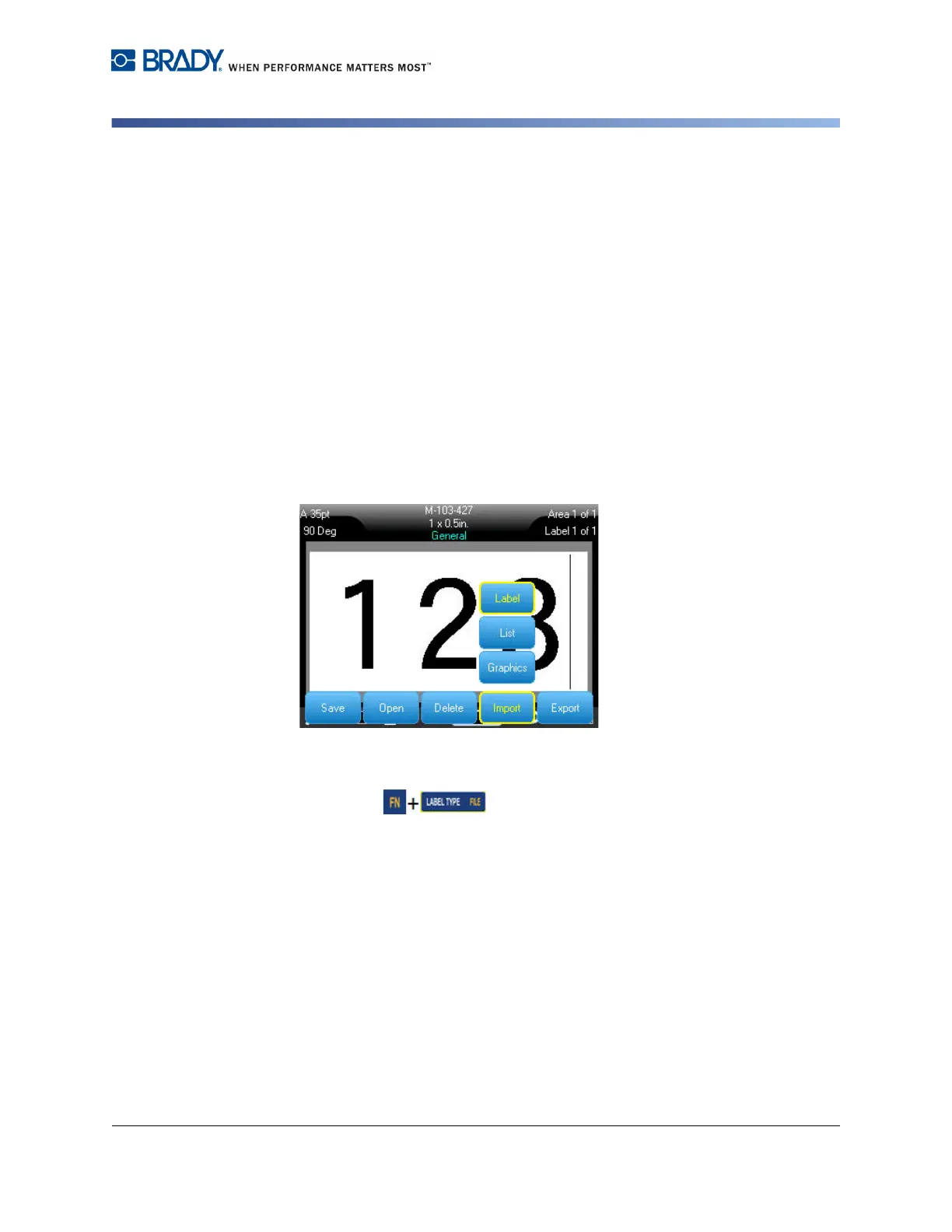
2. Press File .
3. Select Import.
4. Select the file type you want to import (Label, List, or Graphics).
5. Using Folder and File navigation techniques (refer to opening a folder, starting
on page 4-7), select the file you want to import from the external device.



 To Next Page