BMP
®
61 Label Printer
User’s Manual
5-1
5 Printing Labels
Print
The Print function prints the current file.
To print:
1. Press Print .
The data is printed and the status of the
print job is reflected in the Status Bar
(e.g., Printing 1 of 10).
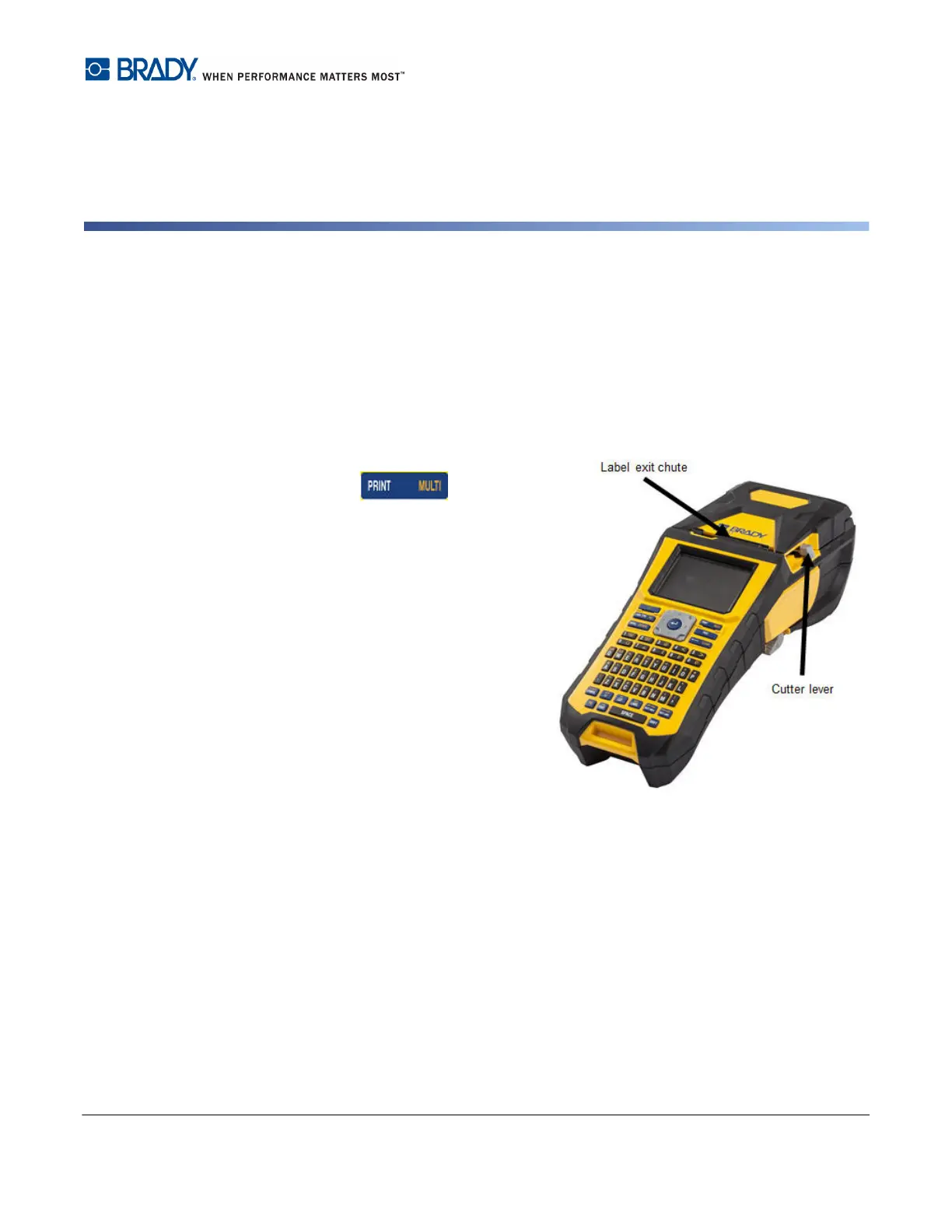
After printing, to cut the label:
2. Pull the cutter lever forward (towards
you) as far as it will go.
Printing from the BMP61 printer occurs in
the background, meaning you can
continue to edit or create new labels while
the file is printing.
If a print job is interrupted, for instance
when media or ribbon runs out, or you
intentionally open the cover, the system
automatically stops the print job and
displays a message. While the message remains on the screen, follow the instructions on
the display to resume printing.



 To Next Page