BMP
®
61 Label Printer
User’s Manual
5-5
Multiple Print
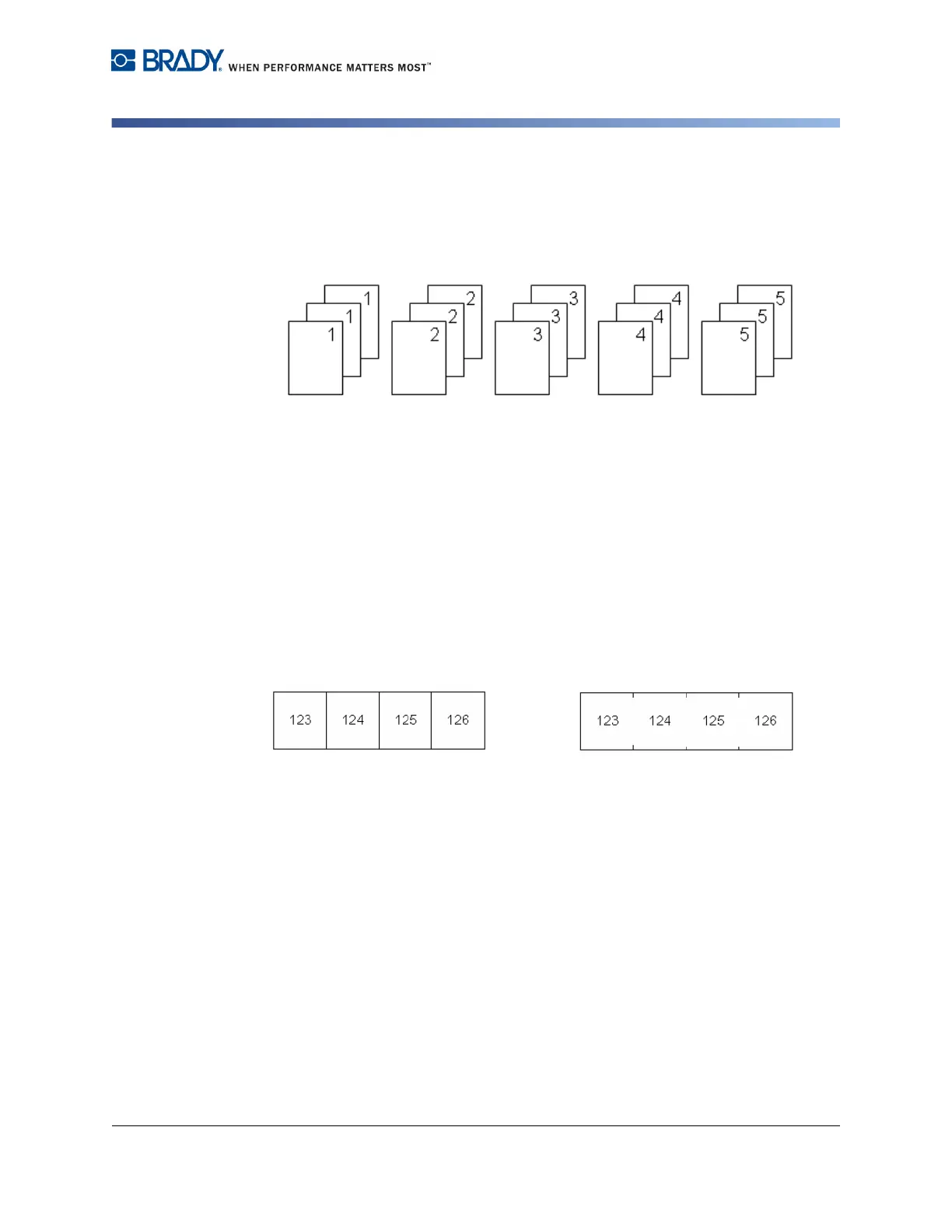
Non-collated – Prints all first numbers in a sequence, then all second numbers,
etc.
Example:
Print three copies of sequence 1-5, non-collated
Produces: 1,1,1; 2,2,2; 3,3,3; 4,4,4; 5,5,5.
The default is to print collated. If you do not want to collate the copies:
3. Select the Collate option box to remove the checkmark.
When printing (or re-printing) a single label in a series, or a range of labels in a
series, use the Print Range feature.
4. Under Print Range, select From field and enter the number of the first label to
be printed.
5. Select To field and enter the number of the last label to be printed..
Separator
To separate different labels on continuous media, add a separator.
Figure 5-1. Separators
6. Select the desired separator from the drop down list.
Line Separator Tic Separator



 To Next Page