3-18 BMP
®
61 Label Printer
User’s Manual
Labels and Areas
Shortcut Using Touch Screen
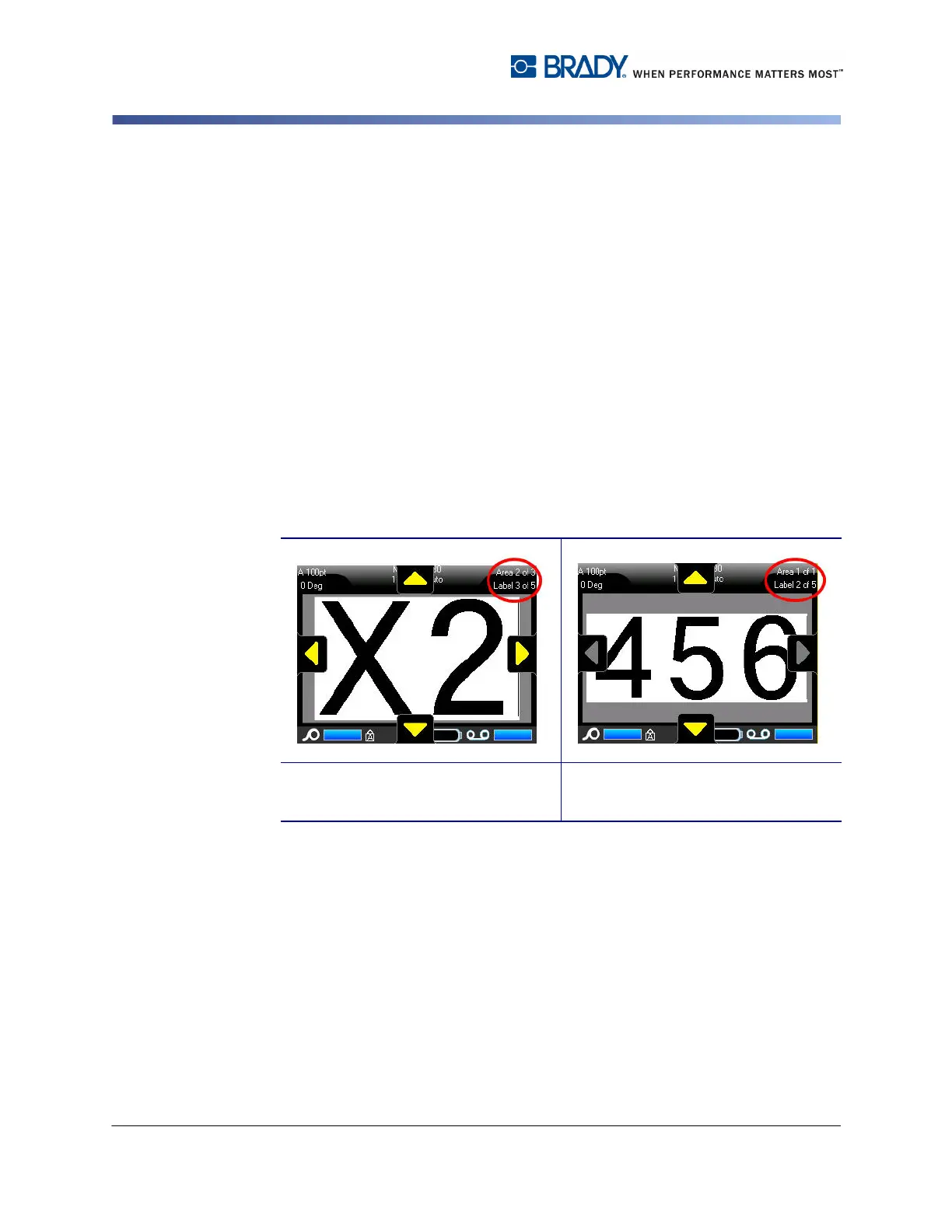
You can access different labels in a multi-label file or different areas on a multi-
area label using the scroll arrows on the screen.
To access the scroll arrows:
1. Touch Labels in the Header bar.
Four arrows display on the screen.
2. Touch the Down arrow to access the next label in the sequence.
3. Touch the Up arrow to access the previous label in the sequence.
If a label contains multiple areas:
4. Touch the Right arrow to access the next area in the sequence.
5. Touch the Left arrow to access the previous area in the sequence.
If you do not have multiple areas on a label, or multiple labels in a file, the arrows
are grayed out. The arrows also gray out if you are on the first or last area or label.
Scroll arrows on multi-area, in multi-
label file.
Scroll arrows on single area, in multi-
label file



 To Next Page