1-10 BMP
®
61 Label Printer
User’s Manual
Quick Charger
Quick Charger
The battery quick charger is an accessory that can be purchased through your
BMP61 distributor. While the battery is charged from inside the printer when the
AC adapter is attached, there may be times when you want to have another
battery fully charged and ready to use when the AC adapter is not available. To
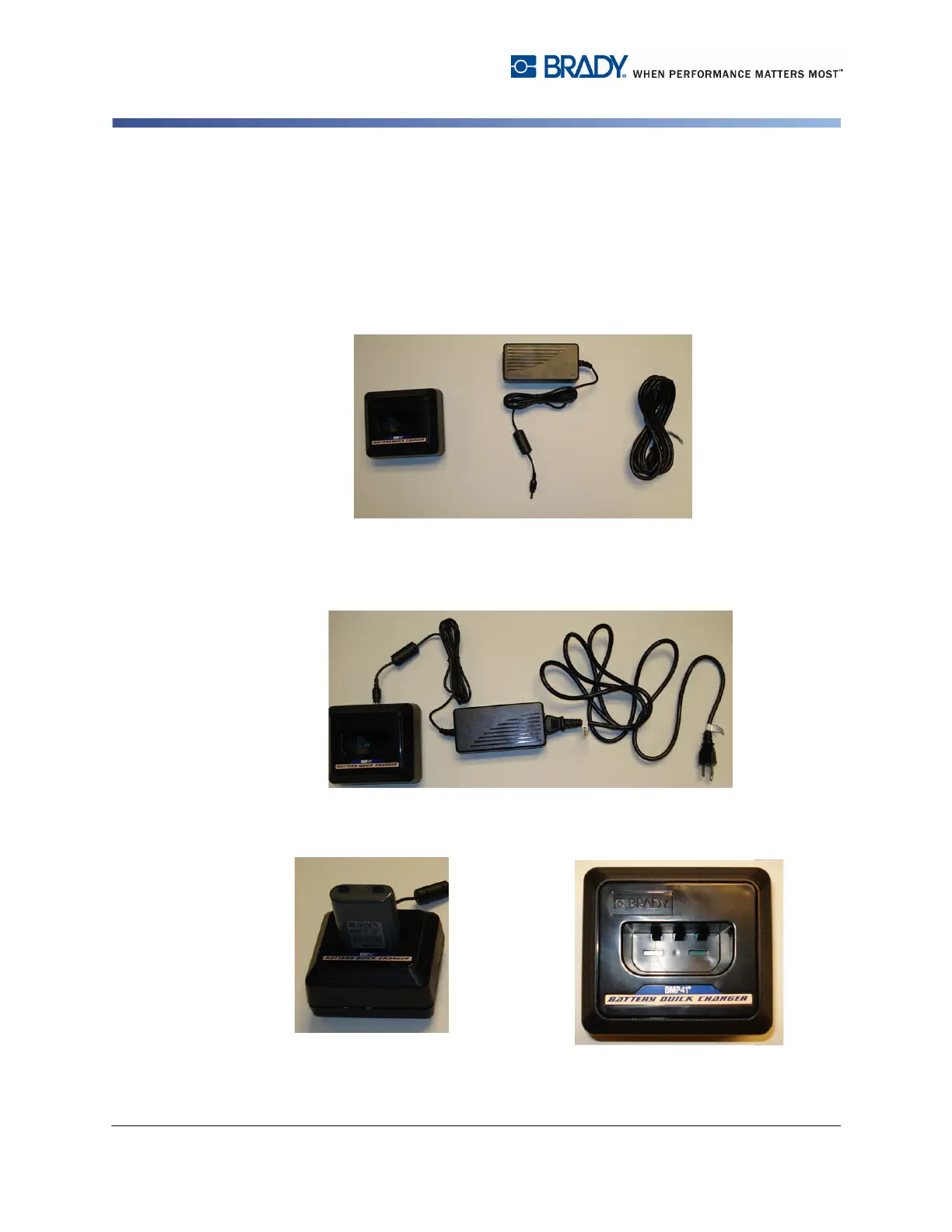
charge a battery outside the printer, use the BMP-41-QC Quick Charger. The
Quick Charger includes the charger, an AC adapter and electrical cord.
1. Insert the round end of the adapter
cable into the plug-in port on the back
of the quick charger.
2. Plug the female end of the electrical cord
into the opposite side of the adapter. Plug
the male end of the electrical cord into an
electrical outlet.
3. Insert the battery into the charger
with the label facing toward the front
of the charger.
The light on the front of the charger appears
red when the battery is not charged. It changes
to green when the battery is fully charged.



 To Next Page