3-40 BMP
®
61 Label Printer
User’s Manual
List
To select a field, using the keyboard:
5. Navigate to the field where you want to enter data and press Enter .
To select a field, using the Touch screen:
Double tap the field in which you want to enter data.
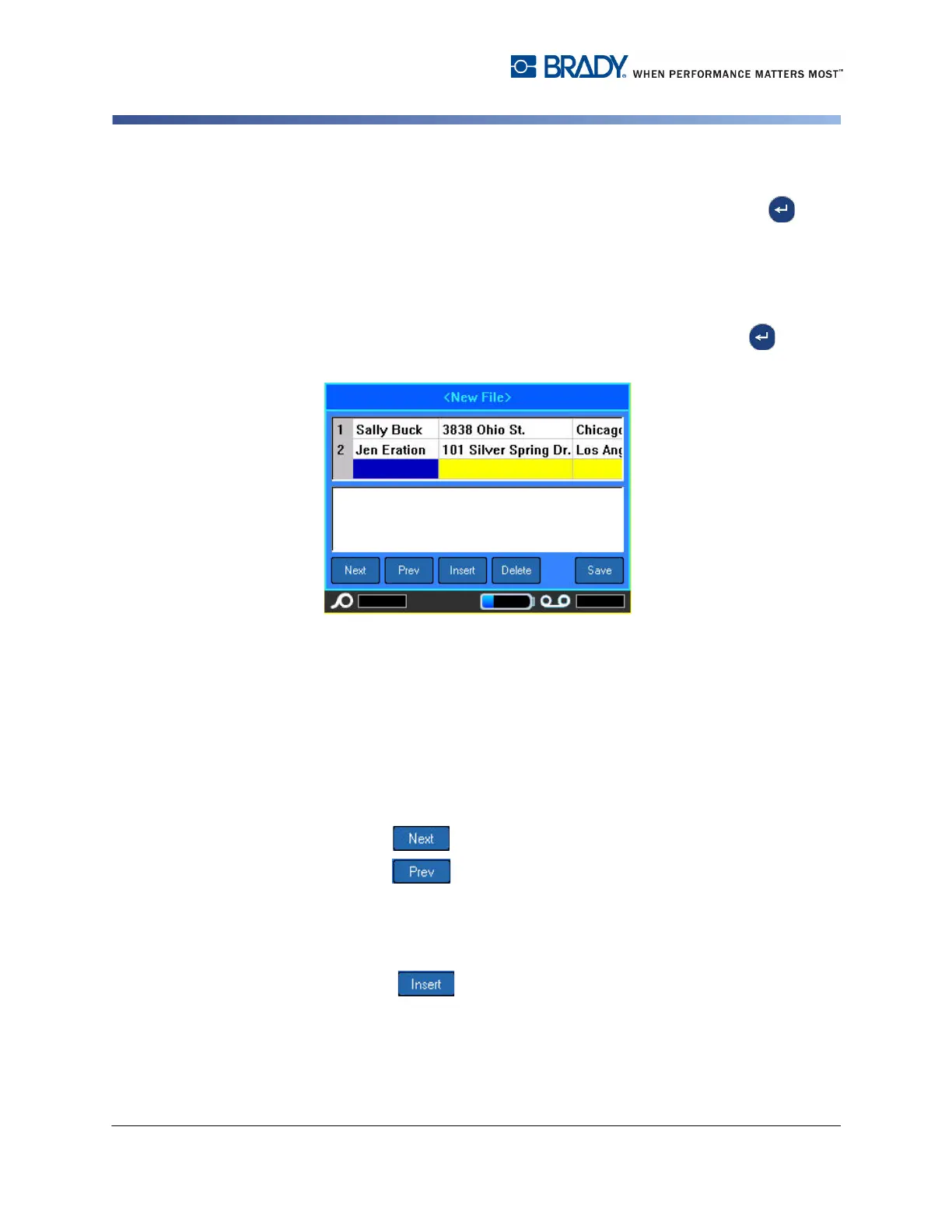
The data entry area of the selected field displays on the bottom half of the screen.
6. Enter the data for that particular field category, then press Enter .
7. Repeat Steps 5 and 6 for each field in which you want to enter data.
When you entered data in each defined field, another row automatically displays.
8. Select Next to move to the first field in the next row, then press Enter to
access that field.
9. Repeat the above steps for each record of the data source.
Working with Rows of Data
To move between the rows of data:
1. Select Next to move foward through the rows of data.
2. Select Prev to move backward throught the rows of data.
To insert a row between two rows of data:
1. Select a field in the row above which a row will be inserted. It makes no
difference which field you select.
2. Select Insert .



 To Next Page