BMP
®
61 Label Printer
User’s Manual
1-41
Dialog Boxes
Spinner Boxes
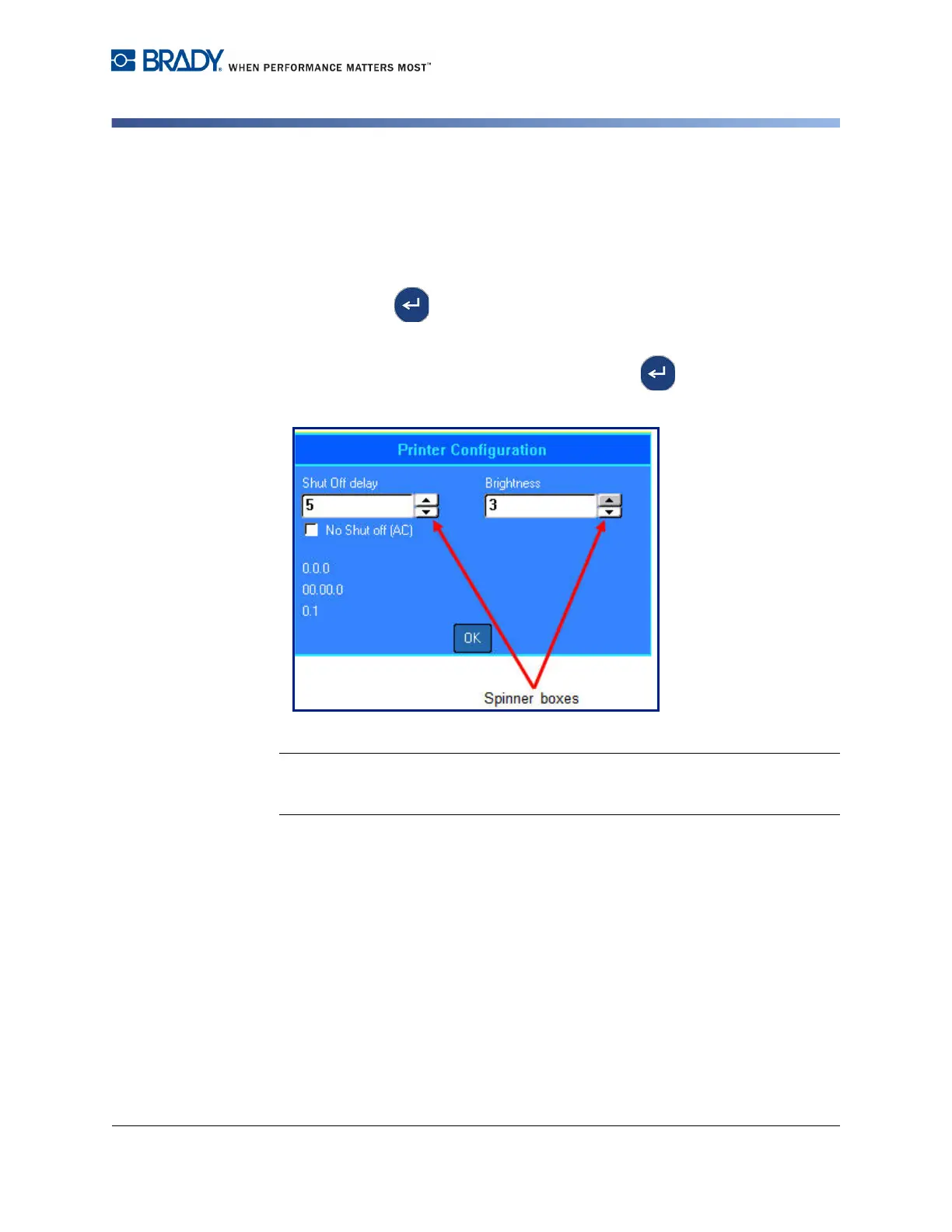
A spinner box lets you toggle through a range of values in a field.
To use a spinner box, using the keypad:
1. Navigate to the field containing the spinner box.
2. Press Enter .
3. Use the up/down navigation keys to toggle through the range of values.
4. When the desired value is reached, press Enter .
Figure 1-5. Spinner boxes
Note: Some fields containing spinner boxes allow you to type numbers directly in
the field. The presence of a cursor in the field indicates you can directly enter
numbers.
To use a spinner box, using the touch screen:
1. Tap the field containing the spinner box.
2. Tap the up arrow to incrementally increase the value in the field. Tap the down
arrow to decrement the field value.



 To Next Page