3-16 BMP
®
61 Label Printer
User’s Manual
Labels and Areas
Label Length
Auto length is the default for continuous media. With Auto Length, the label will be
as long as it needs to be to accommodate the entered data, up to a maximum of
40 inches. You can, however, set a fixed length for a label. A different length can
be set for each label in a file.
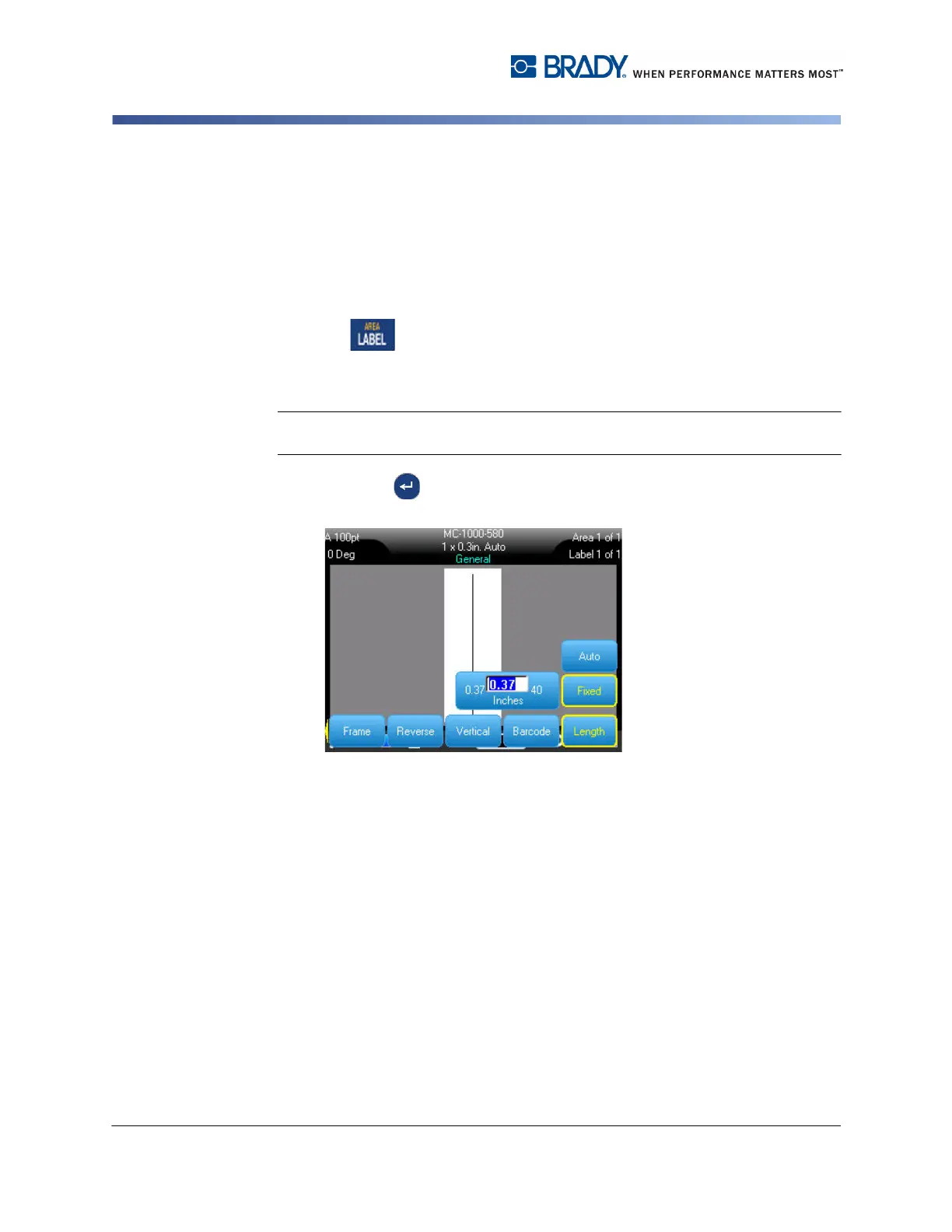
To change the length of the label:
1. Press .
2. Select Length>Fixed.
3. In the text entry box displayed, enter the desired length of the label.
Note: The unit of measure for the length is determined in the Setup menu. (See
"Units” on page 1-45 for more information.)
4. Press Enter .



 To Next Page