4-12 BMP
®
61 Label Printer
User’s Manual
Using Files from an External Source
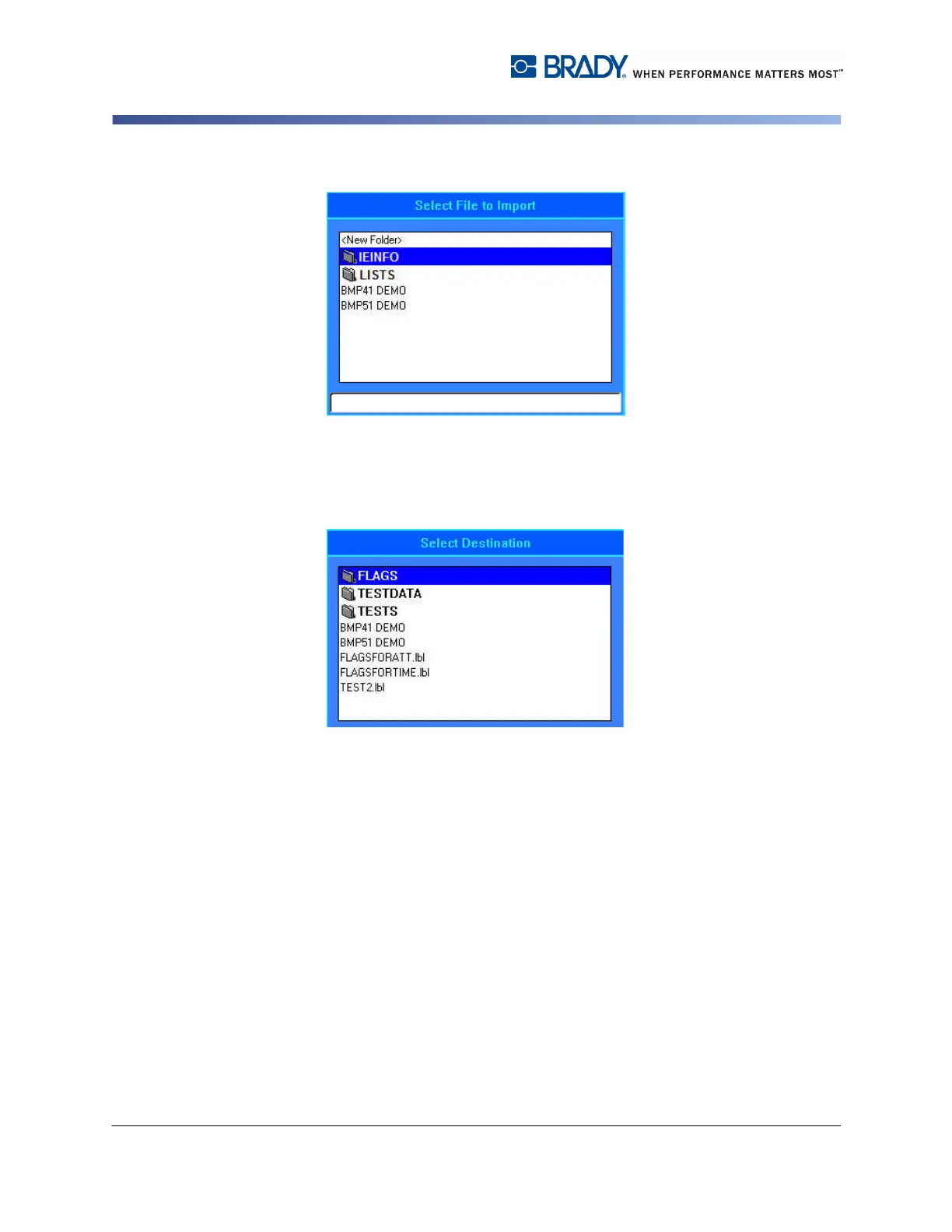
6. If importing a Label file, on the Select Destination screen, select the
destination folder or storage area on the BMP61 printer where you want to
store the imported file.
Label files can be stored in any folder on the printer. However, List files (.csv) and
Graphic files (.bmp) are stored in specific folders used by the List and Graphics
functions. These folders are unavailable to the user. When importing a list or a
graphic, the destination screen does not display.
7. Press Enter to place the imported file in the selected folder.
Imported files retain the original file name the first time they are imported. If
imported more than once, " - Copy [#]" is attached to the file name (where # is a
number indicating how many times the file has been imported). This prevents a file
from overwriting another file with the same name.
You can open an imported Label file through the File/Open function (see page 4-7)
List (.csv) files can be opened through the Merge feature of the List function.
Graphics (.bmp) files can be viewed and accessed through the Graphics function.



 To Next Page