4-8 BMP
®
61 Label Printer
User’s Manual
Open a File
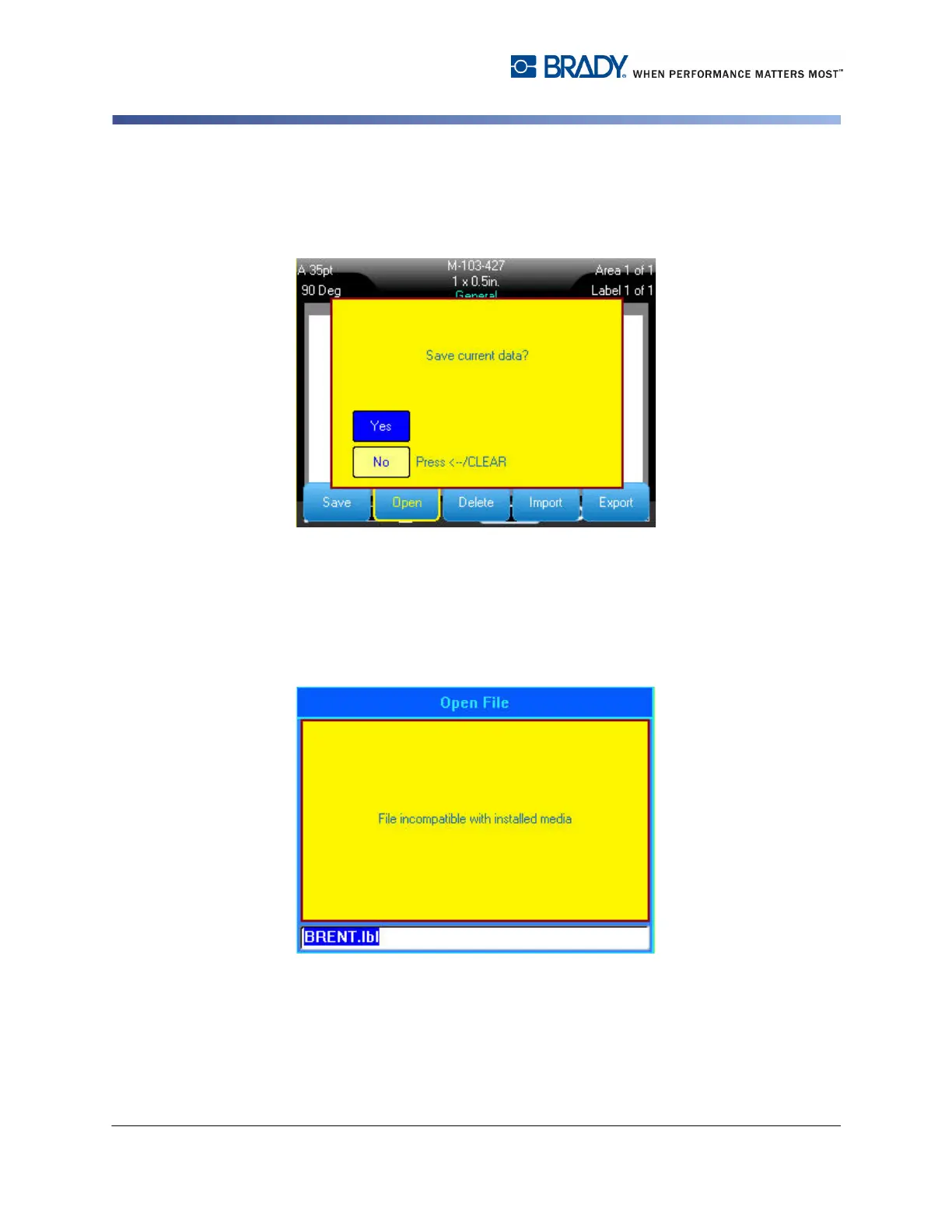
Only one file can be displayed on the screen at a time. When opening a saved
file, if the Editing screen contains other data, you are prompted to save the data
before the screen is cleared.
If you decide to save the displayed data, the Save function is invoked and you are
allowed to give the data a file name before the requested file to open is displayed
in the Editor.
When opening a file, if the stored data is incompatible with the installed media, an
error message displays.
While you do not have to use the exact label part number used when saving the
file, you must use a part number that can accommodate the data in the file being
opened.



 To Next Page