3-42 BMP
®
61 Label Printer
User’s Manual
List
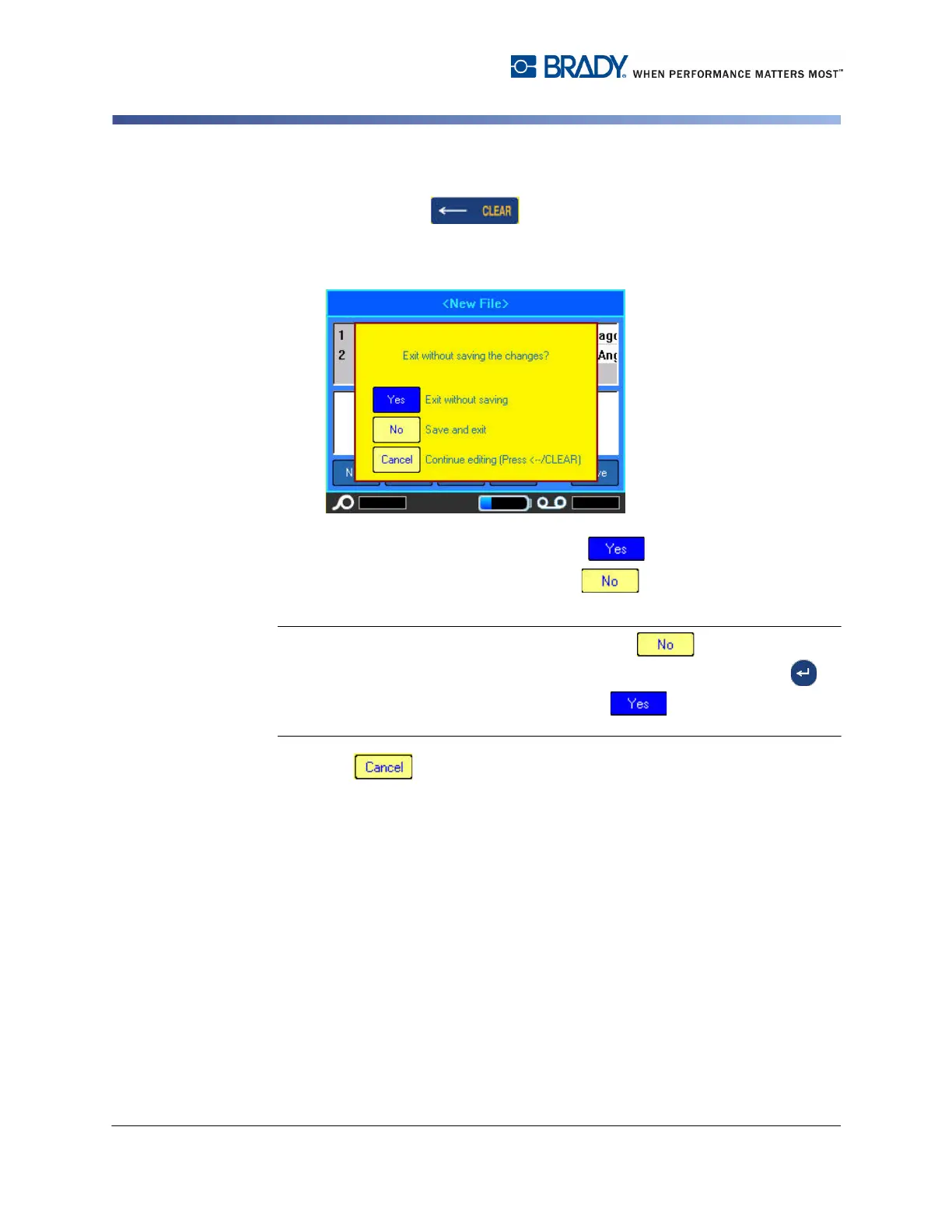
To exit out of the data source:
3. Press Backspace .
A message displays asking if you want to save the file before exiting.
4. If you have already saved the file, select . The file remains saved.
5. If you have not yet saved the file, select . The printer will return to the
Save function. Repeat Steps 2 through 4 to save the file.
Note: If you cannot recall if you saved the file, select . Then, if you see the
file name in the list of files, select the name (to highlight it) and press Enter . A
message indicates the file already exists. Select to overwrite the file. This
will ensure that your file has been saved. You are returned to the Editing screen.
6. Select if you do not want to exit the database.



 To Next Page