6-6 BMP
®
61 Label Printer
User’s Manual
Flags
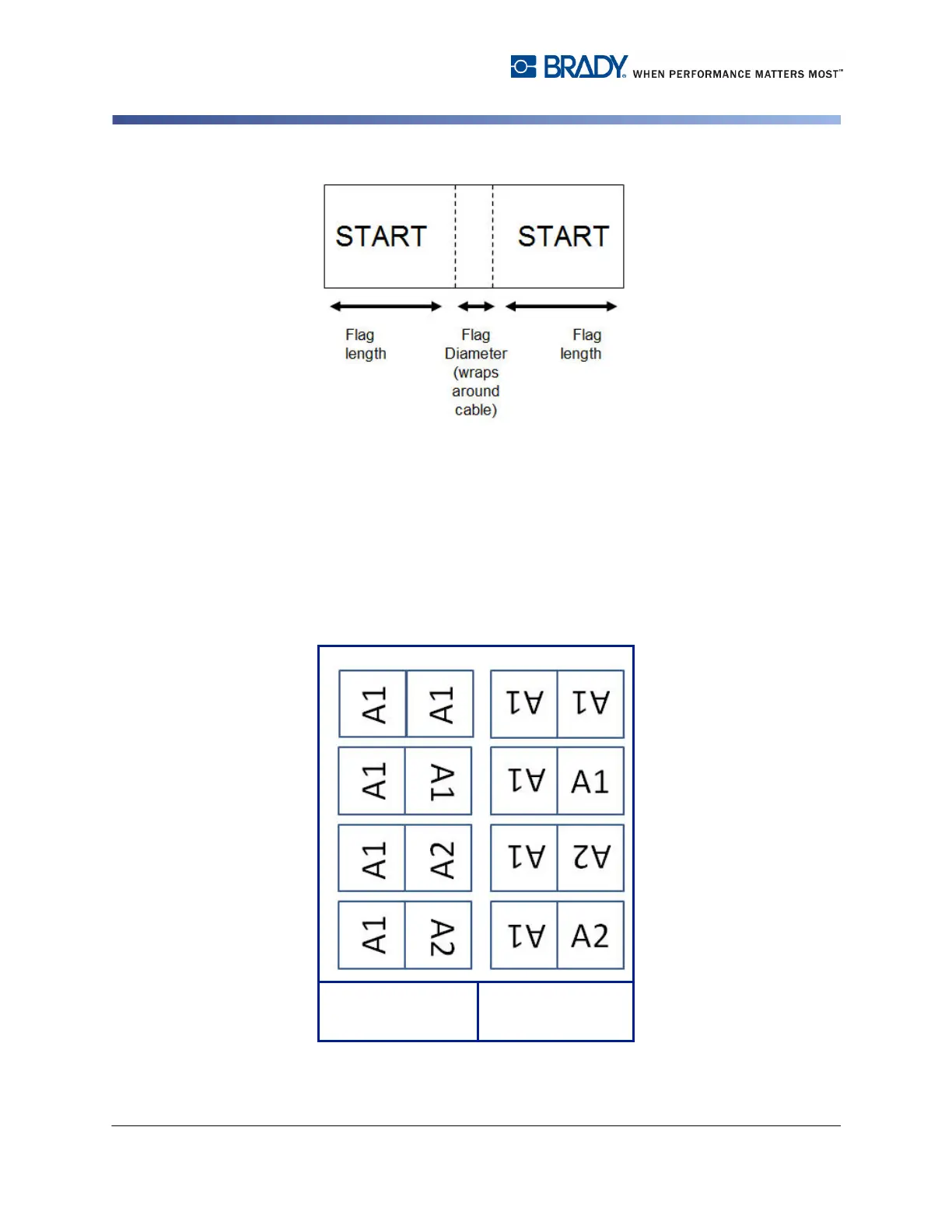
Figure 6-4. Flag length vs. diameter
3. In the Cable Diameter field, enter the diameter of the wire/cable to which the
flag will be applied.
The range for the cable diameter is 0.25 inches to 8 inches. By entering the
diameter of the wire or cable, the system automatically calculates an additional
length of label to allow complete wrap of the wire/cable with additional label
material left for the flag.
If Rotate is selected, each element of the text layout in the selected template (Text
1, Text 2) rotates 90 degrees left or right from it original position.
Figure 6-5. Flag template layouts when rotation is applied
Flag Template
Text Layout
Text Layout with
rotation applied



 To Next Page