BMP
®
61 Label Printer
User’s Manual
6-17
Breaker Box
6. In the Separator field, from the drop down list, select the separator to use.
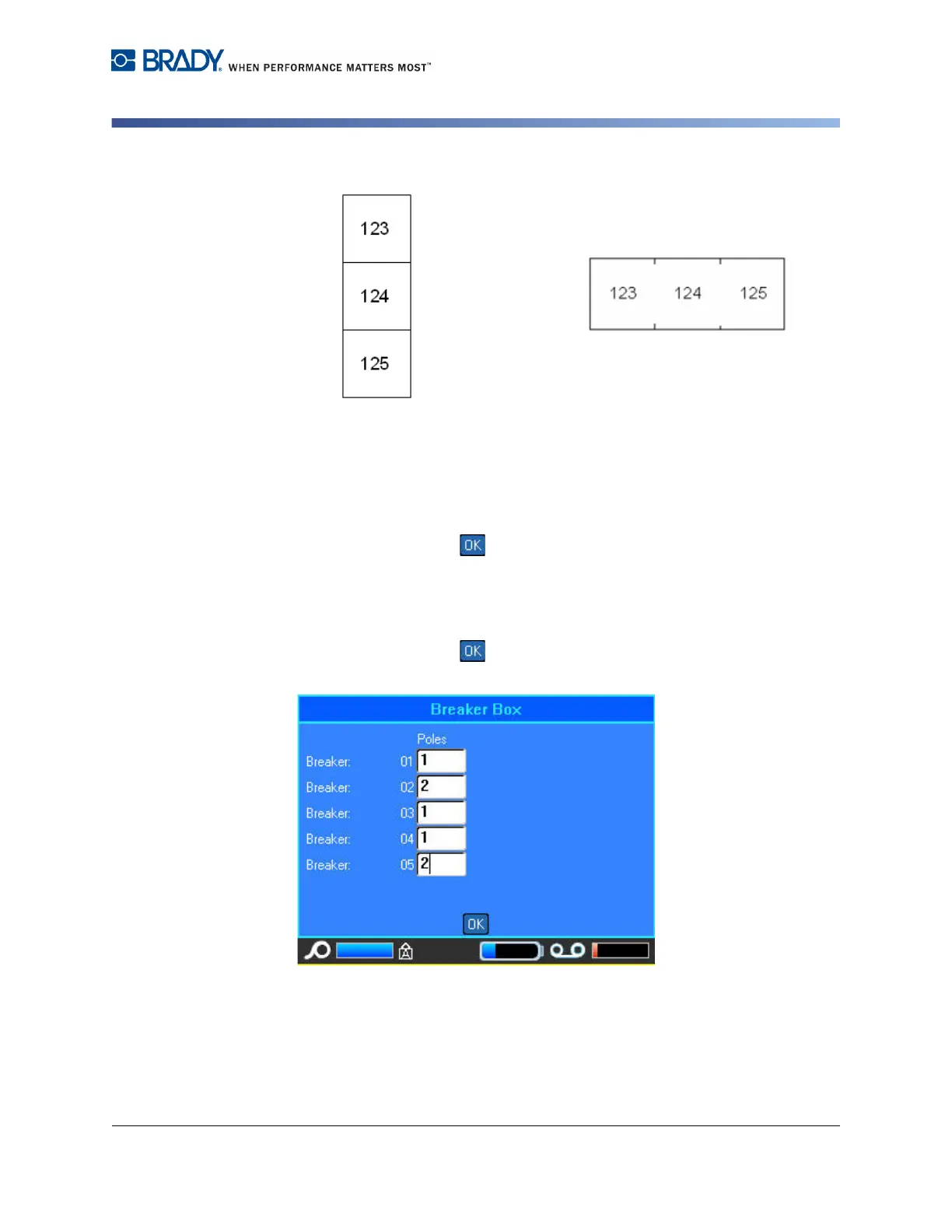
Figure 6-10. Separators and orientation
7. In the Orientation field, from the drop down list, select the orientation to use.
8. When finished, select .
If Variable Pole Count is selected, the Breaker Box Pole count dialog displays.
The number of poles for each breaker defaults to 1.
9. Select the Breaker number field to change and enter the appropriate number.
10. When finished, select .
11. On the Editing screen, enter the unique data that will display on the label for
each breaker.
Line Separator, Vertical Orientation Tic Separator, Horizontal Orientation



 To Next Page