7-4 BMP
®
61 Label Printer
User’s Manual
Replacing the Cutter Blade Cover
Internal Components
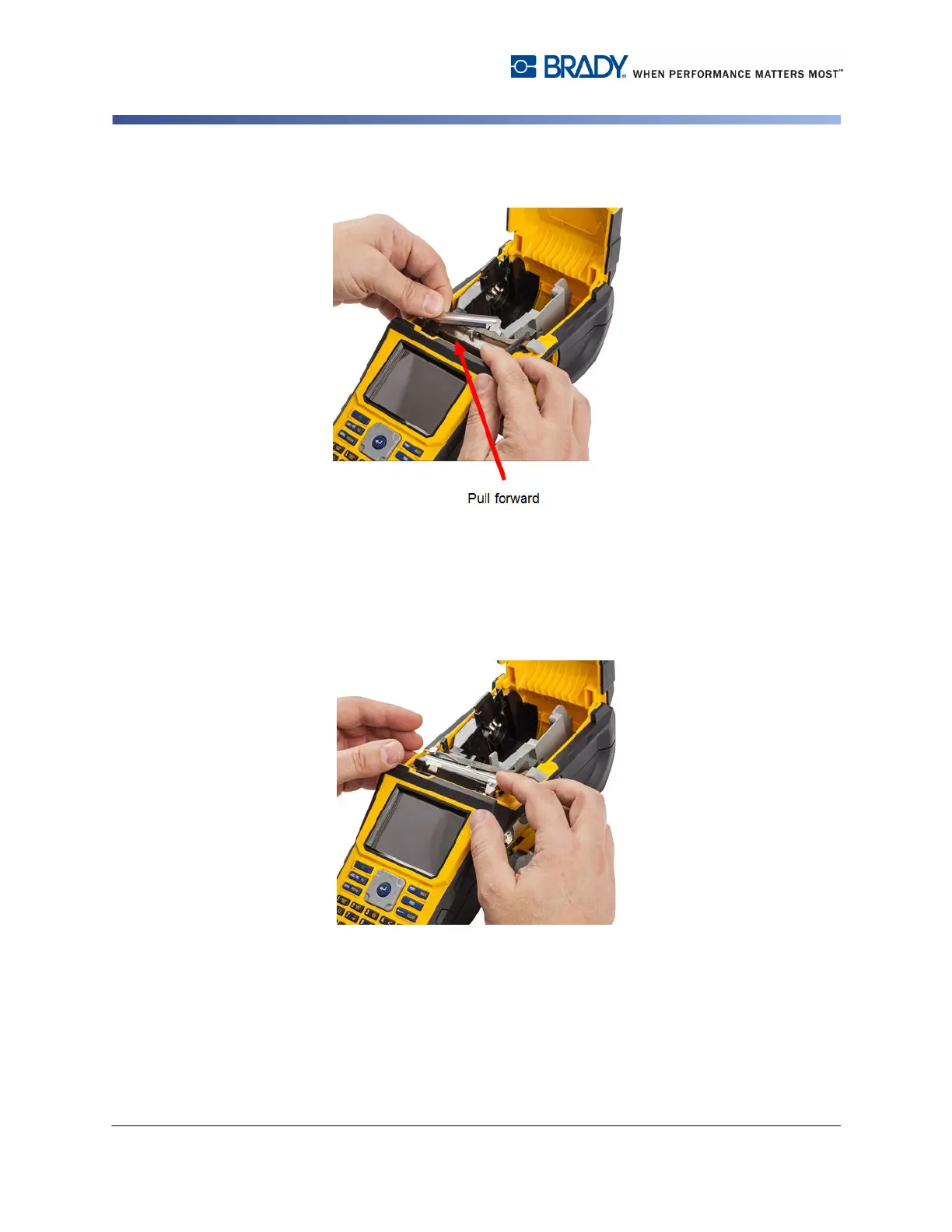
The blade cover snaps in easily.
To remove the cutter blade cover:
1. From inside the media well, slip your finger under the right side of the blade
cover and gently pull up to unhook the blade cover.
The blade cover releases easily.



 To Next Page