BMP
®
61 Label Printer
User’s Manual
1-17
Media
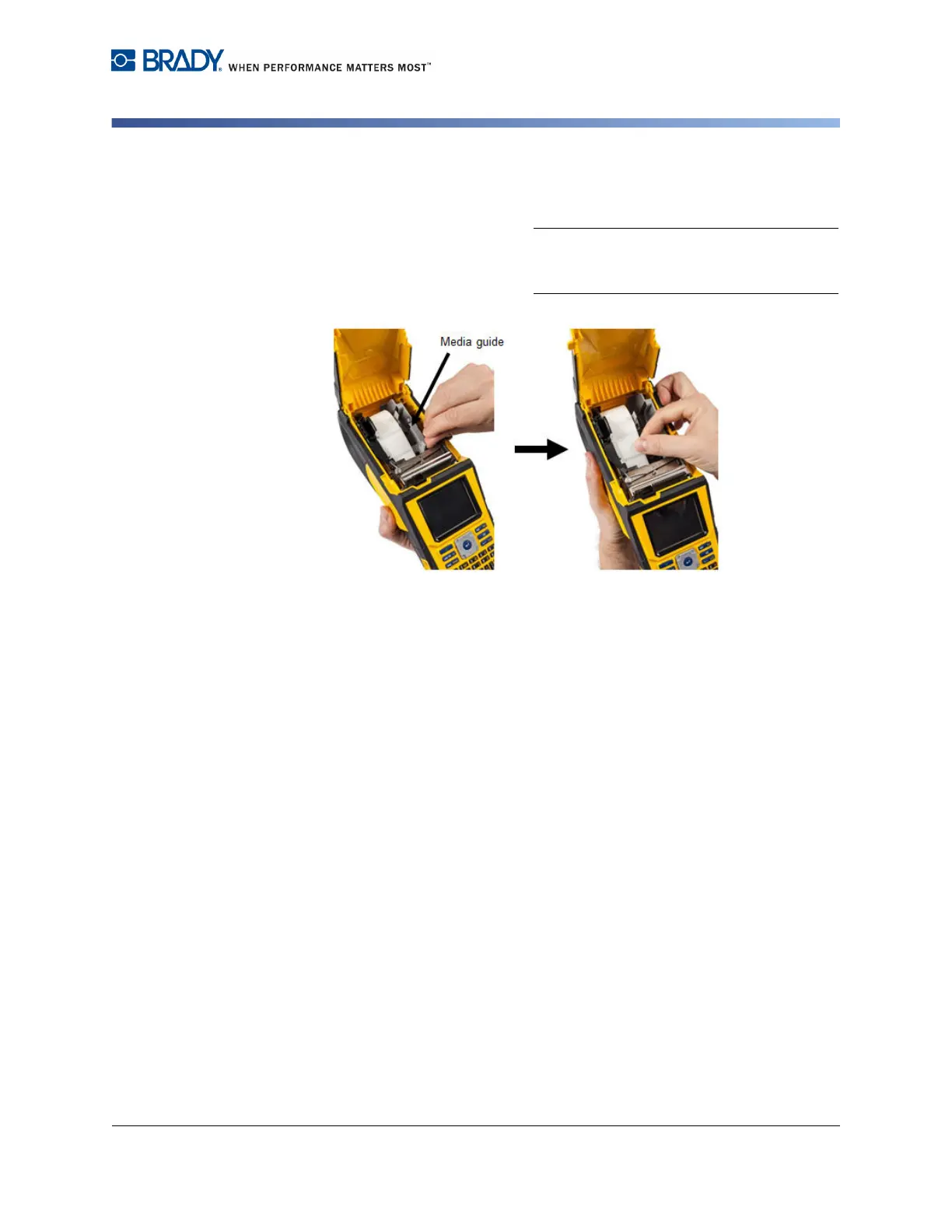
3. If using anything but a 2-inch width
media, slide the media guide to the left
until it fits snugly up against the media
roll and clicks into place.
4. Feed the leading edge of the media roll
through the guide slots until it stops.
Note: Make sure the printhead is engaged by
flipping the printhead lock lever forward (to the
left) before inserting media into guides.
5. With the Power on, press Feed button once to feed media under printhead.
6. Close the cover by pushing down on it until it snaps into place.



 To Next Page