BMP
®
61 Label Printer
User’s Manual
1-31
Navigation and Editing
Function Key Description
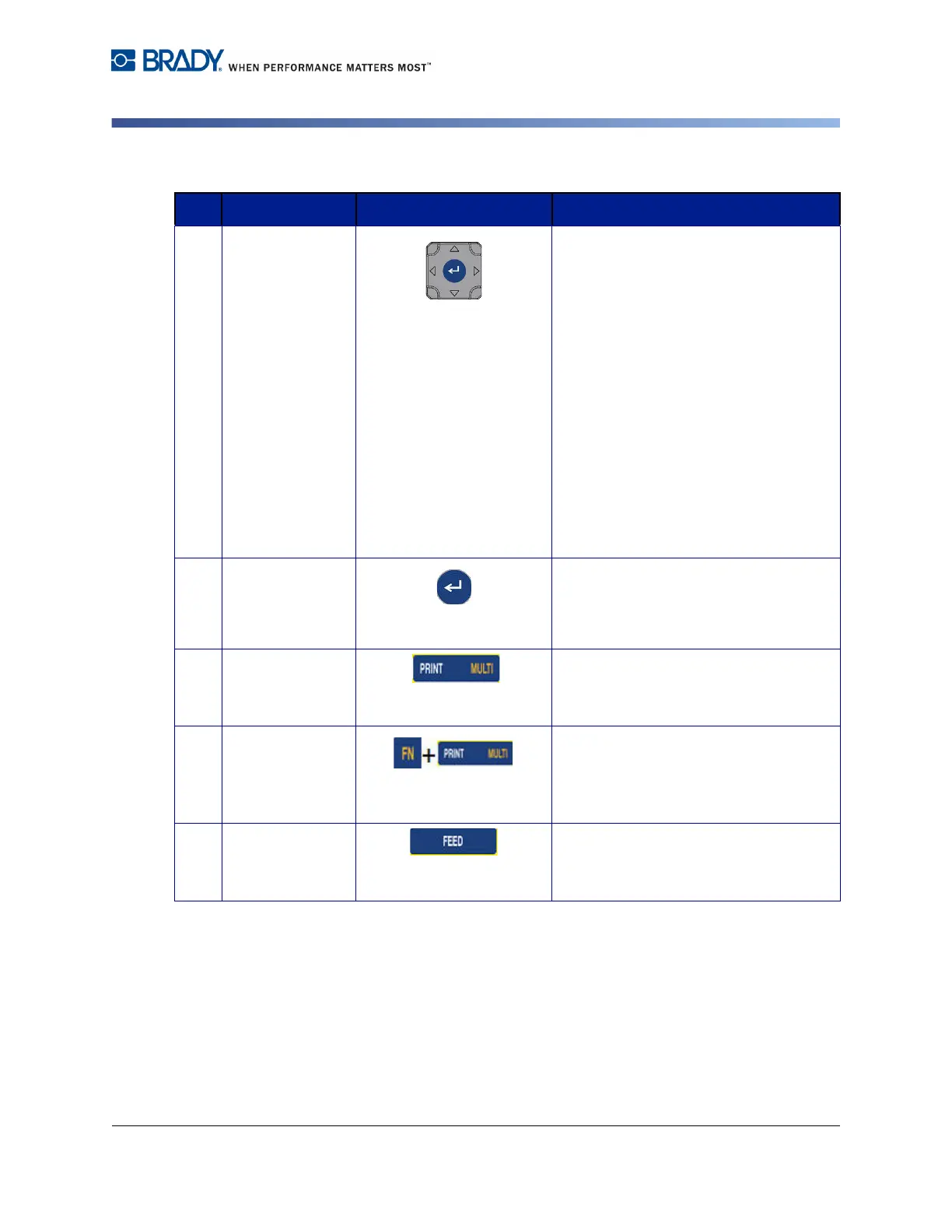
1 Navigation Keys Navigation keys:
• In a line of text, move the cursor left
or right a character at a time, or up
and down a line at a time.
• In menus, move the selection left or
right in a primary menus; up or
down through a secondary, or sub-
menu.
• In a dialog box, move up/down or
left/right through the fields. In a field
with a drop down list, after pressing
OK, moves the cursor up or down
through the list.
• In Print Preview, scrolls left or right
through multiple areas on a label.
2 ENTER Key
• Adds a new blank line to a label.
• Accepts menu items and attributes.
3 Print Key Prints all labels in a label file. (Refer to
"Print” on page 5-1).
Multi-Print Key Brings up options to set various print
parameters (such as number of copies,
print range, and mirror print) before
printing.
4 Feed Key Feeds the media through the printer.
(Refer to "Loading Media” on page 1-
16).



 To Next Page