3-14 BMP
®
61 Label Printer
User’s Manual
Labels and Areas
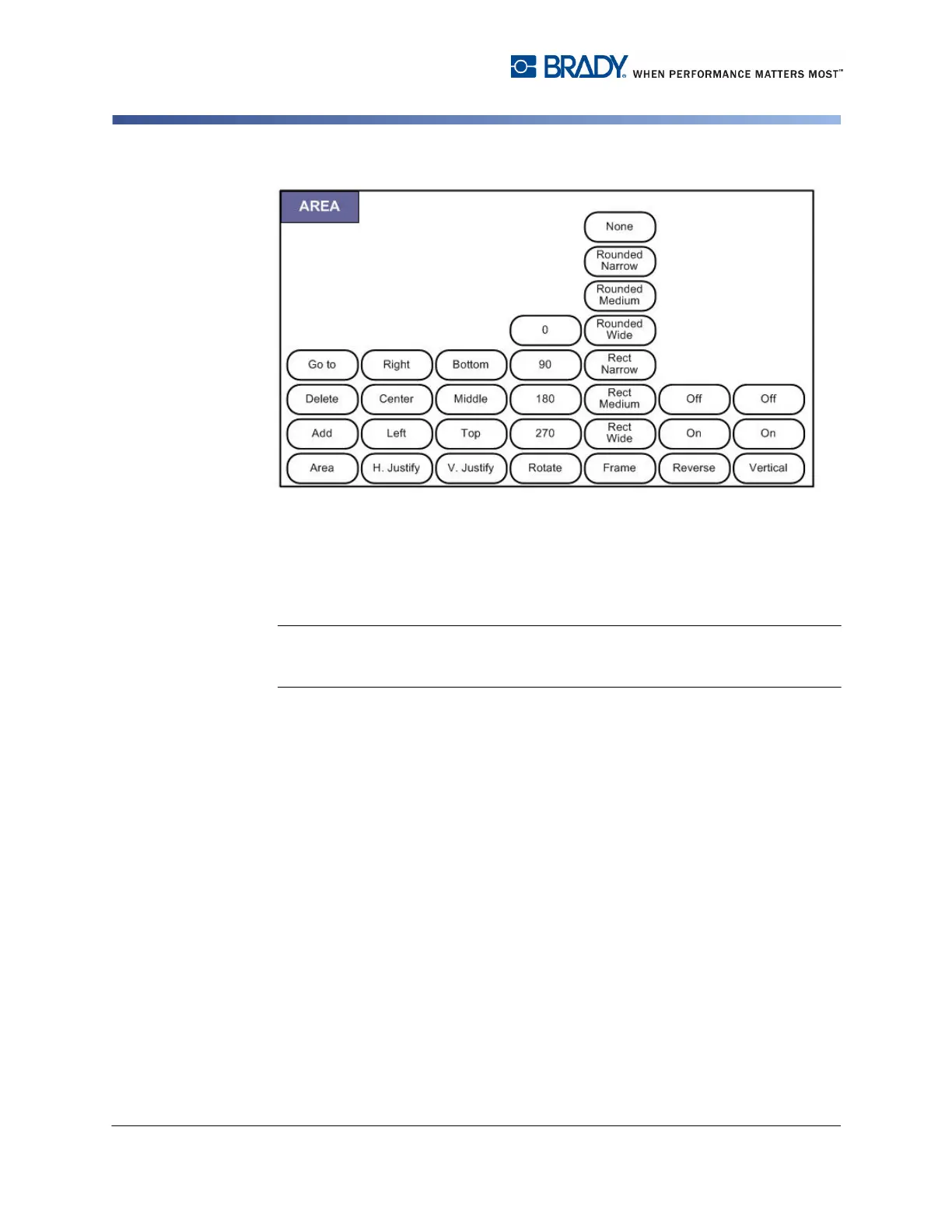
Figure 3-7. Area menu options
Areas are used to apply different formatting (such as justification, rotation, and
frames) to different parts of a single label. Areas can only be added to continuous
media set to auto length mode. However, area formatting can be applied to die cut
labels that have pre-defined areas.
Note: You cannot set a fixed length of an area on a label that has multiple areas.
The size of the area is based on the amount of data entered and the font size of
that data.
The number of areas, and the font size used on the first line of data in those areas,
repeat on a new label when one is added to the file.
Only the current area displays on the editing screen. Use Print Preview (see "Print
Preview” on page 5-2) to view the label with all its areas.



 To Next Page