3-26 BMP
®
61 Label Printer
User’s Manual
Labels and Areas
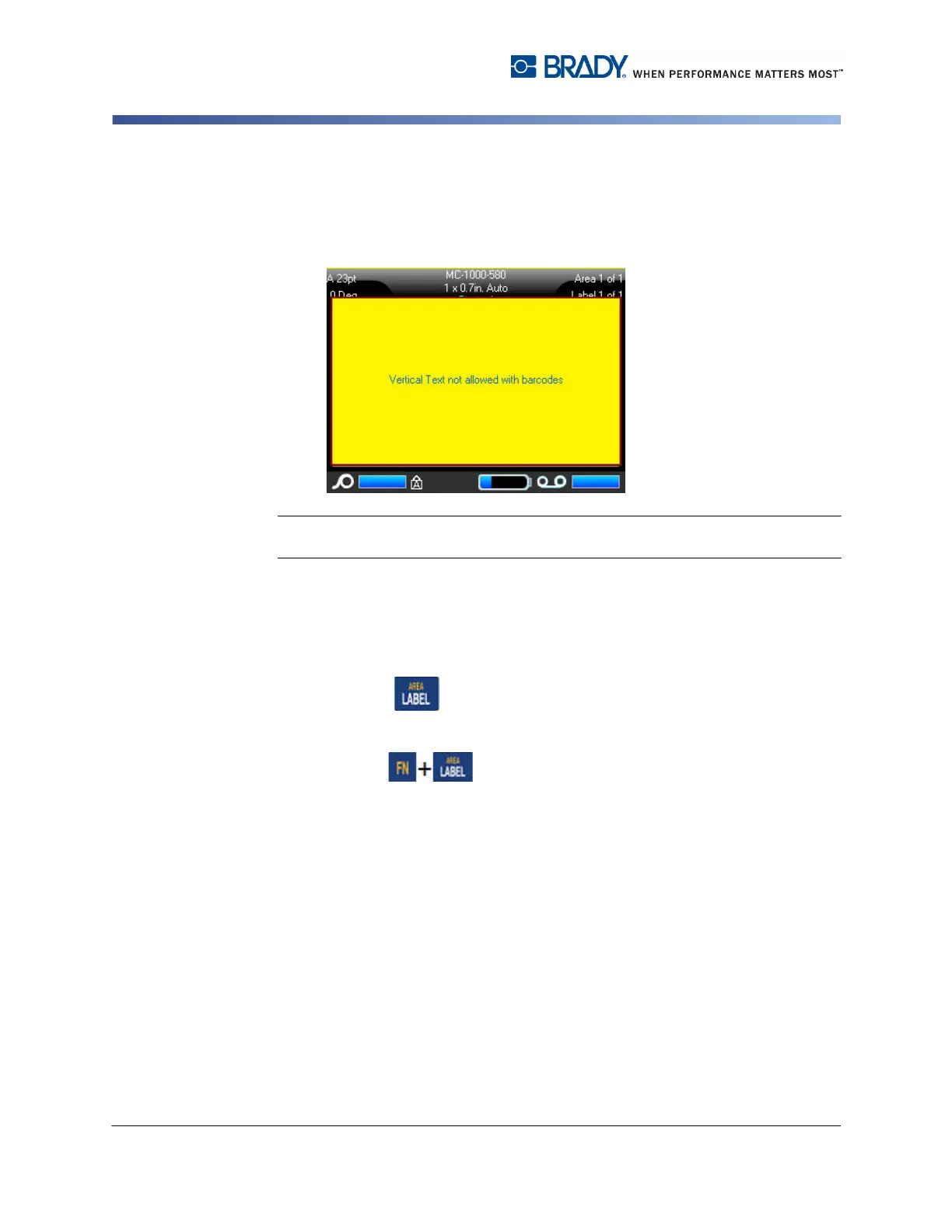
If a barcode is in the line of text to be placed vertically, or if the height of the label
cannot accommodate the vertical placement of text, an error message displays.
Note: See "Error Messages” on page 2-4 for information on clearing an error
message from the screen.
The Editor then displays the text in its original format, without applying the vertical
text option.
To remove the vertical text option, placing text in normal, horizontal format:
1. Navigate to the label or area displaying data as Vertical Text.
2. Press Label .
OR
Press Area .
3. Choose Vertical>OFF.
The text realigns according to predefined formats.



 To Next Page