MAX Operation & Service Manual 69MAX Operation & Service Manual Section4:UnderstandingTheTabletInterface69
Conditioning
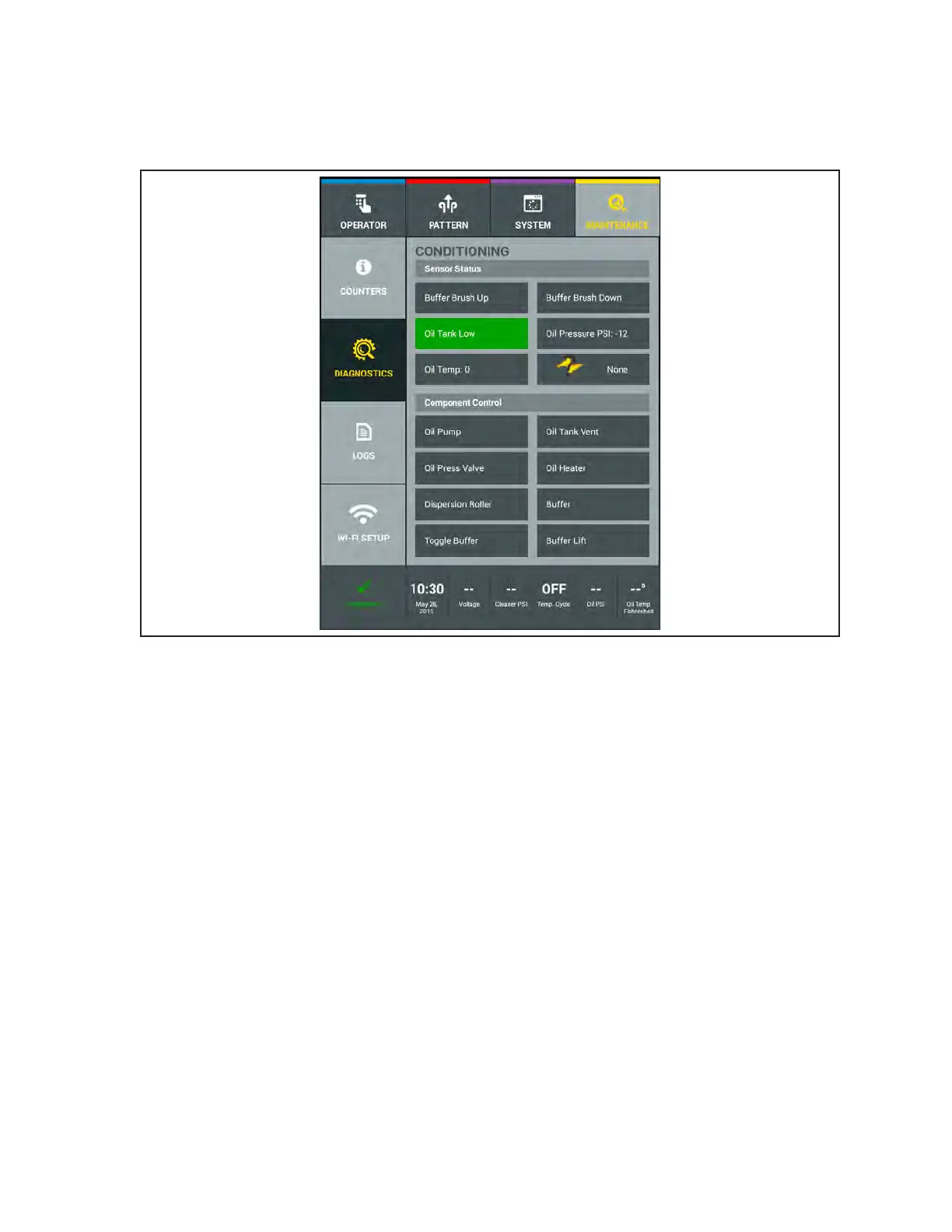
This menu lets you view the current status of all sensors or switches, and view or test all motors in the
conditioning system. Refer to Figure4-37.
Figure4-37.MaintenanceDiagnosticsConditioning
To view a cleaning system sensor position or test a motor function:
1. Go to the Maintenance menu and select Diagnostics, then select Conditioning.
2. Select the Component Function you wish to test by pressing that button.
3. If there are corresponding sensors, you will see the Sensor Status change.



 To Next Page