70 MAX Operation & Service Manual70 Section4:UnderstandingTheTabletInterface MAX Operation & Service Manual
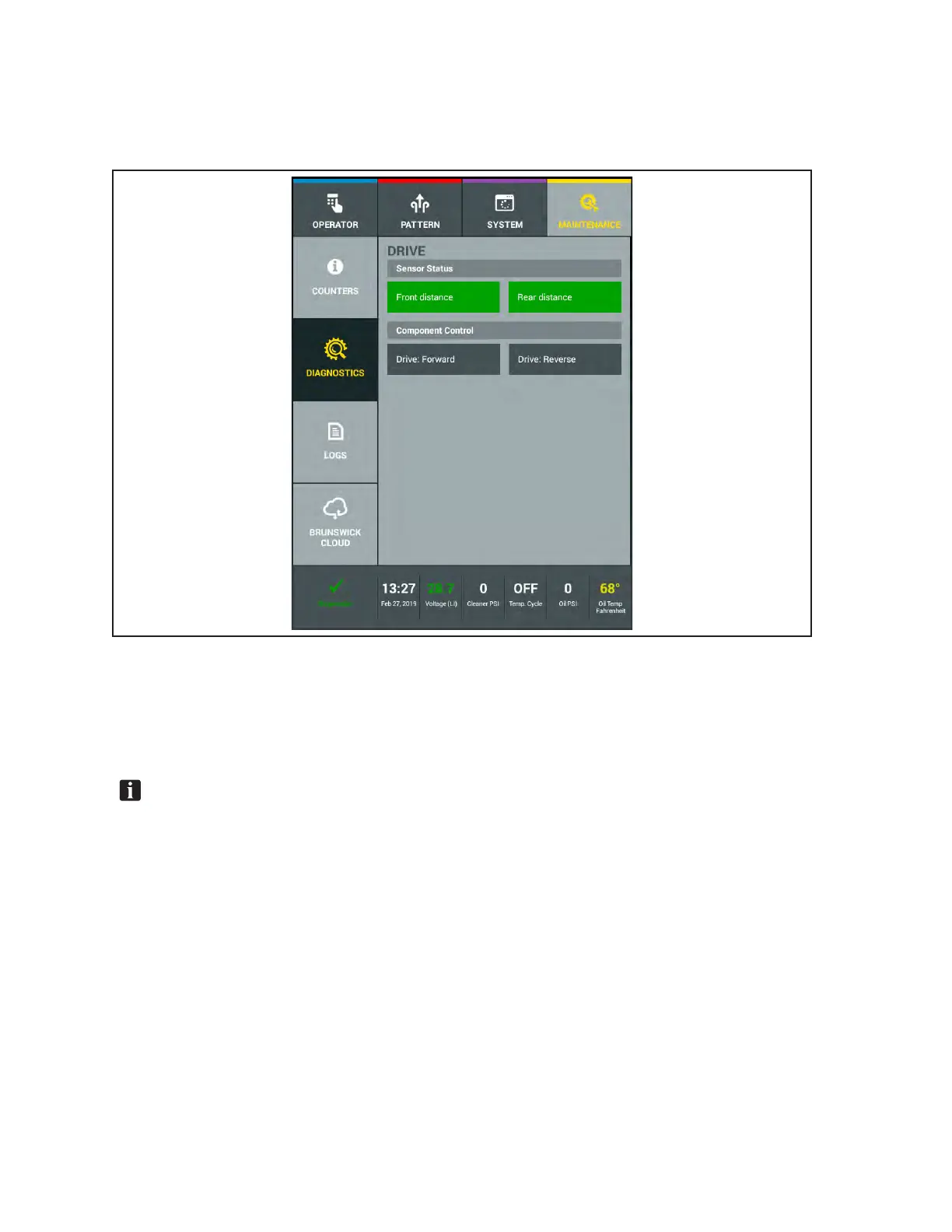
Drive
This menu lets you view the current status of all sensors or switches, and view or test all motors in the
conditioning system. Refer to Figure4-38.
Figure4-38.MaintenanceDiagnosticsDrive
To view a cleaning system sensor position or test a motor function:
1. Go to the Maintenance menu and select Diagnostics, then select Drive.
2. Select either Drive: Forward or Drive: Reverse to turn on drive motor.
NOTE:Thefrontdistancesensorisonthemaintractiondriveshaftandcanbeseenoperate
withthecoversopen.Thesensorwillashandthescreenwillrefreshataslowerratethanthe
actualsensor.Therearsensormustbeturnedbyhandtoseethefunctiononthetabletscreen.



 To Next Page