MAX Operation & Service Manual 71MAX Operation & Service Manual Section4:UnderstandingTheTabletInterface71
Oil Injector Test
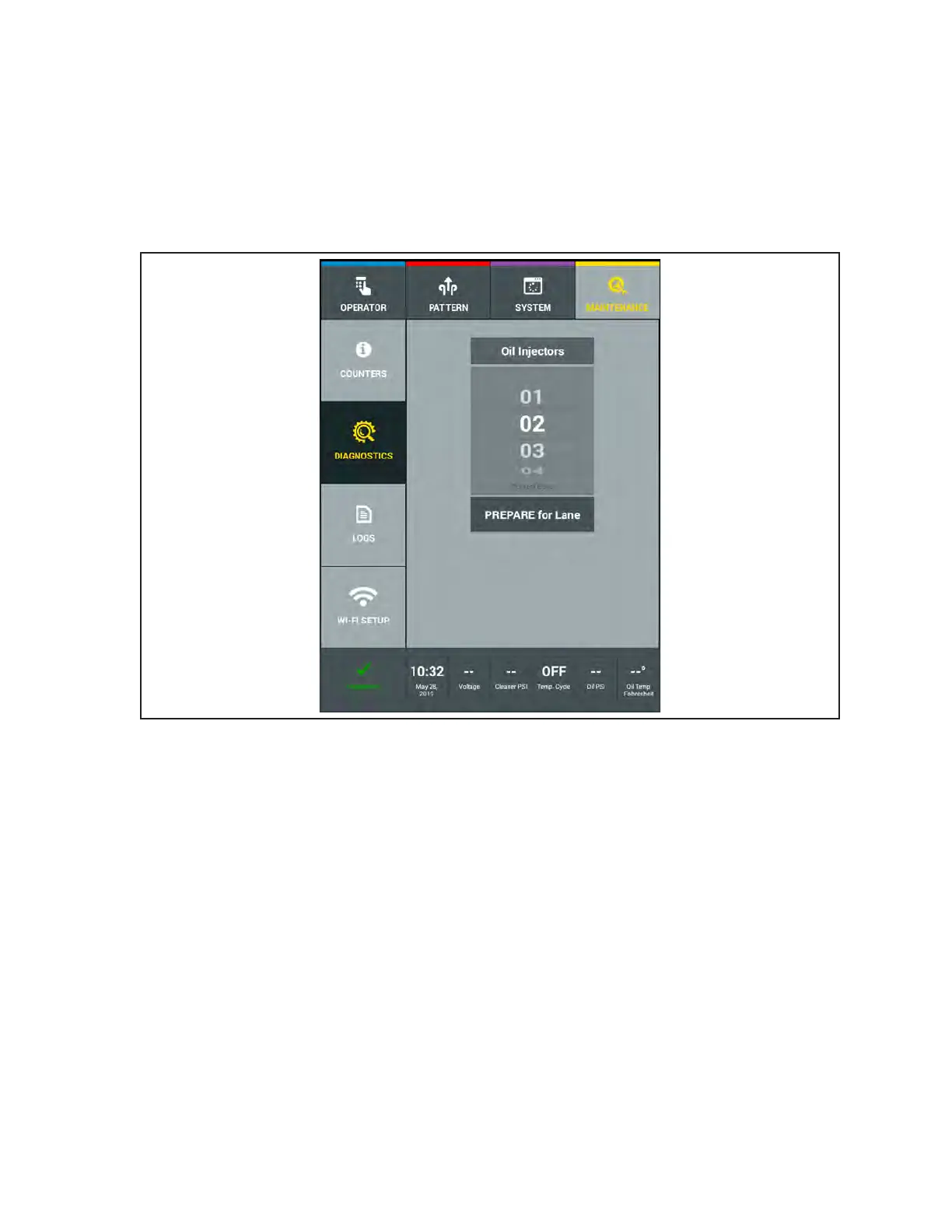
The test for the Oil Injectors is designed for the technician to visually see each injectors spray pattern.
This diagnostic function veries that each injector is ring properly and to identify if an injector has
failed or not creating the appropriate spray pattern. The machine will travel approximately 25 feet down
the lane during this test. The process includes cleaning the lane and ring each injector in a sequential
order allowing the technician to easily see each injection without interference by the buffer brush. Refer
to Figure 4-39.
Figure4-39.MaintenanceDiagnosticsOilInjectorTest
Performing the Oil Injector Test
1. Go to the Maintenance menu and select Diagnostics, then select Oil Injector Test.
2. Press “PREPARE for Lane” and the machine will prepare itself to run.
3. Push the machine on the lane surface when message appears.
4. Press OK a second time to begin the test.



 To Next Page