MVX250i E, MVX200i E, MVX200 E
GENERAL DESCRIPTION OF PRODUCT
33
6-11 Other
6-11-1
Consecutive shooting mechanism
Can be used starting in Recording Pause or Stop mode, or starting with the power off. This does
not apply to cases where the cassette has been removed.
6-11-2 Automatic stop function When forward still image playback is continued for approx. 5 minutes, or reverse still image
playback is continued for approx. 5 minutes. When a condensation warning is displayed. When
the tape end or beginning is reached.
6-11-3 Power automatic stop function When Recording Pause continues for approx. 5 min. When the battery voltage falls below a
specified value.
6-11-4 Time code Automatically written during recording. Time code values range from 0:00:00:00 to 7:59:59:24
(hours:minutes:seconds:frames).
6-11-5 World clock display Set reference city (city of time clock setting) and select name of city when shooting. Date and
time are automatically adjusted to local date and time, and recorded in data code.
6-11-6 Speaker Built-in, volume control provided
6-11-7 File transfer
a. USB file transfer Still images (JPEG files) and motion video (Motion JPEG files) recorded on memory cards can
be uploaded to a PC and still images (JPEG files) on the PC can be downloaded to memory cards
in the camcorder by connecting the included IFC-300PCU interface cable between a USB port
on the PC and the USB port of the camcorder.
b. DV file transfer Still images (JPEG files) and motion video (Motion JPEG files) recorded on memory cards can
be uploaded to a PC and still images (JPEG files) and motion video (Motion JPEG files) on the
PC can be downloaded to memory cards in the camcorder by connecting a CV-150F (or CV-
250F) DV cable between an IEEE1394 port on the PC and the DV terminal of the camcorder.
6-11-8 Analog / Digital conversion Converts analog AV signals input to the AV terminal into digital DV signals in real-time and
(PAL models excluded) outputs the digital DV signals from the DV terminal.
When an 8 mm video player or VHS video player is connected with the camcorder using an AV
cable, and the camcorder is connected to a PC using a DV cable, playback images can be trans-
ferred from the 8 mm tape or VHS tape to the PC. (Under the VCR settings on the VCR menu
screen, set AV input ⇒ DV output to ON.)
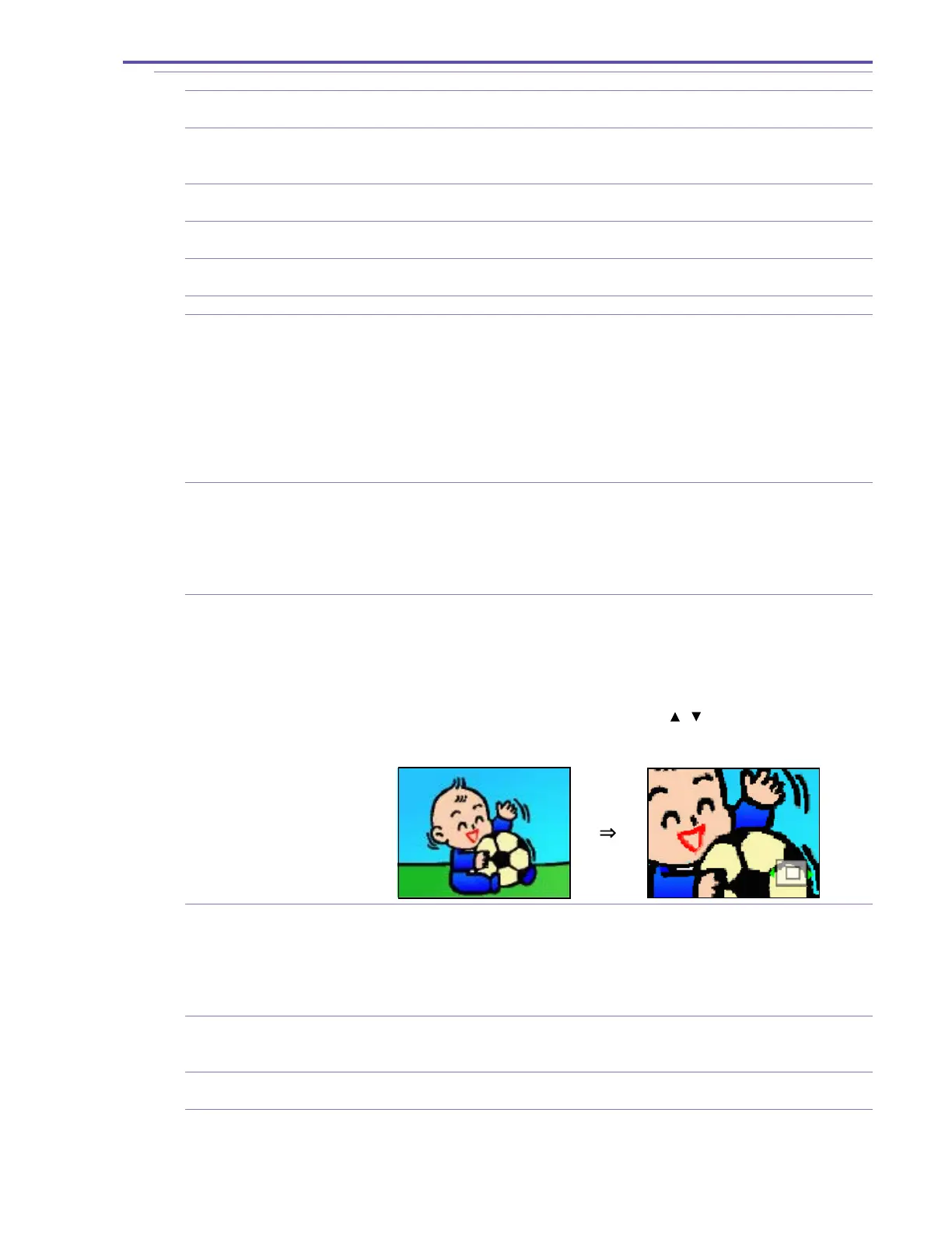
6-11-9 Playback zoom If the zoom lever is flipped to the tele side during image playback from the tape or card (MVX250i
E only, except for motion video), the image being played back can be enlarged to 5 times its size.
When the zoom lever is flipped to the wide side, the enlarged image is returned to its original
size.
Position of the enlarged section during enlarged screen view can be changed by SET button. (On
the LCD monitor, a frame is displayed to show the zoom-in area, and the direction in which the
area can be moved by the SET button is indicated by / .) Toggling between the up/down
and left/right movement direction settings is performed by pressing the SET button. (“Left /
right” is the default setting when the mode is transferred to zoom-in.)
6-11-10 Battery charging function When the CA-570 Canon compact power adapter is connected, the battery pack installed in the
battery pack compartment can be charged. (During charging, the charge lamp flashes (one flash
with a charge level of 0% to 50%, and two flashes with a charge level of more than 50%) or it
lights (when the charging is complete with a charge level of 97% or more)).
Charging time NB-2L : Approx. 110 min., NB-2LH : Approx. 115 min.,
(when power switch is at OFF) BP-2L12 : Approx. 180 min., BP-2L14 : Approx. 210 min.
6-11-11 Simultaneous still image If the photo button is pressed while motion video is recorded to tape, still images
recording (image size : 640 × 480, image quality : Selectable from Fine or Normal) can be recorded on the
memory card.
6-11-12 Accessory shoe Support for advanced accessory shoe (MVX250i E model), No support for advanced accessory
shoe (MVX200i E, MVX200 E model)
6-11-13 Recording lamp None



 To Next Page