CAPINTEC, INC. CAPRAC
®
-t
10-4 WIPE MEASUREMENT PROCEDURES April 2021
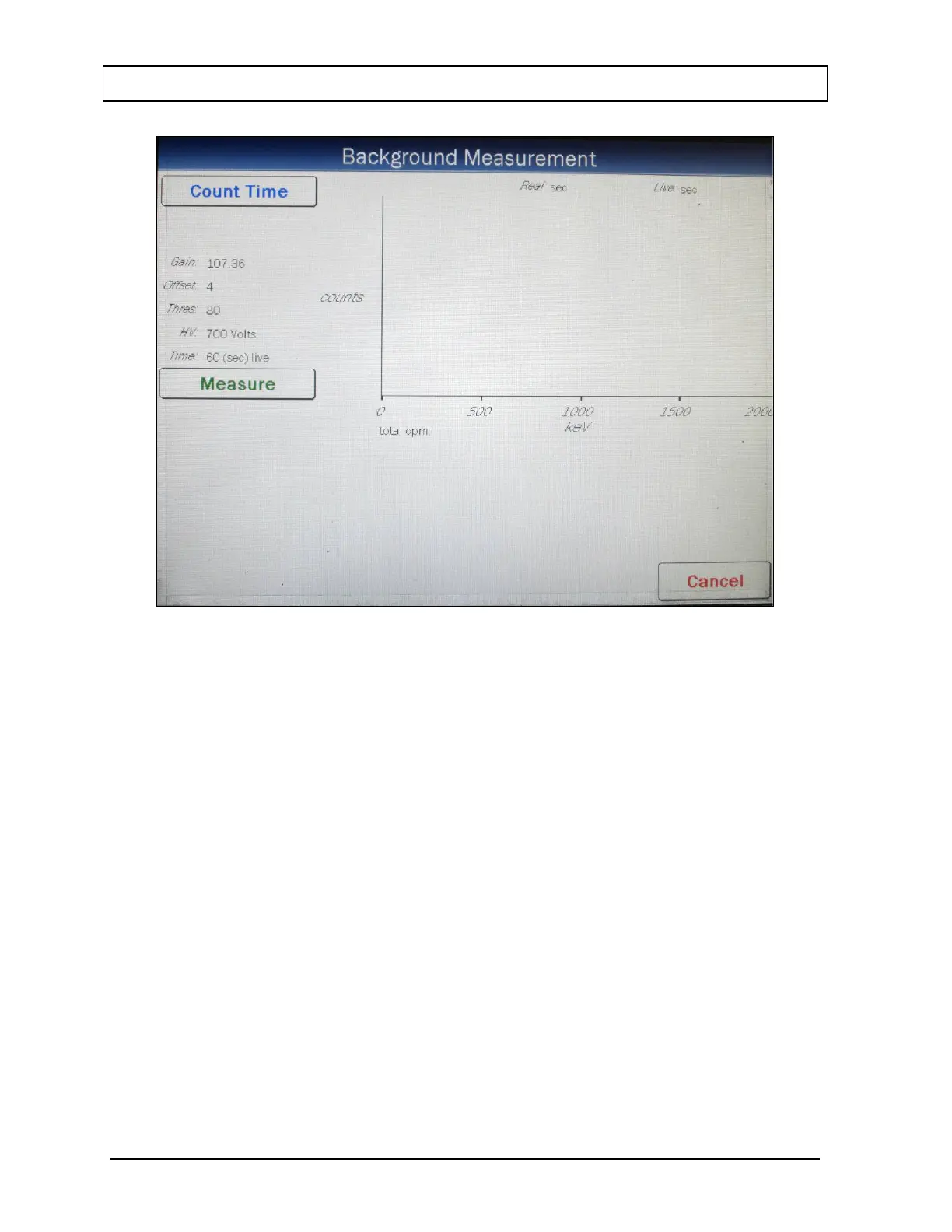
Figure 10-3 Background Measurement Screen
To exit Figure 10-3 Background Measurement Screen, touch the CANCEL button. Figure
10-2 Measurements Screen will re-appear.
Count Time
The last counting period selected is displayed. The default counting time is 60 seconds.
If it is desired to use a different counting time, touch the COUNT TIME button. Figure 10-4
Numeric Keypad Screen will appear.



 To Next Page