CAPINTEC, INC. CAPRAC
®
-t
6-42 WELL COUNTER INITIALIZATION April 2021
Package Settings
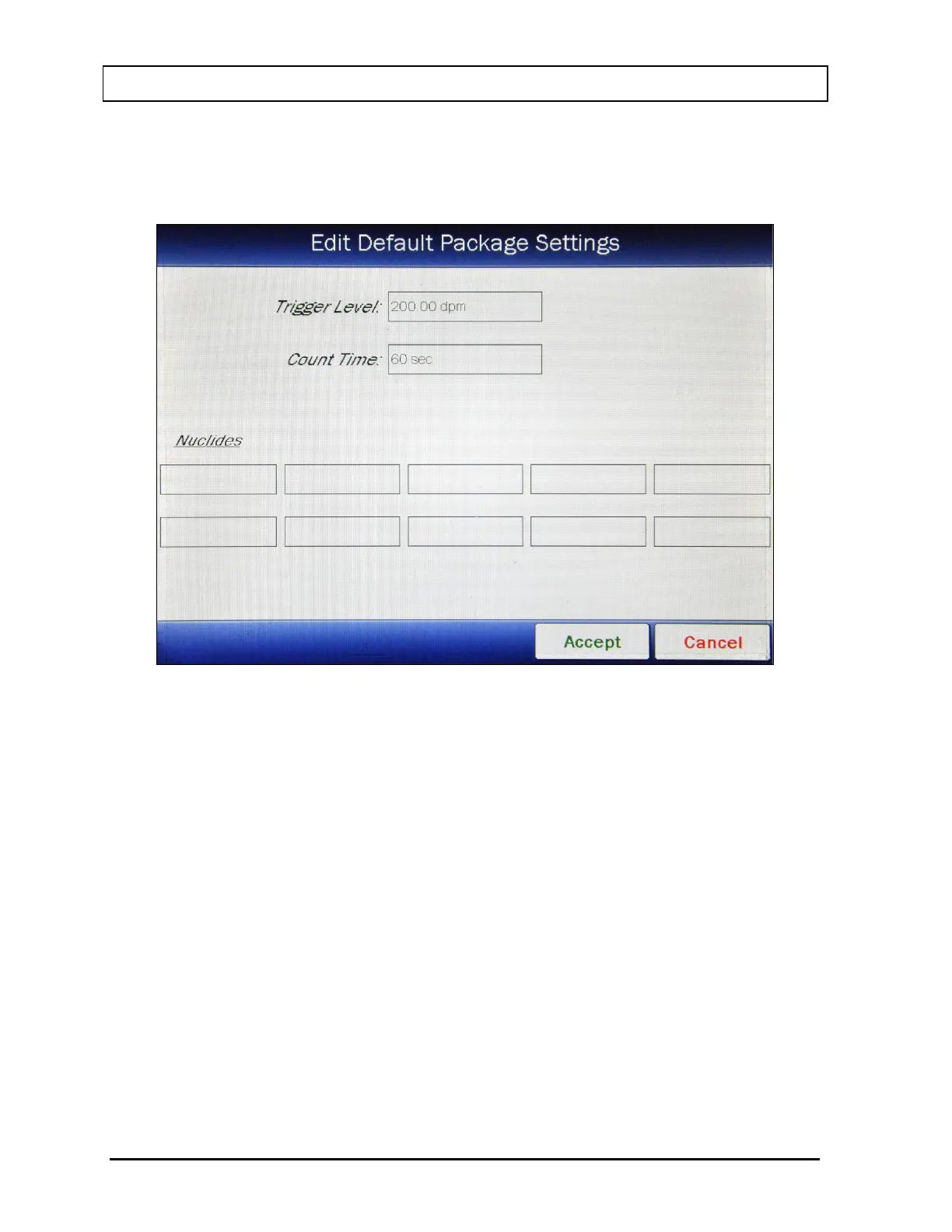
From Figure 6-28 Well Wipes Setup Screen, touch the EDIT DEFAULT PACKAGE
SETTINGS button. Figure 6-33 Edit Default Package Settings Screen will appear.
Figure 6-33 Edit Default Package Settings Screen
Note: The Package Trigger Level will be displayed in dpm if the system is set to Curies or
Bq if set to Becquerels.
Entering the Trigger Level, Count Time and selecting Nuclides to look for in Packages
follows the same procedure as for Work Areas as described beginning on page 6-38.
To save the displayed values, touch the ACCEPT button. Any changes made will be saved
and Figure 6-28 Well Wipes Setup Screen will re-appear.
To return to Figure 6-28 Well Wipes Setup Screen without saving any changes, touch the
CANCEL button.
Setup Location
Before beginning a Wipe Test, at least one location must be set up by the user. By default,
no Wipe Locations are defined.
When the Wipe test is performed, a list of Wipe Locations will be displayed.



 To Next Page