ConfiguringClientQoS
D-Link UnifiedAccessPointAdministrator’sGuide
November2011 Page181
UnifiedAccessPointAdministrator’sGuide
istheACLrulenumber.
•Use1.3.6.1.4.1.6132.1.1.28.10.3.1.4.1.4.97.99.108.49.1tosettheapQosAclRuleSrcIpAddresstoa
valueof192.168.1.0.
•Use1.3.6.1.4.1.6132.1.1.28.10.3.1.5.1.4.97.99.108.49.1tosettheapQosAclRuleSrcIpMasktoavalue
of0.0.0.255.
•Use1.3.6.1.4.1.6132.1.1.28.10.3.1.6.1.4.97.99.108.49.1tosetapQosAclRuleSrcProtocoltoavalueof
80(HTTP).
•Use1.3.6.1.4.1.6132.1.1.28.10.3.1.16.1.4.97.99.108.49.1tosetapQosAclRuleCommittoavalueof1
(true),whichsaves
therule.
5. Addanotherruletoacl1thatallowsalltrafficfromthehostwithanIPaddressof192.168.1.23.
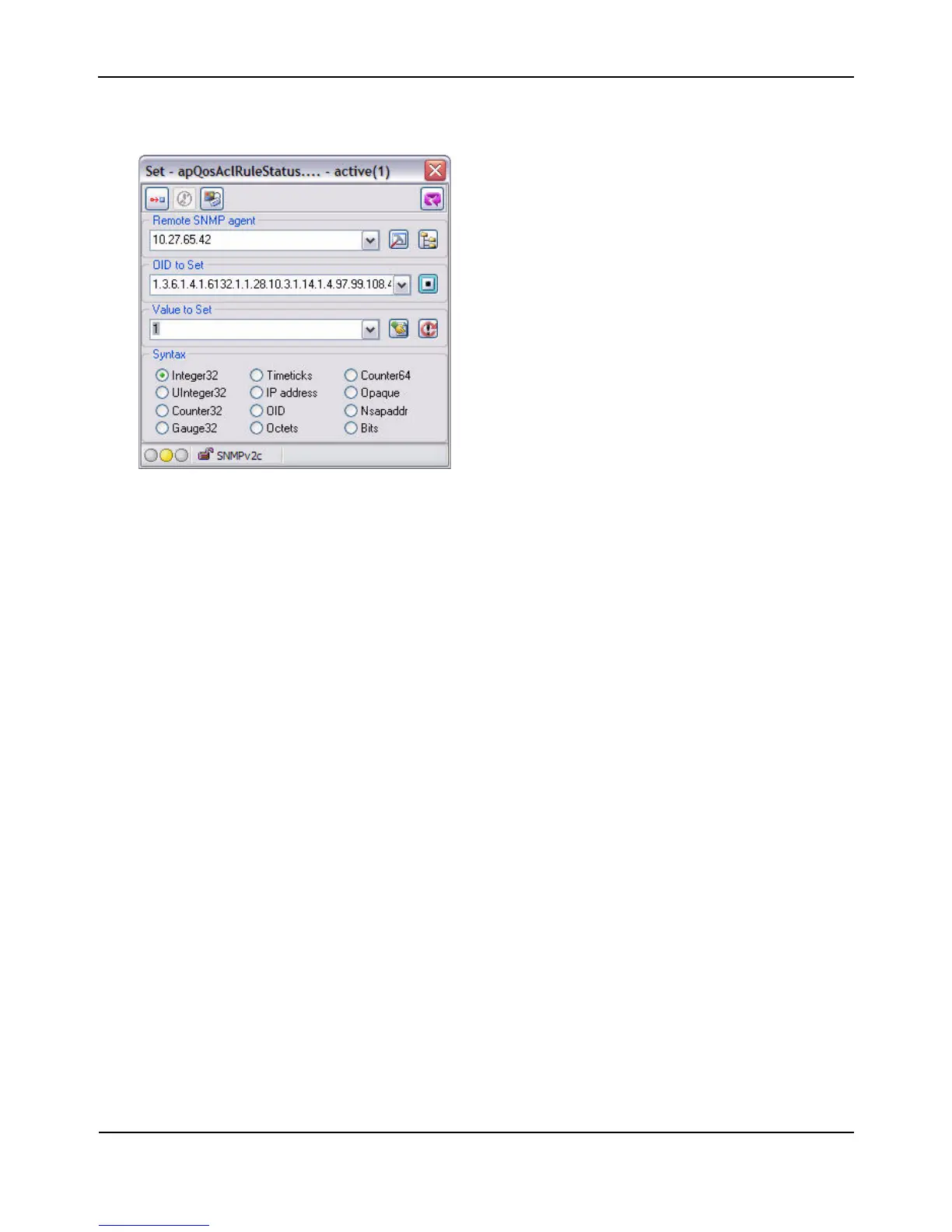
•Use1.3.6.1.4.1.6132.1.1.28.10.3.1.14.1.4.97.99.108.49.2tosettheapQosAclRuleStatusofRule2to
active(1)
•Use1.3.6.1.4.1.6132.1.1.28.10.3.1.4.1.4.97.99.108.49.2tosettheapQosAclRuleSrcIpAddresstoa
valueof192.168.1.23.
•Use1.3.6.1.4.1.6132.1.1.28.10.3.1.5.1.4.97.99.108.49.2tosettheapQosAclRuleSrcIpMaskto
avalue
of0.0.0.0.
•Use1.3.6.1.4.1.6132.1.1.28.10.3.1.16.1.4.97.99.108.49.2tosetapQosAclRuleCommittoavalueof1
(true),whichsavestherule.
6. UsetheapQosGlobalModeobjecttosetthestatustoup(1),whichenablesClientQoSontheAP.
7. WalktheapVapDescriptionobjecttoviewtheinstanceIDforVAP2(wlan0vap2).
VAP
2onRadio1isinstance5.
8. UsetheapVapQosModeobjecttosetthestatusofVAP2toup(1).
9. UsetheapVapAclUpobjecttoapplyacl1toVAP2intheinbounddirection(fromtheclienttotheAP).
TheACLnameisthetextstring,andnotthe
ASCIIcode.














 To Next Page