ViewingInterfaceStatus
D-Link UnifiedAccessPointAdministrator’sGuide
November2011 Page31
UnifiedAccessPointAdministrator’sGuide
ViewingInterfaceStatus
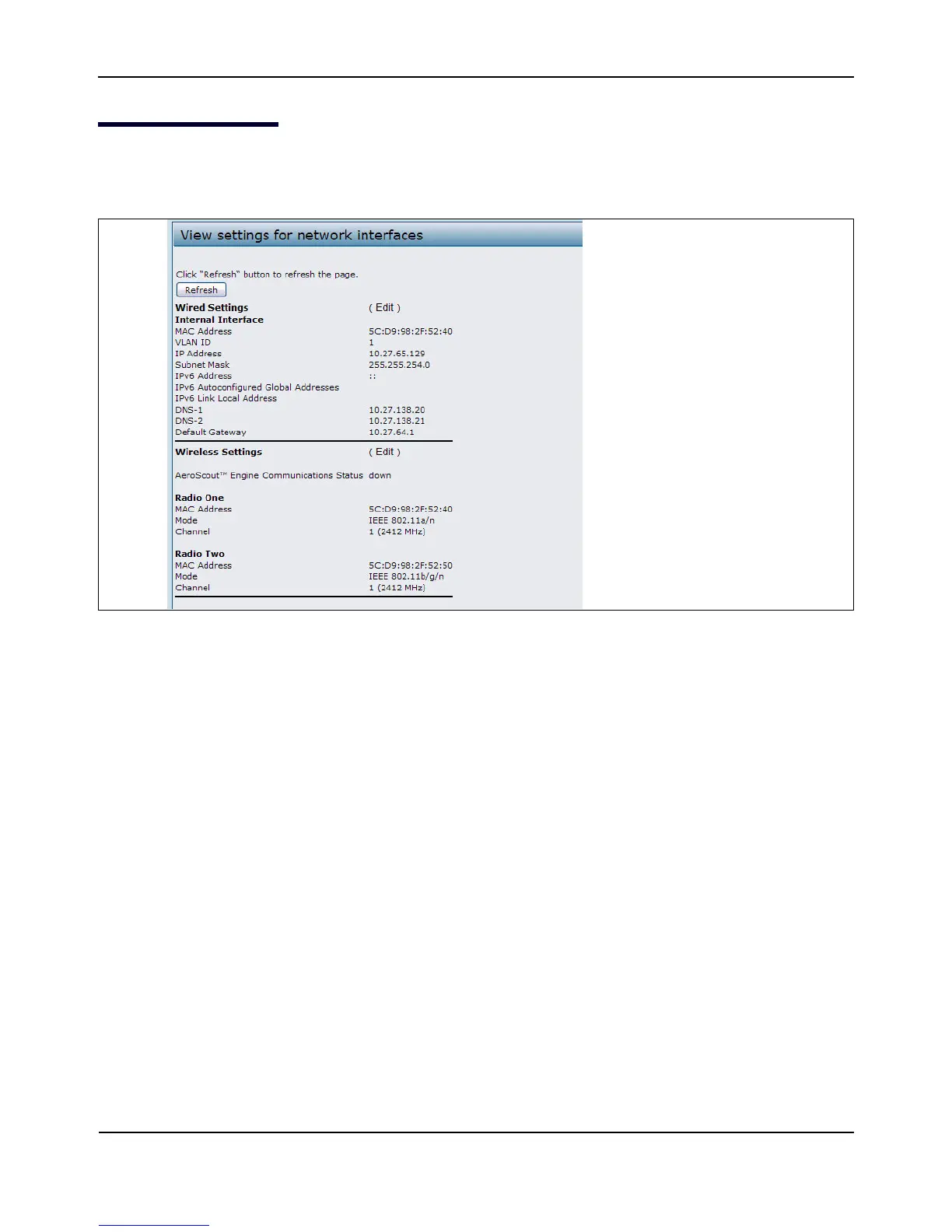
TomonitorEthernetLAN(wired)andwirelessLAN(WLAN)settings,clicktheInterfacestab.
Figure2:ViewingInterfaceStatus
ThispagedisplaysthecurrentsettingsoftheUAP.ItdisplaystheWiredSettingsandtheWirelessSettings.
WiredSettings(InternalInterface)
TheInternalinterfaceincludestheEthernetMACAddress,ManagementVLANID,IPAddress(IPv4andIPv6),
SubnetMask,andDNSinformation.Tochangeanyofthesesettings,clicktheEditlink.AfteryouclickEdit,you
areredirectedtotheEthernetSettingspage.
Forinformationaboutconfiguringthesesettings,see
“ConfiguringtheEthernetSettings”onpage25.
WirelessSettings
TheRadioInterfaceincludestheAeroScout™EngineCommunicationstatus,RadioModeandChannel.The
WirelessSettingssectionalsoshowstheMACaddress(read‐only)associatedwitheachradiointerface.
TochangetheRadioModeorChannelsettings,clicktheEditlink.AfteryouclickEdit,youareredirectedtothe
ModifyWirelessSet tingspage.
Forinformationaboutconfiguringthesesettings,see“WirelessSettings”onpage54and“ModifyingRadio
Settings”onpage58.














 To Next Page