InstallingtheUAP
D-Link UnifiedAccessPointAdministrator’sGuide
November2011 Page20
UnifiedAccessPointAdministrator’sGuide
2. Connectthepoweradaptertothepowerportonthebackoftheaccesspoint,andthenplugtheotherend
ofthepowercordintoapoweroutlet.
3. UseyourWebbrowsertologontotheUAPAdministrationWebpages.
–IftheAPdidnotacquireanIPaddress
fromaDHCPserveronyournetwork,enter10.90.90.91inthe
addressfieldofyourbrowser,whichisthedefaultIPaddressoftheAP.
–Ifyouuse daDHCPserveronyournetworktoautomaticallyconfigurenetworkinformationfortheAP,
enterthenewIPaddressoftheAPinto
theWebbrowser.
–IfyouusedaDHCPserverandyoudonotknowthenewIPaddressoftheAP,usethefollowing
procedurestoobtaintheinformation:
a. ConnectaserialcablefromtheadministrativecomputertotheAPanduseaterminalemulation
programtoaccessthecommand‐line
interface(CLI).
b. Attheloginprompt,enter
adminfortheusernameandadminforthepasswor d.Atthecommand
prompt,enter
getmanagement.
–ThecommandoutputdisplaystheIPaddressoftheAP.Enterthisaddressintheaddressfieldofyour
browser.ForamoredetailedexplanationabouthowtologontotheCLIbyusingtheconsoleport,see
“UsingtheCLItoViewtheIPAddress”onpage24.
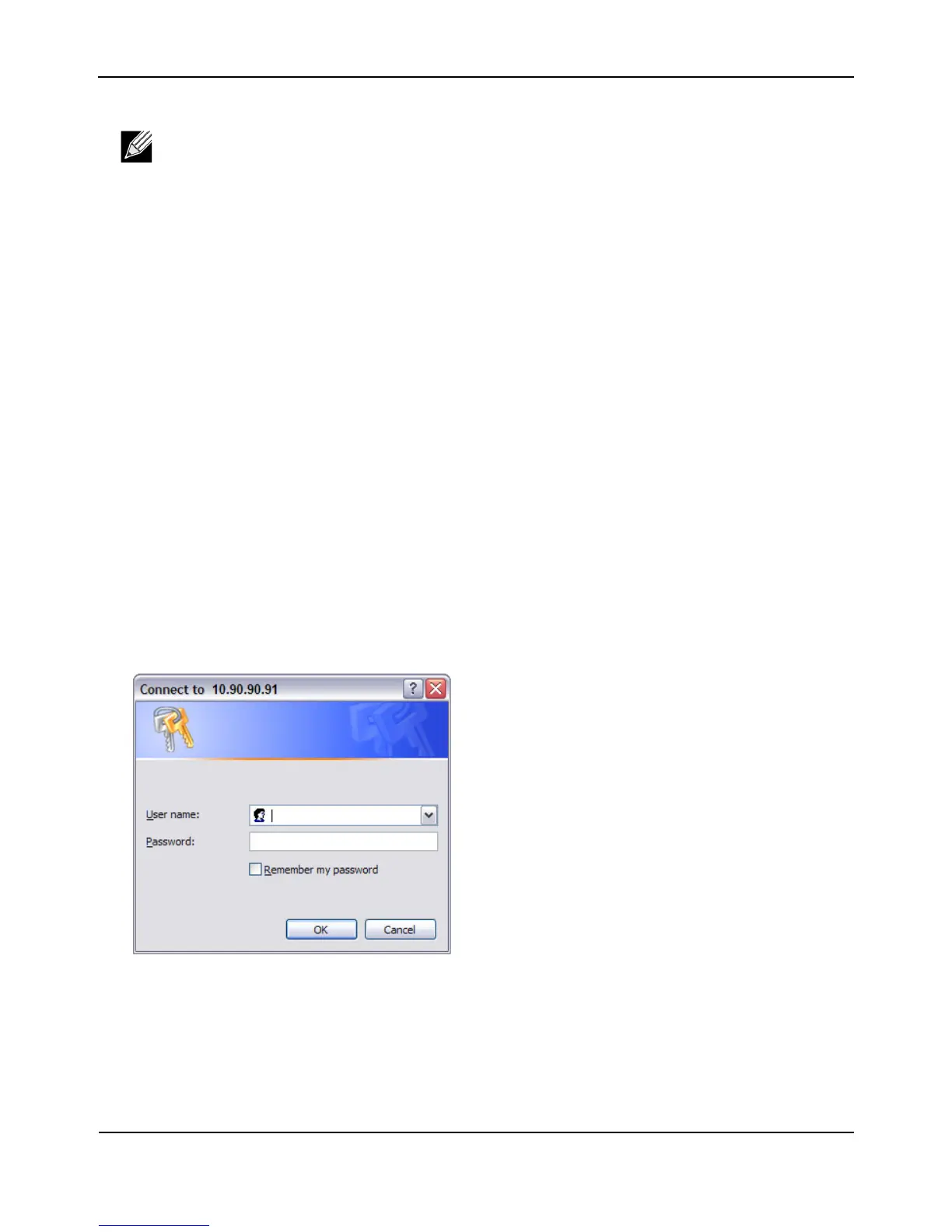
4.
Whenprompted,enteradminfortheusernameandadminforthepassw ord,thenclickOK.
Note:Itispossibletodetectaccesspointsonthenetworkwithawirelessconnection.However,
westronglyadviseagainstusingthismethod.Inmostenvironmentsyoumayhavenowayof
knowingwhetheryouareactuallyconnectingtotheintendedAP.Also,manyoftheinitial
configurationchangesrequiredwill
causeyoutoloseconnectivitywiththeAPoverawireless
connection.














 To Next Page