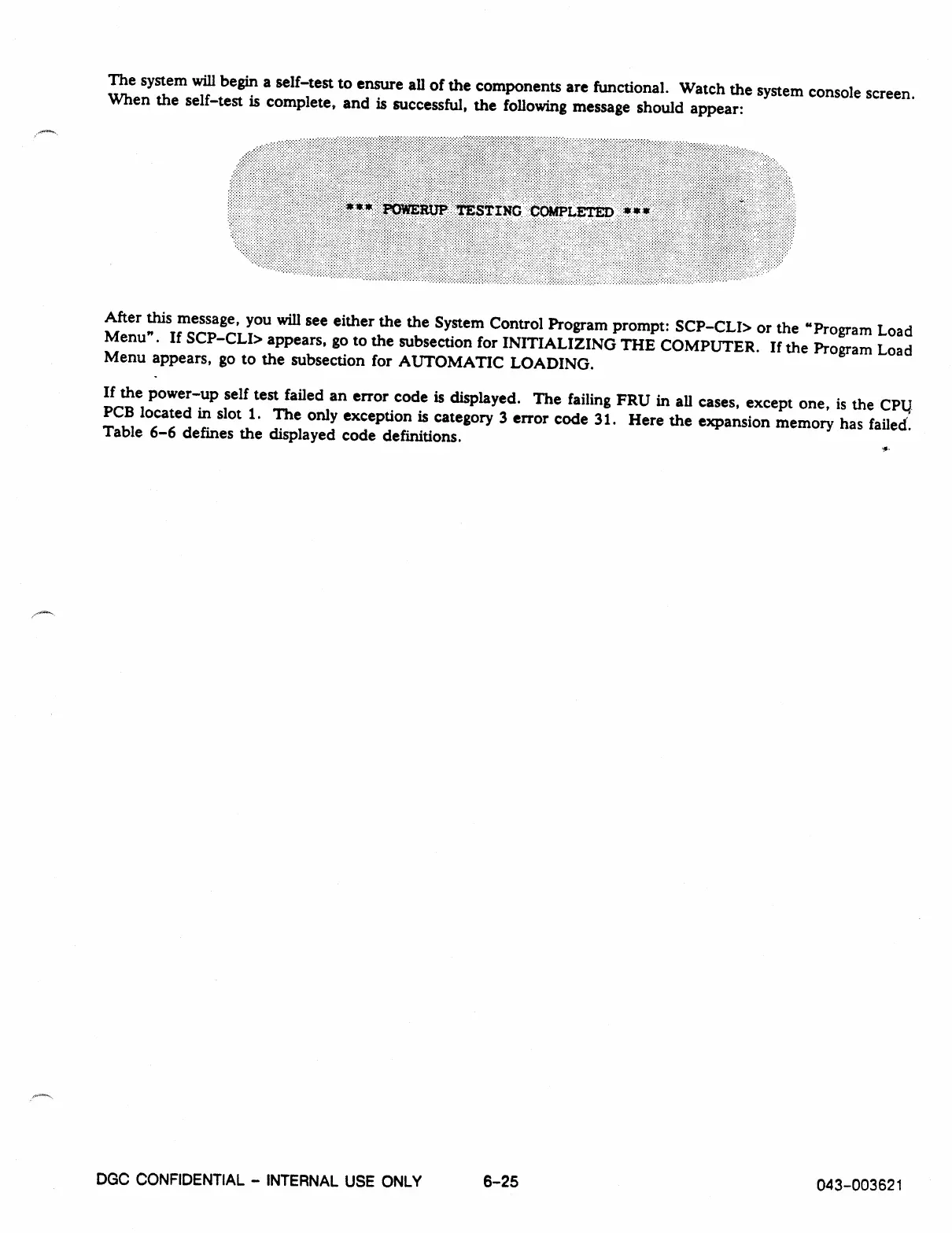
The system will begin a self-test to ensure all of the components are functional. Watch the system console screen.
When the self-test is complete, and is successful, the following message should appear:
After this message, you will see either the the System Control Program prompt: SCP-CLI> or the "Program Load
Menu". If SCP-CLI> appears, go to the subsection for INITIALIZING THE COMPUTER. If the Program Load
Menu appears, go to the subsection for AUTOMATIC LOADING.
If the power-up self test failed an error code is displayed. The failing FRU in all cases, except one, is the CPU
PCB located in slot 1. The only exception is category 3 error code 31. Here the expansion memory has failed.
Table 6-6 defines the displayed code definitions.
DGC CONFIDENTIAL - INTERNAL USE ONLY
6-25
043-003621



 To Next Page