2.10.7 <BREAK>J - Dial String 'VIEW/CHANGE
This command is used to view and change the dialstring. <BREAK>J can only be input at the system console, and
changes can only be made when in the NONE access level setting. There is a maximum of 40 characters in the
dialstring, and a maximum of one clialstring. The dialstring is stored in nonvolatile RAM. The dialstring is an
actual string sent to the autodial modem to dial the phone number that the caller left. The string should not
contain the 'ATD' prefix. The firmware will add the prefix before sending the dialstring to the modern. The
dialstring may contain the following characters:
digits 0 through 9
characters • and #
<space> character (used for clarity; ignored when compared with phone number left by caller, and
ignored by modem when dialing).
- Automatic Touchtone or Pulse dialing
, - Pause
P - Pulse dialing
T - Touchtone dialing
W - Wait for diahone (if available on modem used)
<- Start of portion of dialstring to match with number left by caller
> - End of portion of dialstring to match with number left by caller
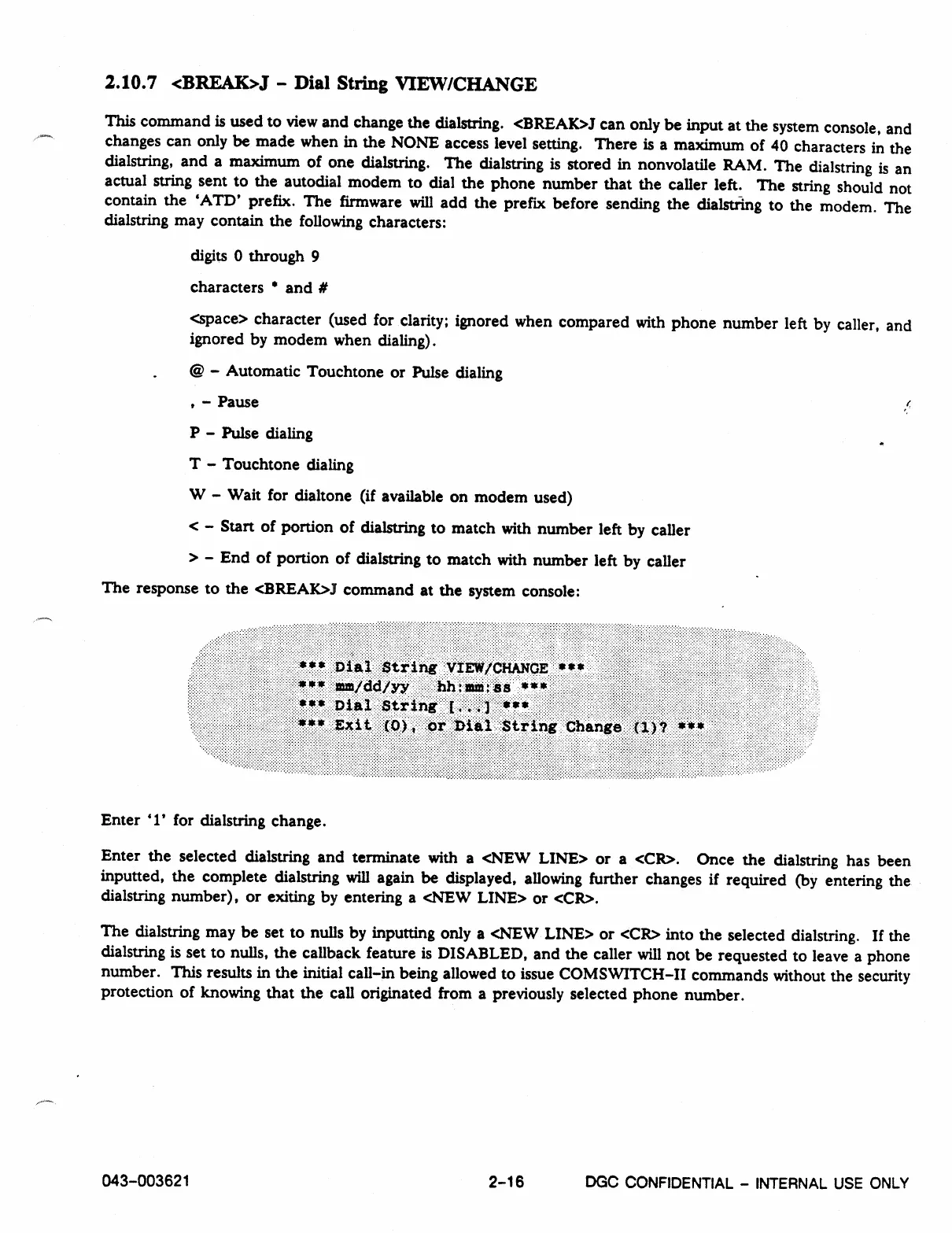
The response to the <BREAIC>.I command at the system console:
Enter 'I' for dialstring change.
Enter the selected dialstring and terminate with a <NEW LINE> or a <CR>. Once the dialstring has been
inputted, the complete dialstring will again be displayed, allowing further changes if required (by entering the
dialstring number), or exiting by entering a <NEW LINE> or <CR>.
The dialstring may be set to nulls by inputting only a <NEW LINE> or <CR> into the selected dialstring. If the
dialstring is set to nulls, the callback feature is DISABLED, and the caller will not be requested to leave a phone
number. This results in the initial call-in being allowed to issue COMSWITCH-II commands without the security
protection of knowing that the call originated from a previously selected phone number.
043-003621
2-16
DGC
CONFIDENTIAL - INTERNAL USE ONLY



 To Next Page