6.8.3 Federal Communications Commission (FCC) Compliance Regulations
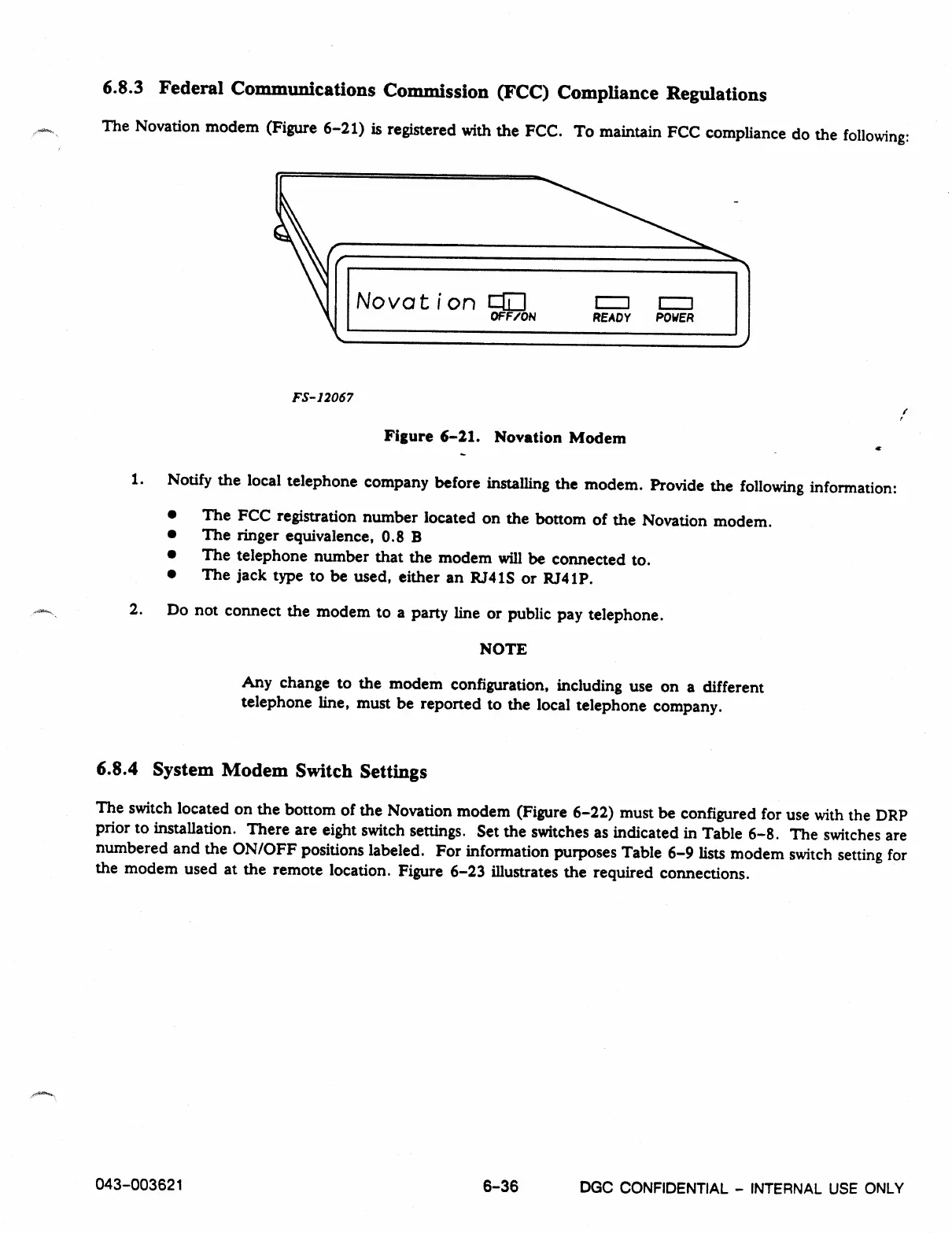
The Novation modem (Figure 6-21) is registered with the FCC. To maintain FCC compliance do the following:
No va t i on 1:=E1
OFF/ON
READY POWER
FS-12067
Figure 6-21. Novation Modem
1. Notify the local telephone company before installing the modem. Provide the following information:
•
The FCC registration number located on the bottom of the Novation modem.
•
The ringer equivalence, 0.8 B
•
The telephone number that the modem will be connected to.
•
The jack type to be used, either an RJ41S or RJ41P.
2. Do not connect the modem to a party line or public pay telephone.
NOTE
Any change to the modem configuration, including use on a different
telephone line, must be reported to the local telephone company.
6.8.4 System Modem Switch Settings
The switch located on the bottom of the Novation modem (Figure 6-22) must be configured for use with the DRP
prior to installation. There are eight switch settings. Set the switches as indicated in Table 6-8. The switches are
numbered and the ON/OFF positions labeled. For information purposes Table 6-9 lists modem switch setting for
the modem used at the remote location. Figure 6-23 illustrates the required connections.
043
-
003621
6
-
36
DGC
CONFIDENTIAL - INTERNAL USE ONLY



 To Next Page