2.10.14.3 Remote Mode (only listed if the Modem is ON-LINE)
Indicates the current connection arrangement between the remote port and the CPU/SYS and IAC/USERS pairs:
•
NONE
Remote port is currently not patched to any of the host system ports.
•
USER
Remote port is currently patched to either the IAC port or the User terminal.
•
SYSTEM
Remote port is currently patched to either the TTO/TTI port or the System
console.
2.10.14.4 Local Console (only listed if in SYSTEM or USER modes)
The local console may be ENABLED/DISABLED by the <BREAK>D command, Read-only mode may be turned
ON/OFF by the <BREAIC>R command, and Conversation mode may be turned ON/OFF by the <BREAIC>C
command.
•
NONE
The local terminal (system console in SYSTEM mode, user terminal in USER
mode) will receive data from the host, and can send data to the host.
•
DISABLED
The local system console in SYSTEM mode will not receive data from the host,
and cannot send data to the host.
•
CONVERSATION Conversation mode is ON, traffic is directly between the remote and local
terminals (system console or user terminal depending on mode).
•
READ-ONLY
The local terminal (system console in SYSTEM mode, user terminal in USER
mode) will receive data from the host but cannot send data to the host.
2.11 REMOTE CONNECT SEQUENCE
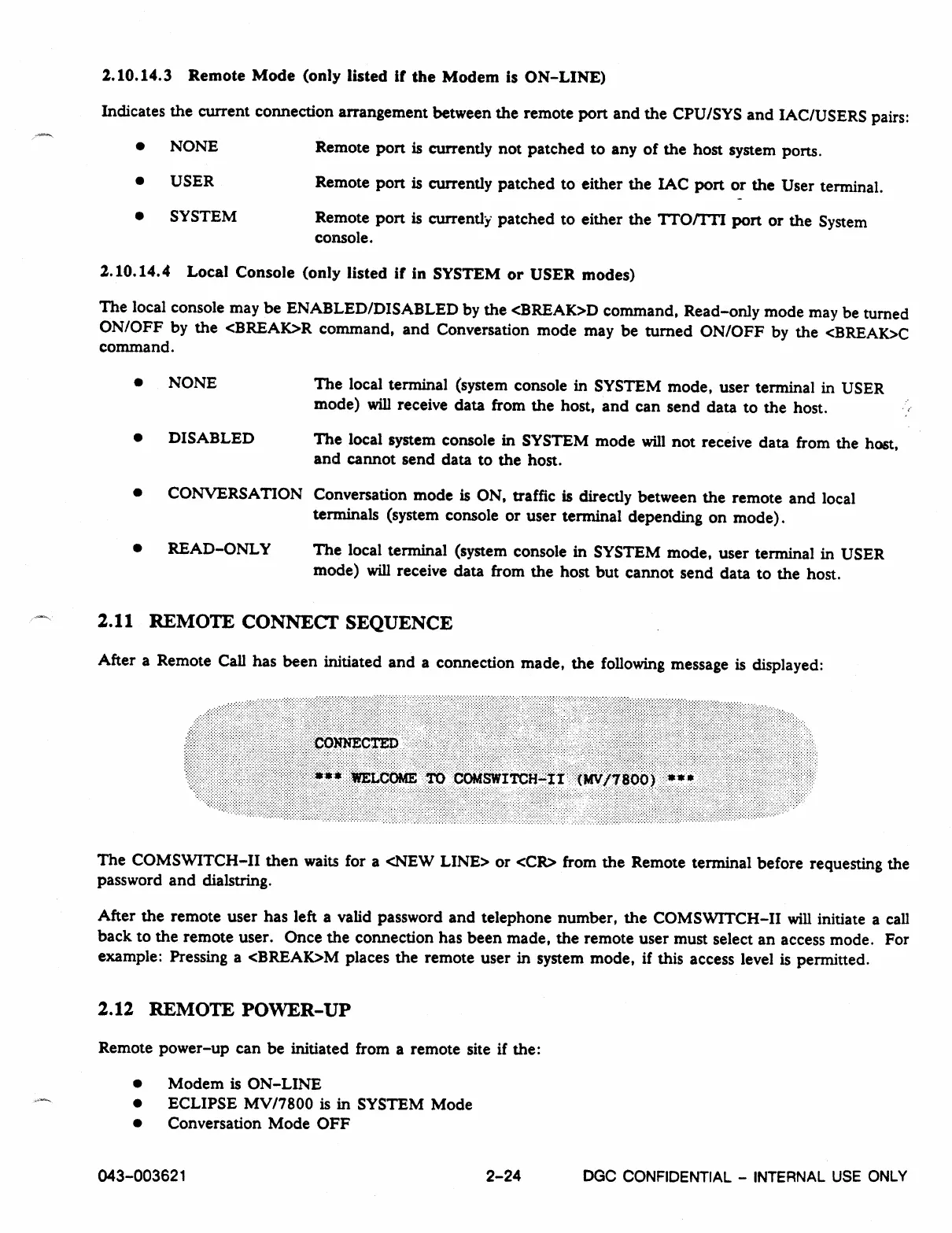
After a Remote Call has been initiated and a connection made, the following message is displayed:
The COMSWITCH-II then waits for a <NEW LINE> or <CR> from the Remote terminal before requesting the
password and dialstring.
After the remote user has left a valid password and telephone number, the COMSWITCH-II will initiate a call
back to the remote user. Once the connection has been made, the remote user must select an access mode. For
example: Pressing a <BREAK>M places the remote user in system mode, if this access level is permitted.
2.12 REMOTE POWER-UP
Remote power-up can be initiated from a remote site if the:
•
Modem is ON-LINE
•
ECLIPSE MV/7800 is in SYSTEM Mode
•
Conversation Mode OFF
043-003621
2-24
DGC CONFIDENTIAL -
INTERNAL USE ONLY



 To Next Page