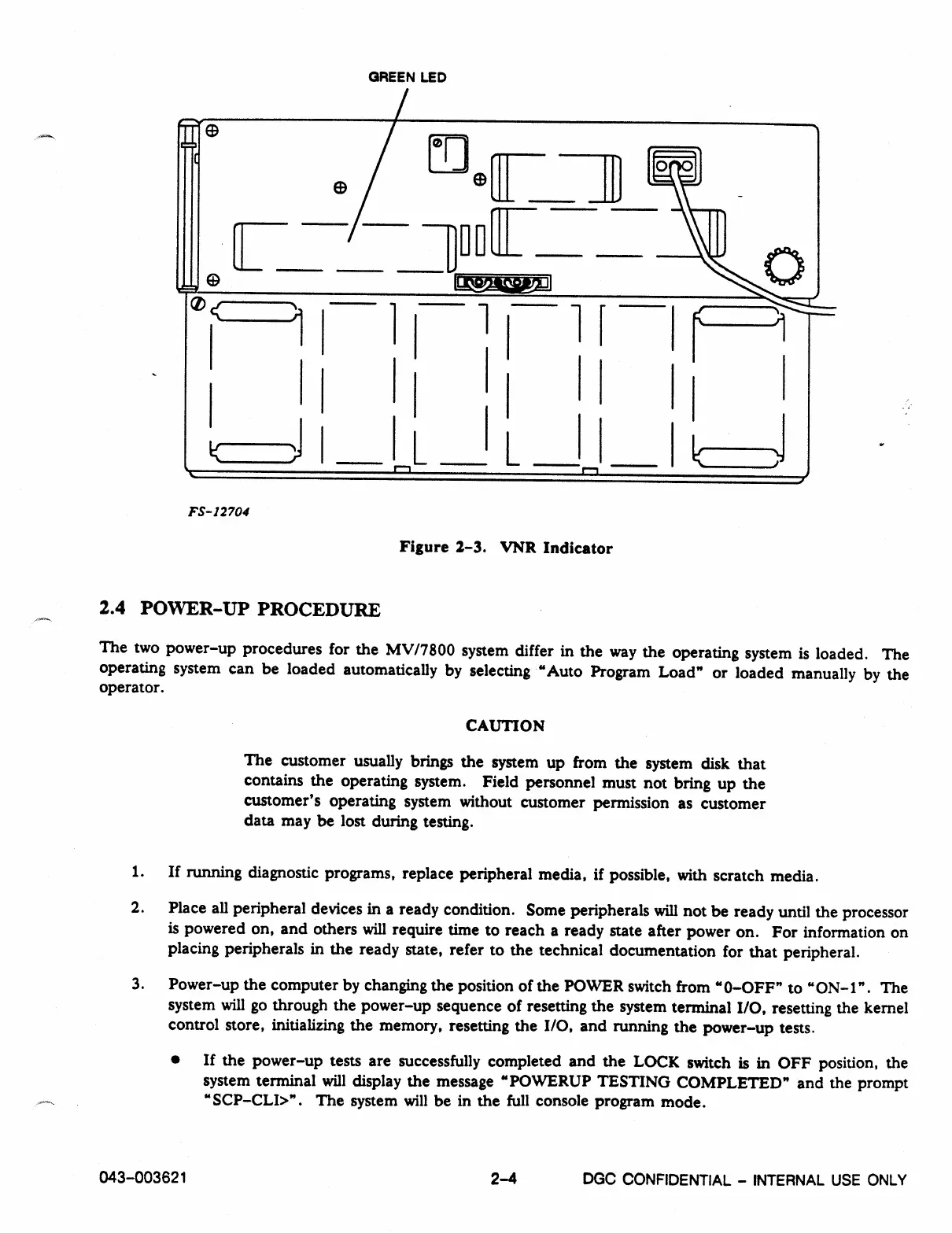
GREEN LED
[10
II
orwomigoni
•-.•-
°<
I
1
-
L
FS-12704
Figure 2-3. 'VNR Indicator
2.4 POWER-UP PROCEDURE
The two power-up procedures for the MV/7800 system differ in the way the operating system is loaded. The
operating system can be loaded automatically by selecting "Auto Program Load" or loaded manually by the
operator.
CAUTION
The customer usually brings the system up from the system disk that
contains the operating system. Field personnel must not bring up the
customer's operating system without customer permission as customer
data may be lost during testing.
1.
If running diagnostic programs, replace peripheral media, if possible, with scratch media.
2.
Place all peripheral devices in a ready condition. Some peripherals will not be ready until the processor
is powered on, and others will require time to reach a ready state after power on. For information on
placing peripherals in the ready state, refer to the technical documentation for that peripheral.
3.
Power-up the computer by changing the position of the POWER switch from "0-OFF" to "ON-1". The
system will go through the power-up sequence of resetting the system terminal I/O, resetting the kernel
control store, initializing the memory, resetting the I/O, and running the power-up tests.
• If the power-up tests are successfully completed and the LOCK switch is in OFF position, the
system terminal will display the message "POWERUP TESTING COMPLETED" and the prompt
"SCP-CLI>". The system will be in the full console program mode.
043-003621
2-4
DGC CONFIDENTIAL - INTERNAL USE ONLY



 To Next Page