6.6 INITIALIZING THE COMPUTER
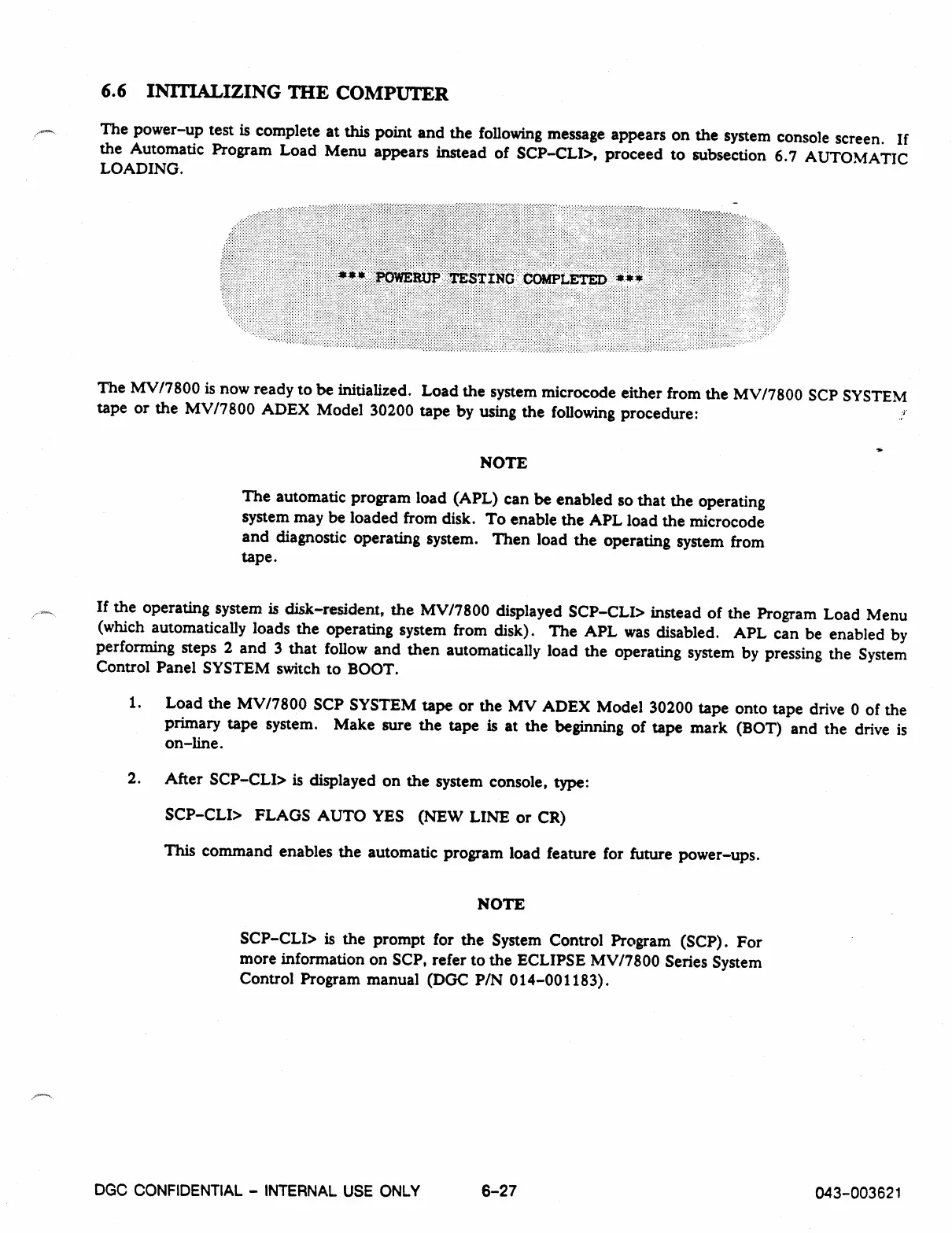
The power-up test is complete at this point and the following message appears on the system console screen. If
the Automatic Program Load Menu appears instead of SCP-CLI>, proceed to subsection 6.7 AUTOMATIC
LOADING.
The MV/7800 is now ready to be initialized. Load the system microcode either from the MV/7800 SCP SYSTEM
tape or the MV/7800 ADEX Model 30200 tape by using the following procedure:
NOTE
The automatic program load (APL) can be enabled so that the operating
system may be loaded from disk. To enable the APL load the microcode
and diagnostic operating system. Then load the operating system from
tape.
If the operating system is disk-resident, the MV/7800 displayed SCP-CLI> instead of the Program Load Menu
(which automatically loads the operating system from disk). The APL was disabled. APL can be enabled by
performing steps 2 and 3 that follow and then automatically load the operating system by pressing the System
Control Panel SYSTEM switch to BOOT.
1.
Load the MV/7800 SCP SYSTEM tape or the MV ADEX Model 30200 tape onto tape drive 0 of the
primary tape system. Make sure the tape is at the beginning of tape mark (BOT) and the drive is
on-line.
2.
After SCP-CLI> is displayed on the system console, type:
SCP-CLI> FLAGS AUTO YES (NEW LINE or CR)
This command enables the automatic program load feature for future power-ups.
NOTE
SCP-CLI> is the prompt for the System Control Program (SCP). For
more information on SCP, refer to the ECLIPSE MV/7800 Series System
Control Program manual (DGC P/N 014-001183).
DGC CONFIDENTIAL - INTERNAL USE ONLY
6-27
043-003621



 To Next Page