2.9.2 Entering Password and Dialstring
When the MV/7800 COMSWITCH-II is first enabled, the password and dialstring are set to nulls. Use the
following procedure to set the password and dialstring or to change them.
1.
At the System console, enter the <BREAIC>A command.
2.
Set the selected password.
3.
Enter the <BREAIC>J command.
4.
Set the selected dialstring (refer to subsection 2.10.7 for details).
2.10 COMSWITCH-II COMMANDS
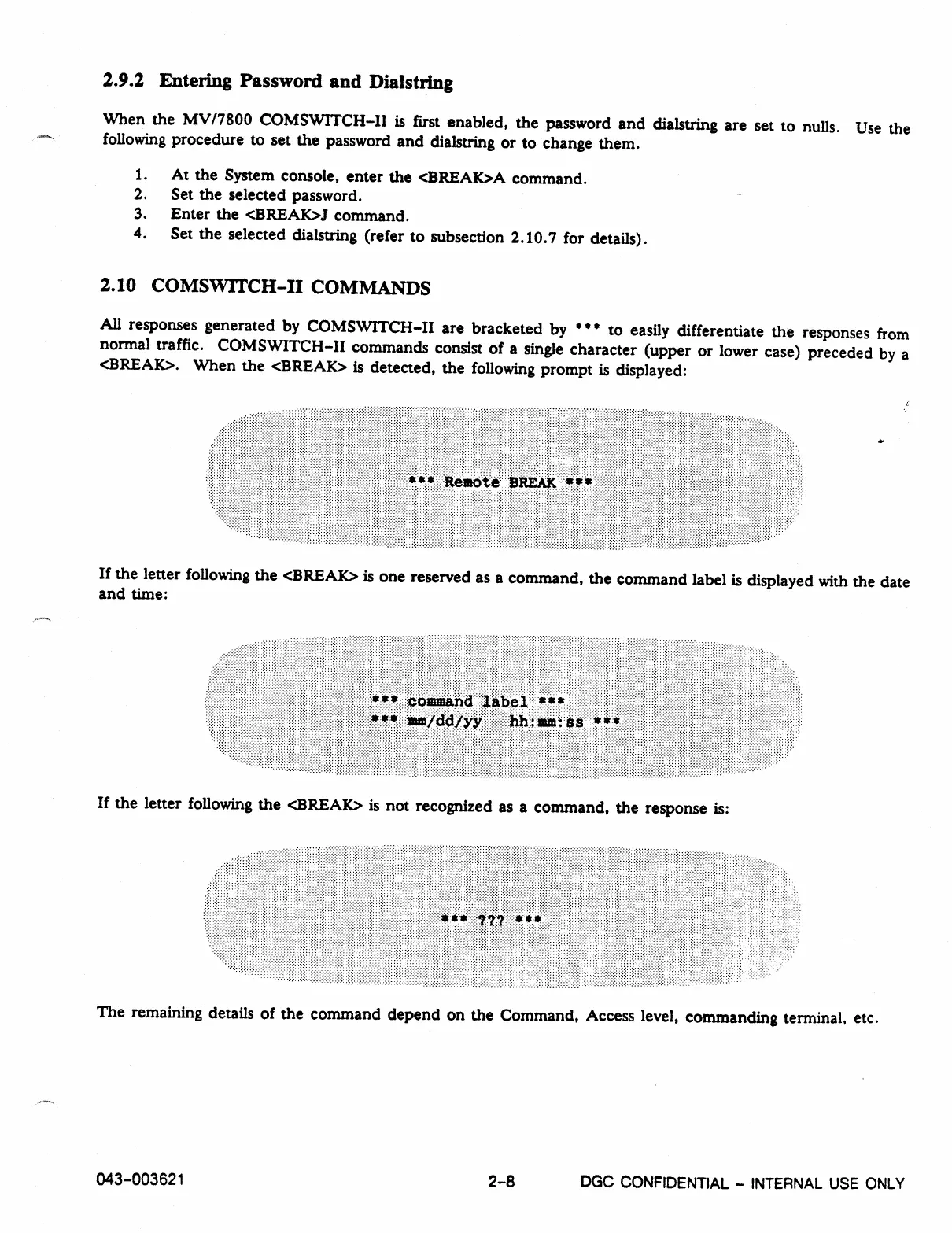
All responses generated by COMSWITCH-II are bracketed by • • * to easily differentiate the responses from
normal traffic. COMSWITCH-H commands consist of a single character (upper or lower case) preceded by a
<BREAK>. When the <BREAK> is detected, the following prompt is displayed:
If the letter following the <BREAK> is one reserved as a command, the command label is displayed with the date
and time:
If the letter following the <BREAK> is not recognized as a command, the response is:
The remaining details of the command depend on the Command, Access level, commanding
terminal, etc.
043-003621
2-8
DGC CONFIDENTIAL -
INTERNAL USE ONLY



 To Next Page