2.8.2 Access Level
The access level determines the level of remote support user access to the MV17800 computer via
COMSWITCH-II. Access level is predetermined by the system manager and entered by use of the
COMSWITCH-II command <BREAKX). There are three levels:
•
NONE
Remote port is unable to connect to the MV/7800 computer system and cannot change
any of the configuration data. The Local operator can change password, dialstring, and
configuration data.
•
LIMITED
Remote port can connect to the MV17800 computer IAC port or only communicate
with the User terminal, but cannot change any of the configuration data. The Local
operator cannot change password, dialstring, or configuration data.
•
FULL
Remote port can connect to both port/pairs of the MV/7800 computer, and can change
the configuration parameters. Local operator cannot change password, dialstring, or
configuration data.
2.9 COMSVVITCH-II OPERATING PROCEDURES
2.9.1 Power-up Sequence
There are two power-up sequences associated with the COMSWITCH-II. The initializing power-up sequence
performed during installation of the MV/7800 and the normal power-up sequence performed each time the
MV/7800 is turned on thereafter.
1. Initializing Power-up Sequence - This sequence is performed when the MV/7800 is installed. The first
time power is turned on, whether done at the factory or on site, an internal nonvolatile RAM test is
carried out. If the test passes, the following parameters are initialized:
a.
Password is set to null (<CR> or <NEW LINE> for password).
b.
Dialstring is set to null (callback disabled).
c.
IAC/USER baud rate set to 9600 baud.
d.
MODEM baud rate set to 1200 baud.
2. Normal Power-up Sequence - This sequence is performed each time the MV/7800 System power-up is
performed successfully after installation has been completed.
a.
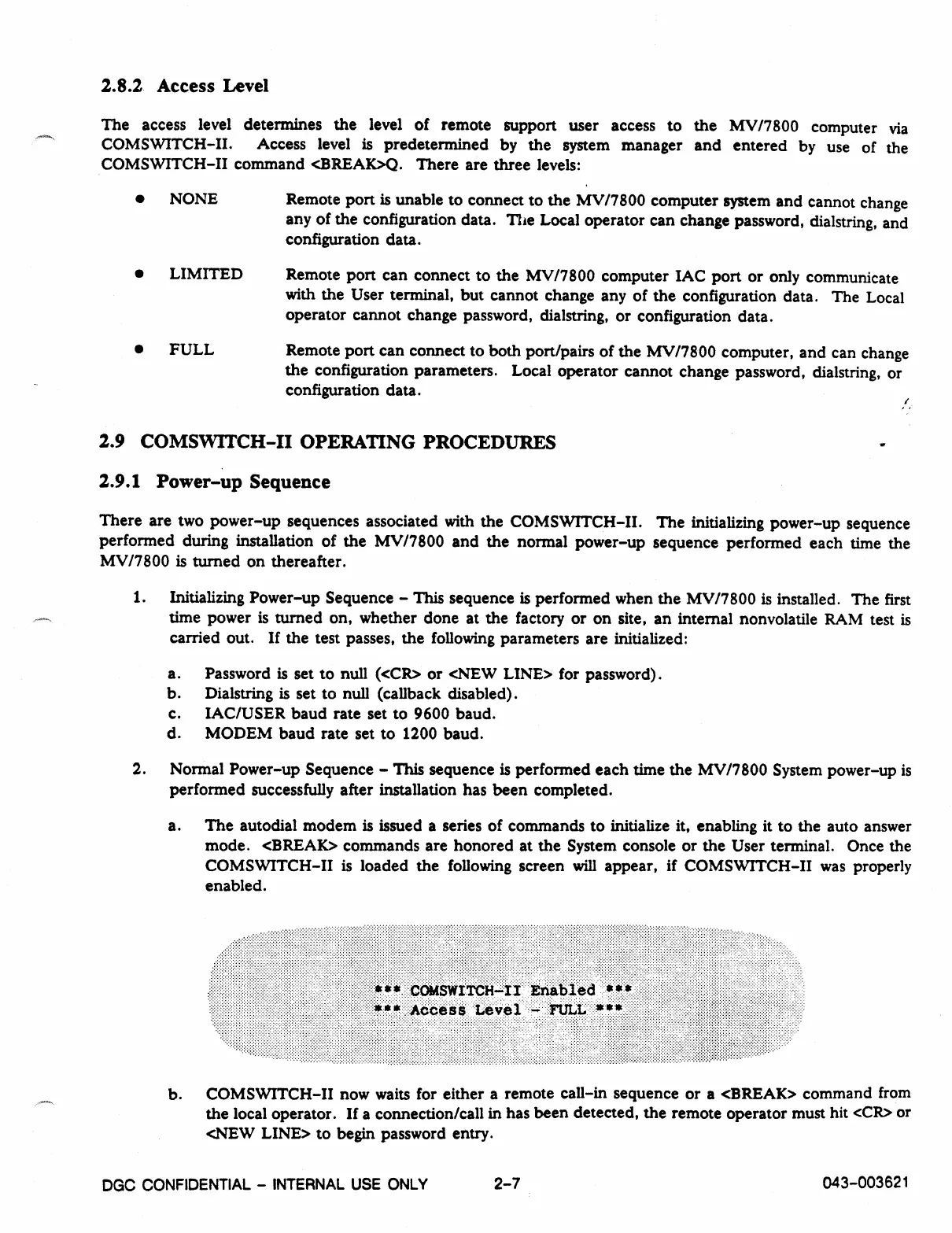
The autodial modem is issued a series of commands to initialize it, enabling it to the auto answer
mode. <BREAK> commands are honored at the System console or the User terminal. Once the
COMSWITCH-II is loaded the following screen will appear, if COMSWITCH-II was properly
enabled.
b.
COMSWITCH-II now waits for either a remote call-in sequence or a <BREAK> command from
the local operator. If a connection/call in has been detected, the remote operator must hit <CR> or
<NEW LINE> to begin password entry.
DGC CONFIDENTIAL - INTERNAL USE ONLY
2-7
043-003621



 To Next Page