4.3.1 Powering-up the Computer
Power-up the system console and all other peripherals.
Turn on the computer power. Check that the PWR light on the front panel is lit before continuing with the
power-up.
-
The system will begin a self-test to ensure all of the components are functional. Watch the system console screen.
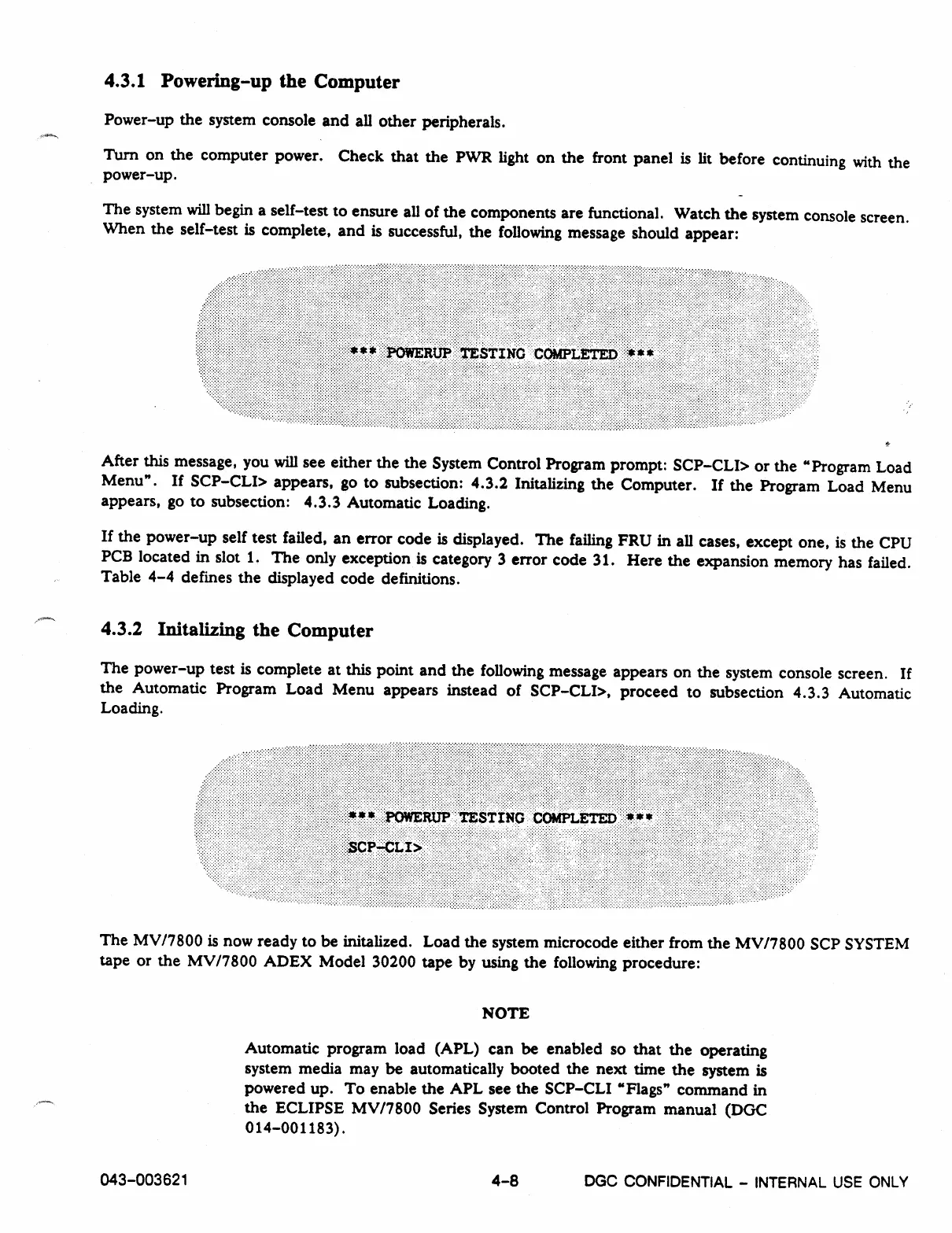
When the self-test is complete, and is successful, the following message should appear:
After this message, you will see either the the System Control Program prompt: SCP-CLI> or the "Program Load
Menu". If SCP-CLI> appears, go to subsection: 4.3.2 Initalizing the Computer. If the Program Load Menu
appears, go to subsection: 4.3.3 Automatic Loading.
If the power-up self test failed, an error code is displayed. The failing FRU in all cases, except one, is the CPU
PCB located in slot 1. The only exception is category 3 error code 31. Here the expansion memory has failed.
Table 4-4 defines the displayed code definitions.
4.3.2 Initalizing the Computer
The power-up test is complete at this point and the following message appears on the system console screen. If
the Automatic Program Load Menu appears instead of SCP-CLI>, proceed to subsection 4.3.3 Automatic
Loading.
The MV/7800 is now ready to be initalized. Load the system microcode either from the MV/7800 SCP SYSTEM
tape or the MV/7800 ADEX Model 30200 tape by using the following procedure:
NOTE
Automatic program load (APL) can be enabled so that the operating
system media may be automatically booted the next time the system is
powered up. To enable the APL see the SCP-CLI "Flags" command in
the ECLIPSE MV/7800 Series System Control Program manual (DGC
014-001183).
043-003621
4-8
DGC
CONFIDENTIAL - INTERNAL USE ONLY



 To Next Page