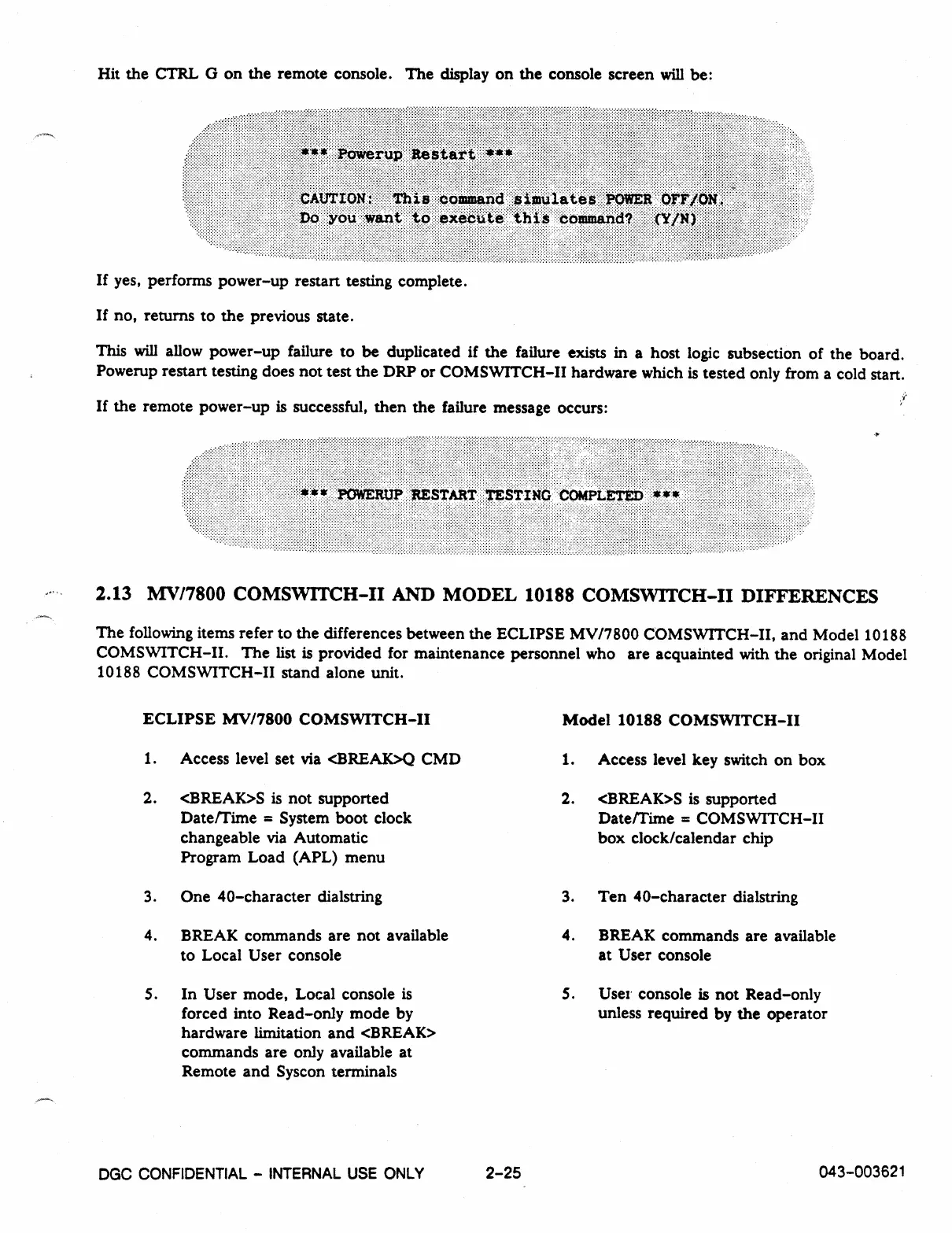
Hit the CTRL G on the remote console. The display on the console screen will be:
If yes, performs power-up restart testing complete.
If no, returns to the previous state.
This will allow power-up failure to be duplicated if the failure exists in a host logic subsection of the board.
Powerup restart testing does not test the DRP or COMSWITCH-II hardware which is tested only from a cold start.
If the remote power-up is successful, then the failure message occurs:
2.13 MV/7800 COMSWITCH-II AND MODEL 10188
COMSVVITCH
-
II DIFFERENCES
The following items refer to the differences between the ECLIPSE MV/7800 COMSWITCH-II, and Model 10188
COMSWITCH-II. The list is provided for maintenance personnel who are acquainted with the original Model
10188 COMSWITCH-II stand alone unit.
ECLIPSE MV/7800 COMSWITCH-II
1.
Access level set via <BREAK>Q CMD
2.
<BREAK>S is not supported
Date/Time = System boot clock
changeable via Automatic
Program Load (APL) menu
3.
One 40-character dialstring
4.
BREAK commands are not available
to Local User console
5.
In User mode, Local console is
forced into Read-only mode by
hardware limitation and <BREAK>
commands are only available at
Remote and Syscon terminals
Model 10188 COMSWITCH-II
1.
Access level key switch on box
2.
<BREAK>S is supported
Date/Time = COMSWITCH-II
box clock/calendar chip
3.
Ten 40-character dialstring
4.
BREAK commands are available
at User console
5.
Use' console is not Read-only
unless required by the operator
DGC
CONFIDENTIAL - INTERNAL USE ONLY
2-25
043-003621



 To Next Page