6. Operation AUSTROMAT
®
664 iSiC
®
/ 674 baSiC
2
102 Operating Instructions (Version 03/2018)
6.8. Loading and saving sets
A “set” is a group of all manufacturer-related firing programs (program list).
6.8.1. Download set from the internal memory
Use the following procedure to load individual firing programs or a complete set from the
internal memory of the firing furnace.
1. Open the Program Manager.
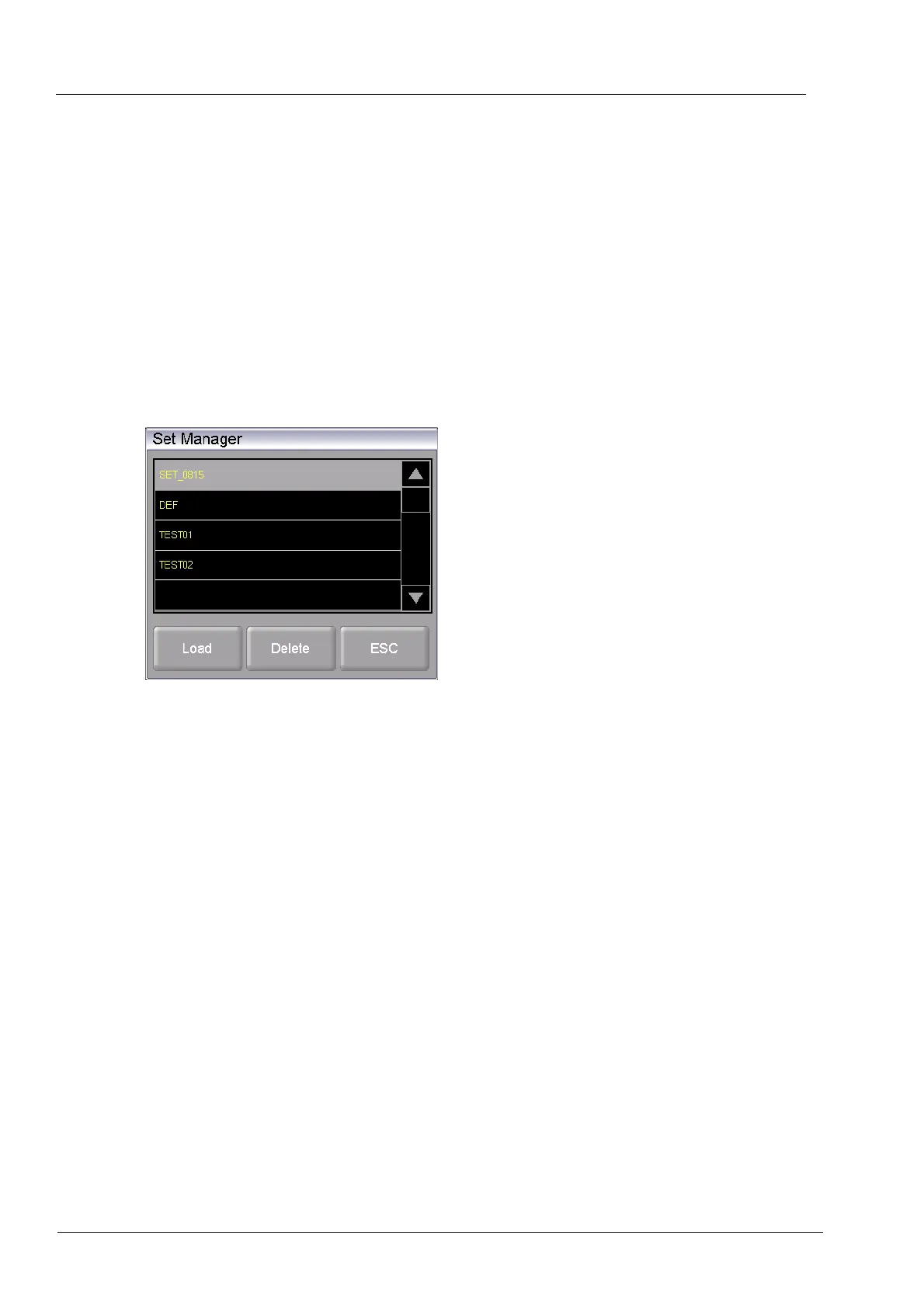
2. Click the button [Load set]. The “Set Manager” window appears.
Fig. 6-8 "Set Manager" window
3. Select the desired set.
4. Click on [Load].
(Press [ESC] to return to the Program Manager without loading the set.)
5. The Program Manager displays the "Load set" window. Continue as described in section
6.6.2.
The message
"Successfully loaded" appears after the set has been loaded. Click [OK] to return
to the Program Manager.
6.8.2. Load set from a USB stick
The procedure for loading a set from a USB stick is described in section 6.6.2.



 To Next Page